
Contents
- What a product render actually is
- Rendering and modeling: two halves of one project
- The six types of product renders
- Rendering against photography, honestly
- How a rendering project runs
- Rendering while the product is still being designed
- Where the renders end up
- What it costs and how long it takes
- What a studio needs from you
- Where to go deeper
- Frequently asked questions
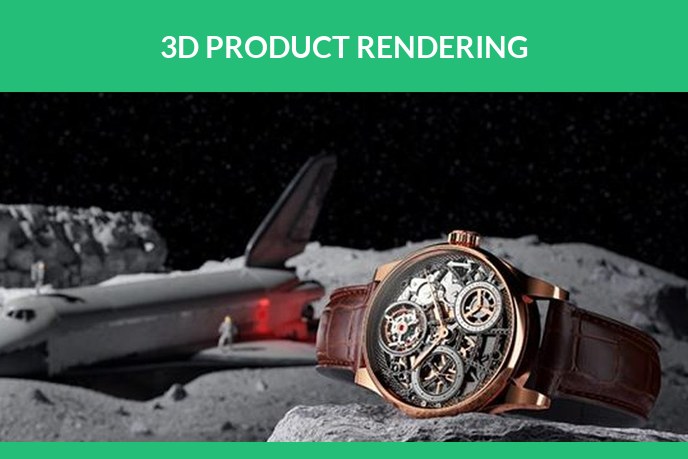
3D product rendering is how most of the product images you scroll past get made now. The kettle on the store page, the sofa in the catalogue, the watch filling a billboard: a growing share of them never met a camera. They are renders, photographs of a 3D file instead of an object, and the brands that use them rarely advertise the fact because the whole point is that you cannot tell.
This page is the full picture: what a render is, how it differs from 3D modeling, which types exist, what a project looks like from the inside, what it costs, and what to have ready before you brief a studio. Where a topic deserves its own article, we link to it, so this is also the map of everything we have written on the subject.
What a product render actually is
A render is an image calculated from a 3D model. The model holds the geometry of the product, the materials describe how its surfaces behave in light, and the software then simulates that light bouncing around a scene, the same physics a camera captures, computed instead of photographed. The output is a normal image file at any resolution you ask for, which is why a good render and a good photograph are indistinguishable on a store page.
The practical difference is what sits behind the image. Behind a photograph there is a physical sample, a studio day and a memory card. Behind a render there is a file that can be reopened tomorrow: a new angle, a new colour, a new room, without the product ever being shipped anywhere. That one property, the reusable source, explains almost everything else on this page, including what 3D product visualization gives ecommerce and why ecommerce took to it so fast.
Rendering and modeling: two halves of one project
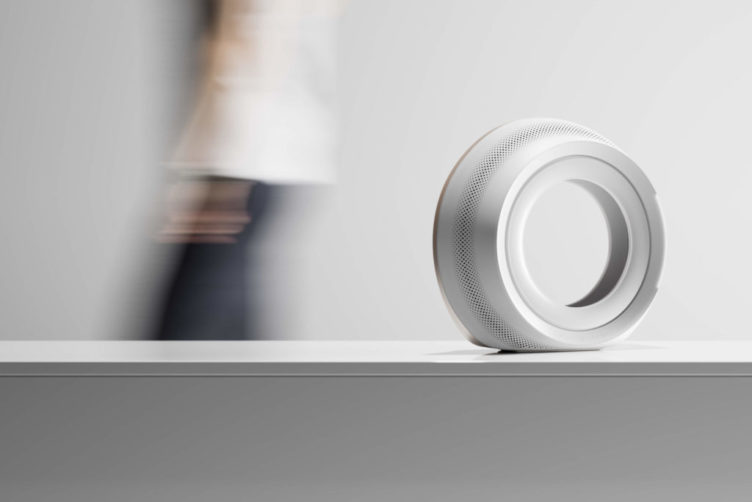
The two words travel together and get mixed up constantly, so it is worth thirty seconds to separate them. Modeling builds the object: the geometry, the proportions, the parts. Rendering photographs it: materials, light, camera, output. A first project almost always contains both, and on an invoice the modeling is usually the larger line, because it is built once while renders are ordered again and again from the same file.
We keep a full comparison in 3D modeling versus rendering, and everything about the modeling half, from formats to pricing, lives in our 3D modeling guide and on the 3D product modeling services page. The short version for a buyer: if you have CAD, the modeling is cheap and fast because the geometry already exists. If you have only photographs and dimensions, the model is built from scratch and priced by complexity.
The six types of product renders
Almost every request a marketing calendar can produce falls into one of six shot types. They differ in what they are for, and a scene set up once can usually produce several of them, which is where the economics of rendering come from. We keep a longer breakdown in the types of 3D rendering and what each is for, and the short version is here.
- Silo images on white. The workhorse. Product only, clean background, any angle, transparent if needed. This is what shops, marketplaces and spec sheets run on, and it is the render equivalent of white background product photography.
- Lifestyle scenes. The product in a kitchen, on a street, on a beach at golden hour. The set is built in 3D instead of booked, which is why the weather always cooperates. When to use which is the subject of product shots versus lifestyle images, and the photography tradition it replaces is covered in lifestyle product photography.
- Macro details. Stitching, knurling, chamfers, the grain of a material. The shots that answer the quality question at full screen size.
- 360 spins. Twenty four to seventy two frames around the product, assembled into a draggable view for the product page. Rendered spins replaced the turntable rig, and 360 product photography covers what they do for ecommerce.
- Exploded and cutaway views. The product taken apart in mid air, or sliced to show what is inside. Manuals, engineering reviews and the slide where you prove there is substance under the housing.
- Colourways and variants. The same shot repeated across every finish, fabric and print in the range. Priced per variant, not per photoshoot, because the scene already exists.
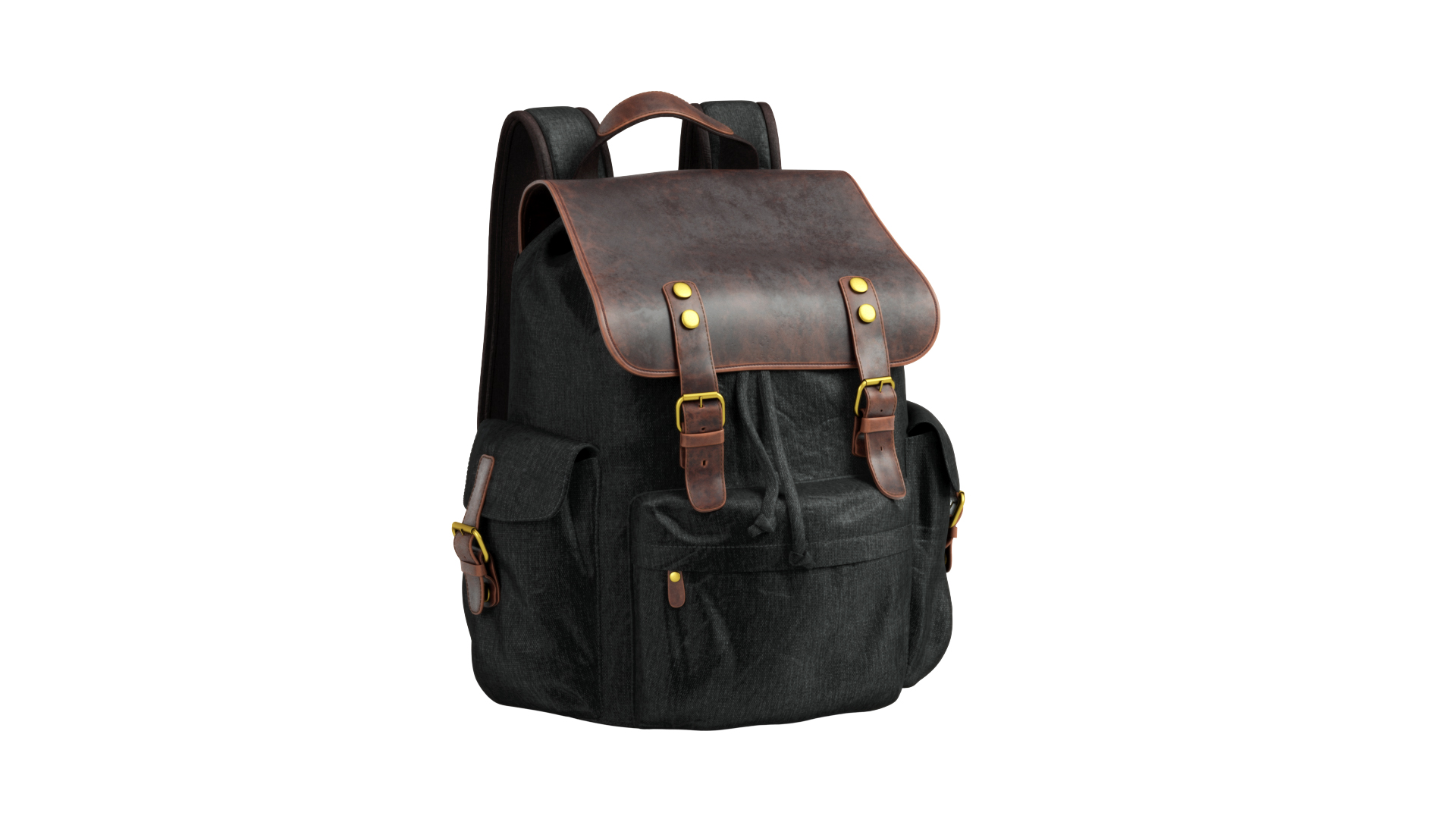
The third item on that list, live: sixty rendered frames of a backpack assembled into a spin. Drag it.
The seventh format is motion. Once the model exists, it can be animated, and that is a separate craft with its own page: 3D product animation services.
Rendering against photography, honestly
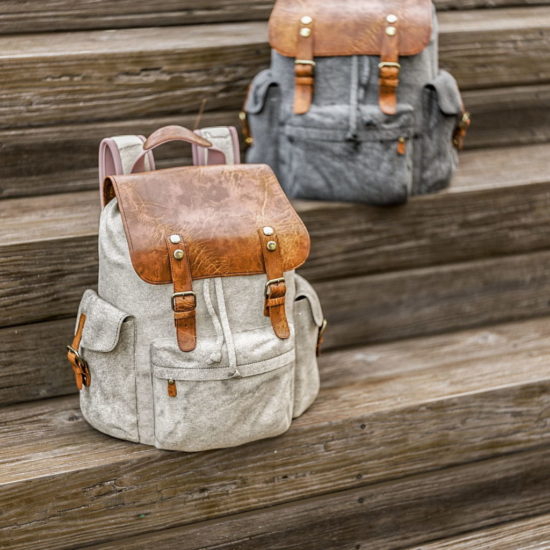
Photography is not the enemy, and for some products it is still the right call. The honest comparison looks like this.
Where rendering wins. Products that do not exist yet, because the render is made from CAD before the first unit. Large ranges, because variants cost a fraction of reshoots. Products that are expensive to ship, stage or light, from sofas to industrial machines. Consistency, because the same virtual studio produces the same light on every product in the catalogue, something the rules in ecommerce product photography exist to approximate. And revisions, because a design change is a re-render, not a reshoot.
Where photography wins. A single hero shot of one existing product with no variants can be cheaper to photograph. Food and organic textures remain genuinely hard to render convincingly. And when the marketing story is about a real moment, real people using a real thing, a camera is the honest tool.
Budgets decide most of these arguments, so we wrote the numbers down on both sides: what studios charge for a shoot in product photography cost, and what makes a render pass for a photograph in the first place in photorealistic rendering.
How a rendering project runs
From the inside, every project walks the same road. Knowing the stops keeps a first project calm, because you know what you are looking at and when your opinion is cheap to act on. Five finished projects are walked along that same road, from the reference a client sent to the delivered images, in product rendering examples.
- Brief and references. What the images are for, which shots, which mood. A reference image you like tells a studio more than a page of adjectives.
- The model. Built from your CAD, drawings or photographs, or your existing model checked and prepared. This stage has its own approval: you sign off the grey geometry before any material touches it.
- Materials and textures. Every surface gets its physical properties: how glossy, how rough, how metallic. Real samples matter here, and photographing them properly is a skill of its own, which how to photograph textures for 3D walks through.
- Scene, light and camera. The set is built, the light is placed, the angles are framed. This is where a render starts to look like a photograph rather than a screenshot.
- Draft renders and revisions. You see low resolution frames, comment, and the scene gets adjusted. Changes here cost minutes. The same change after final rendering costs the render time again, which is the single most useful thing to know about the schedule.
- Final render and post-production. Full resolution frames, colour correction, clean-up, delivery in the formats you name, for web or for print.
We wrote the long version, with what can go wrong at each stop, in the ten stages of a photorealistic rendering project.
Rendering while the product is still being designed
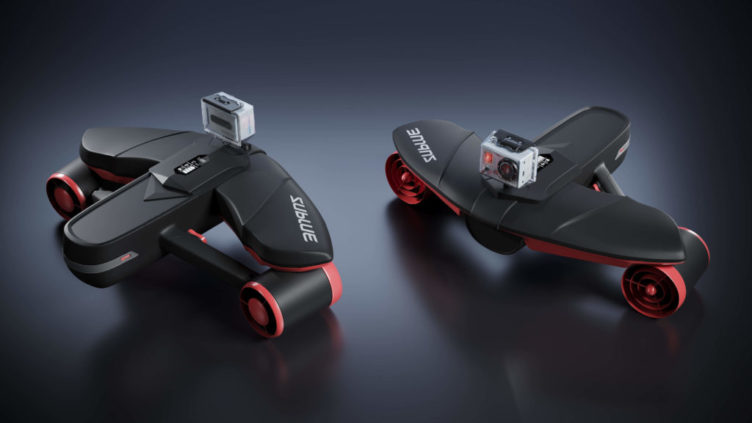
Everything above assumes a finished product being marketed. But rendering earns money earlier than that, while the product is still a file, and manufacturers were the first to notice. Aberdeen Group’s research found that top companies using virtual prototyping hit their revenue and cost targets for 86% of new products, launching on time and to spec, because they refined the design on screen instead of on the workshop floor.
In practice that means a physical prototype is built to confirm a design, not to discover it. How teams run that digital stage before a printer or a factory gets involved is unpacked in our digital prototyping guide. Form, proportions, colours and finishes get iterated in renders, the expensive mock-up happens once, and marketing starts from the same files months before the first unit exists. Pre-orders, crowdfunding pages and retail pitches all run on renders of products that are not yet manufactured. How that persuades online shoppers is the subject of how renderings for product design convince shoppers, and two projects show the range of it: a vacuum cleaner visualized for launch and a distillery built for VR before it was built in steel. Planning the launch campaign around such visuals is covered in marketing a product launch.
Where the renders end up
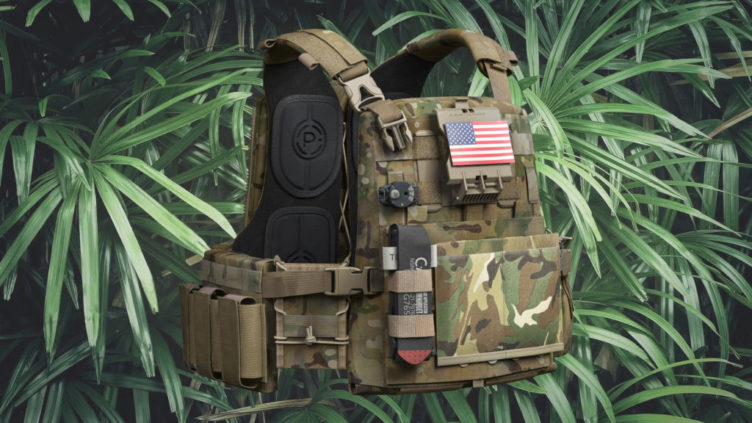
The same source files feed almost every channel a product passes through, which is why the file, not the image, is the real asset. One jewelry brand runs its entire Shopify catalogue this way, and the whole production loop is written up here.
- Product pages and marketplaces. Silo sets, detail shots and spins that carry the listing. On Amazon the image stack is half the sale, and Amazon 3D rendering covers what rendering does there specifically. The conversion side, what better images do to add-to-cart rates, is in product images and conversion, and choosing the right set of shots for a store is covered in 3D product shots for ecommerce.
- Advertising and social. Campaign scenes, seasonal variants, and formats cut for every placement. How brands run rendered imagery through social channels is in commercial rendering for social media, and print and outdoor, where resolution demands are brutal, in product images for outdoor and print.
- Launch campaigns. A full visual package from one model: teasers, heroes, banners. 3D renderings for a promo campaign shows how a promo campaign gets assembled from renders.
- Catalogues and sales materials. Whole ranges rendered in consistent light, which no multi-day photoshoot quite achieves.
- Furniture, the industry that adopted CGI fastest. It has its own economics and its own page: furniture 3D rendering, plus what imagery does for furniture store marketing and how brands stand out in furniture advertising.
What it costs and how long it takes
Renders are quoted per image, and the model is quoted separately if it does not exist yet. Our starting points, from the 3D product rendering services page: a silo image on white is around 20 USD as a single shot, and falls to about a dollar per image in catalogue batches. An image with a scene starts at 120 USD. A new colourway on an existing scene starts at 60 USD. A full first set for one product, model, finishes and renders together, starts around 360 USD. Anything beyond an agreed package is billed at 20 USD per hour, two rounds of revisions are included, and simple shots deliver in one to two days.
The honest cost driver is the scene. Product on white is cheap because the set is a light rig. A street corner at dusk is priced by the hours it takes to build. If a quote surprises you in either direction, the scene is almost always why, and product rendering cost: five ways to reduce it lists five legitimate ways to bring the number down without the images getting worse.
What a studio needs from you
Three things decide how smoothly a project starts, and none of them is technical knowledge.
- Something that defines the shape. CAD or STEP files are ideal, technical drawings with dimensions work, and clear photographs of a sample with overall measurements are enough for most consumer products.
- Something that defines the surfaces. Material names, physical samples, or photos of the finishes. The difference between brushed and polished steel is one word in an email and two very different images.
- Something that defines the mood. Two or three reference images from any brand whose visuals you would be glad to have. This replaces a hundred adjectives.
With those in hand, a studio can quote in a working day, which is exactly what the rendering services page is for.
Where to go deeper
This page is the overview, and each branch has its own article underneath it.
Formats and imagery strategy. Seven formats of product visuals maps every visual format a product can need. ten ways to diversify ecommerce product images covers varying the image set on a store page, creative product photography the creative side of product imagery, impactful product images, fast how to get a usable set fast, and 3D product images what 3D imagery changes for a brand. When advertising imagery stops working, when to change your advertising imagery covers reading the signs.
Interactive and beyond. 3D product visualizer development explains the models that power configurators and web viewers, and augmented reality product visualization covers AR, where the render leaves the screen entirely. For quick wins on ad visuals, there is five tips for great CGI product shots.
The service pages. 3D product rendering for images, 3D product modeling for the model behind them, 3D product animation for motion.
FAQ

Catherine Paul
Content Writer, Editor
Catherine is a content writer and editor. In her articles, she explains how CGI is transforming the world of architecture and design. Outside of office, she enjoys yoga, travelling, and watching horrors.
Let us know if you’ve got an interesting project and want to work together!