
Contents
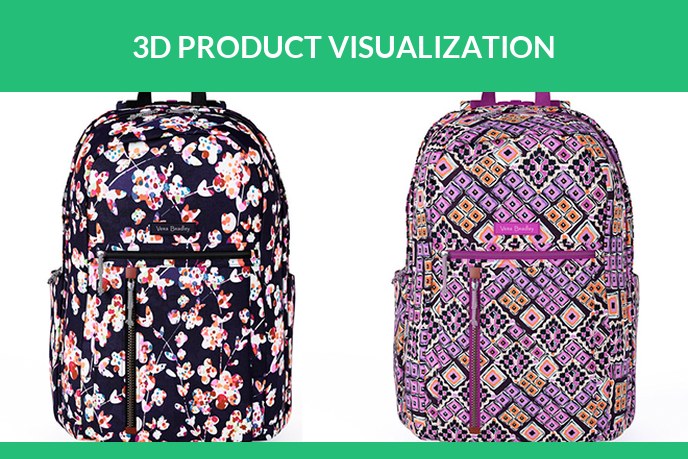
3D product visualization is the practice of showing a product through imagery generated from a 3D model rather than through photographs of a physical sample. The term is an umbrella: it covers the still images on a product page, the draggable 360 spin, the launch film, the AR view that puts the product in the buyer’s room, and the configurator that recolours it in real time. All of them are outputs of one underlying asset, the 3D model, which is why brands that adopt one format tend to end up using several.
What 3D product visualization is, in practice
Strip the jargon and the idea is simple: once a product exists as an accurate 3D file, any picture of it can be calculated instead of captured. The virtual camera can take the marketplace shot, the magazine spread and the macro detail without a studio booking, and the same file can be handed to a browser or a phone to be explored interactively. The product does not need to physically exist yet, and for pre-launch marketing it often does not.
Accuracy is what separates visualization from illustration. The model is built from CAD, drawings or measured photographs, materials are matched to physical samples, and the output is contractually the product, not an artistic impression of it. That is also what separates it from AI image generation, which produces plausible objects rather than your object.
Visualization, rendering, modeling: untangling the terms
Three words travel together in this field and get used interchangeably, which confuses briefs. The working split:
- 3D modeling builds the object: geometry, proportions, parts. The full guide is in what is 3D modeling and the service lives at 3D product modeling services.
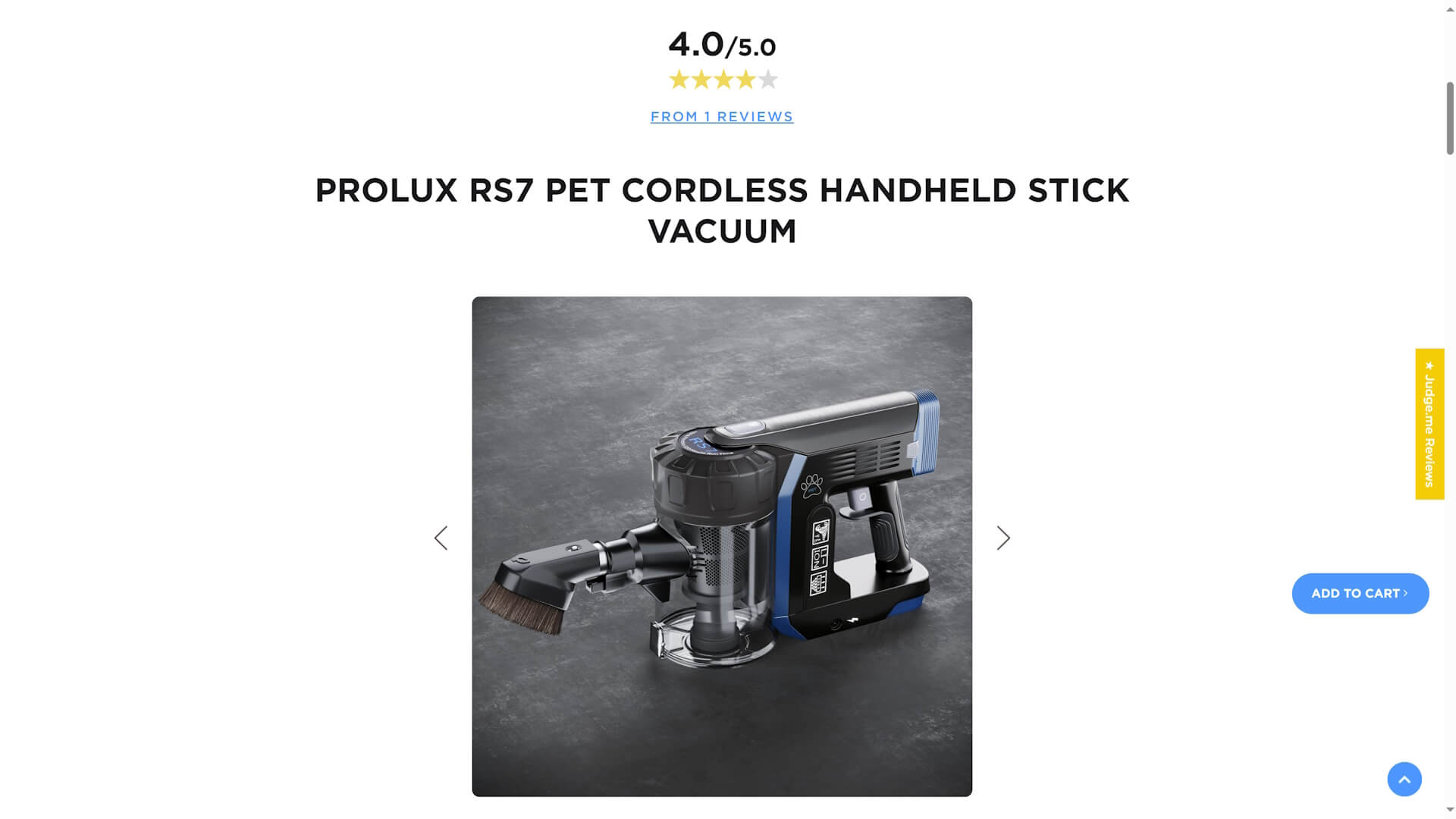
- 3D rendering photographs it: materials, light, camera, output. That craft, its types and its prices, is our 3D product rendering guide.
- 3D product visualization is the umbrella over both plus the interactive formats: everything a brand does to let a buyer see and explore the product in 3D.
If a contractor uses the words differently, nothing is wrong, the industry is loose with them. The comparison in 3D modeling vs rendering pins down the two that get mixed up most.
The six formats
- Still renders. Silo shots on white, lifestyle scenes, macro details. The workhorse format and the usual entry point, priced and explained on the 3D product rendering services page.
- 360 spins. A draggable view assembled from rendered frames, the closest a store gets to handing the buyer the product. Covered in 360 product photography.
- Animation. The film that shows what a photo cannot: how it opens, works, assembles. See 3D product animation services.
- AR views. The product standing in the buyer’s room at real size, from a GLB or USDZ file. Our AR product visualization page shows live examples you can try.
- Configurators and web viewers. The product recoloured and rebuilt in real time on a product page. We build the models that power them, and 3D product visualizer development explains how those differ from render models, while product configurator software compares the platforms that run them.
- VR experiences. The rarest and most immersive, used for brand stories and showrooms, like the distillery we modeled before it was built.
What it changes for an online store
Four things, all measurable.
The catalogue stops depending on logistics. No samples shipped to studios, no reshoots when a design changes, and images that can exist before the product does, which is how pre-order and crowdfunding pages get their visuals.
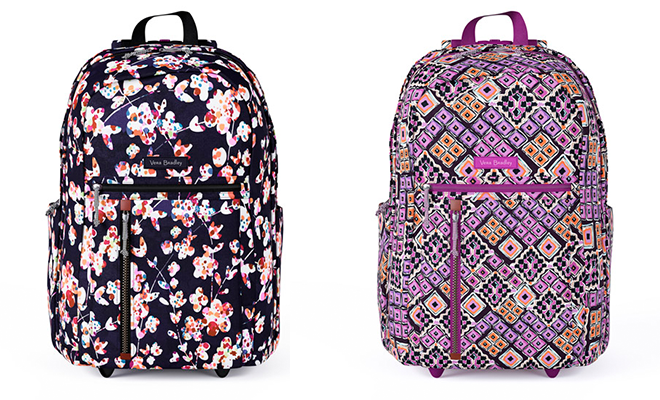
Variants get shown, not promised. Every colour and finish is rendered from the same file in identical light, instead of one photographed variant with swatches below it. Buyers see the thing they will receive, and product images and conversion covers what that does to add-to-cart rates.
Expectations get accurate. A meaningful share of returns is disappointment that better visuals would have prevented: wrong perceived size, wrong colour, wrong material. Spins and AR attack exactly that gap.
The imagery stays consistent. One virtual studio lights the whole range identically, which a catalogue shot across multiple photo sessions never quite achieves.
How it gets made and what it costs
Every format starts the same way: the model is built from your CAD, drawings or photographs, and you approve the grey geometry before materials go on. From there, each output is priced separately. At our studio the model for a typical product costs about 200 USD, silo images run around 20 USD each and about a dollar per image in catalogue batches, a scene shot starts at 120 USD, and everything beyond an agreed package is billed at 20 USD per hour with two rounds of revisions included. Interactive formats price by what the model has to survive: an AR or configurator asset is rebuilt light enough for a phone, which is its own piece of work.
The stage by stage walk-through lives in the ten stages of a photorealistic CGI project, and the honest comparison with hiring a photographer is in product photography cost.
Which format to start with
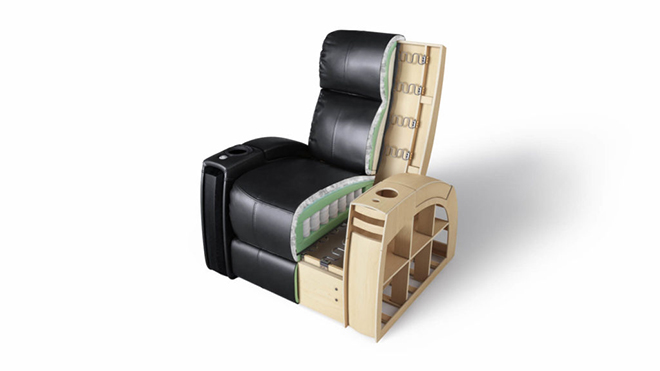
Start with still renders: they replace the most expensive recurring photography, and the model built for them is the base for everything else. Add a 360 spin when the product page is your main battleground. Add animation when something needs explaining, a mechanism, an assembly, a routine. The furthest version of that job is an interactive 3D manual that replaces the paper instructions entirely. Add AR when the product is bulky or expensive enough that seeing it in the room decides the purchase. Configurators come last and only earn their keep when the product genuinely has many combinations and buyers care which one they get.
The one decision that matters up front: own the model. Whoever builds your first format, make sure the source files are yours, because every later format is render time on top of an asset you already paid for.
FAQ
If you are deciding whether visualization fits your catalogue, the fastest route is to send one product, CAD or photos with dimensions, and see what comes back: the product rendering services page explains what to include, and a quote takes one working day.

Irma Prus
Content Writer, Copywriter
Irma has been writing for UFO3D for 7 years. She is a CGI-specialized copywriter who enjoys exploring CGI news, is obsessed with the green color and firmly believes into chocolate mint sweets supremacy.