
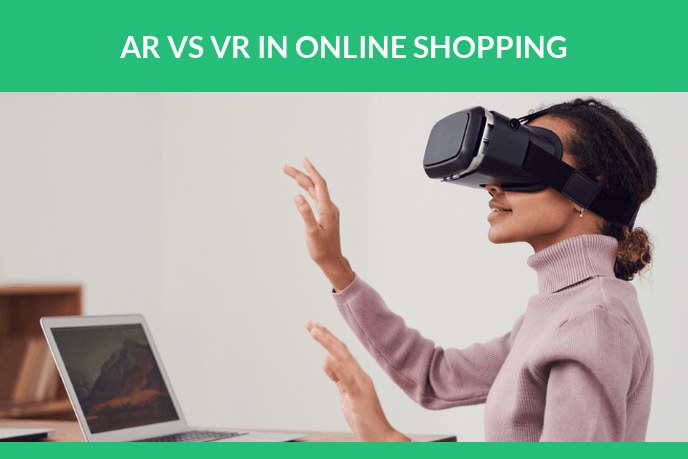
Augmented reality and virtual reality get named in the same breath so often that plenty of retailers treat them as two flavours of the same thing. They are not. One drops a product into the room the shopper is standing in right now. The other takes the shopper somewhere else and asks them to put on a headset first. That single difference decides which of the two can sell a sofa this quarter, and which one is a marketing project with a hardware budget attached.
Here is the difference in plain terms: how each technology works, what it runs on, where mixed reality and XR sit between them, what the 3D content behind each one costs to make, and which of them belongs on a product page.
The short version. Augmented reality adds digital objects to a view of the real world, usually through the camera of a phone the shopper already owns. Virtual reality replaces the real world with a fully computer generated one and requires a headset. In ecommerce, AR is the one that sells physical products, because it answers how something will look in a customer’s home with no hardware to buy. VR is for experiences: showrooms, events, training, brand worlds.
The gap in reach is the part most comparisons skip. Statista counts around 1.07 billion mobile AR users in 2025, rising to 1.19 billion by 2028, while VR still requires a headset the shopper has to buy first. How that reach converts into purchases is in our AR in ecommerce statistics.
Contents
- What augmented reality is, and how it works
- What virtual reality is, and how it works
- AR vs VR side by side
- Where mixed reality and XR fit in
- Advantages and disadvantages of each
- AR in shopping: what actually works
- VR in shopping: where it pays off
- What AR and VR content costs to build
- Which one to choose for your store
- Frequently asked questions
What augmented reality is, and how it works
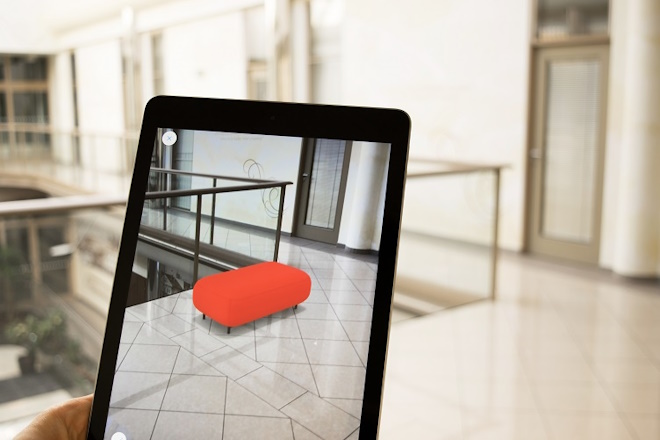
AR reads the camera feed, finds surfaces such as a floor or a table, and draws a 3D object into that space so it stays anchored when the phone moves. On iPhones the framework doing that is ARKit, on Android it is ARCore, and both combine motion tracking with plane detection. Phones with a LiDAR sensor measure the room directly, so placement snaps into position faster and holds better in dim light.
The shopper installs nothing. WebAR runs inside the mobile browser, which means a link, a button on a product page or a QR code on a shelf label is enough to open the model in the room. Android and the browser read glTF and its binary form GLB, Apple Quick Look reads USDZ, so a product normally ships as both.
Hardware, from most common to least:
- Phones and tablets. Virtually all retail AR happens here.
- Smart glasses such as Ray-Ban Meta, and the display models arriving now.
- Passthrough headsets: Meta Quest 3 and Apple Vision Pro.
- Enterprise headsets: Microsoft HoloLens and Magic Leap. Industry, not retail.
Examples people already know. Pokemon GO put creatures on real pavements back in 2016. Snapchat and Instagram face filters are AR. IKEA Place, launched on ARKit in 2017, stands furniture at true scale on your floor. Amazon View in Your Room does the same inside its app. Warby Parker fits glasses on a face, and Sephora Virtual Artist puts lipstick on it.
What virtual reality is, and how it works
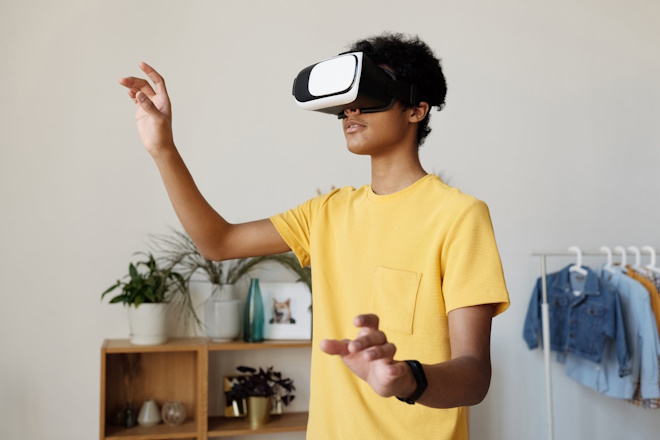
VR closes off the real world. A headset holds a display for each eye, tracks where your head goes and redraws the scene fast enough that the brain accepts it. Two terms matter. 3DoF tracks rotation only, so you look around from a fixed point. 6DoF adds position, so you can step forward, lean in and crouch to look under a table. Controllers do the grabbing, and on newer headsets bare hands do it.
Everything is drawn in real time by a game engine, usually Unity or Unreal, and the frame rate has to stay high, generally 72 to 90 frames per second and up. When it drops, people feel sick. That single constraint shapes the whole production: models must be light, environments are prepared in advance, and lighting is often baked rather than calculated live.
The hardware list is short and it all costs money: Meta Quest 3, Apple Vision Pro, PlayStation VR2, HTC Vive, Valve Index. Every one of them has to be on the customer head before anything gets sold.
In retail, VR shows up as a showroom you can walk through, a trade show stand that fits in a suitcase, a walkthrough of a store that has not been built yet, and staff training.
AR vs VR side by side
| Augmented reality | Virtual reality | |
|---|---|---|
| What the user sees | Their own room with a digital object added to it | A fully digital environment |
| Hardware | A phone or tablet they already own | A headset, bought separately |
| What the shopper has to do | Tap a link or scan a QR code | Buy a headset, install an app |
| Immersion | Partial, the real world stays visible | Total, the real world is blocked out |
| Where it works | Anywhere the phone goes | Inside a cleared play space |
| The question it answers | Will this work in my space, or on me | What is it like to be in this place |
| Weak spots | Needs light and a surface, small screen | Cost, motion sickness, low ownership |
| Content required | One optimised model, GLB plus USDZ | A whole real time scene |
| Typical retail use | Product pages, try on, catalogues | Showrooms, events, training |
Where mixed reality and XR fit in
The two way split is convenient but incomplete. In 1994 Paul Milgram and Fumio Kishino described a virtuality continuum: a line running from the completely real environment at one end to the completely virtual one at the other, with everything else in between. AR sits near the real end, VR is the far end, and mixed reality is the middle.
Mixed reality means digital objects that are aware of the real room. A virtual lamp in MR does not float over the camera image. It sits on the actual table, disappears when a real wall gets between you and it, and stays where you left it when you walk out and come back. Passthrough headsets do this: Quest 3, Vision Pro, HoloLens.
XR, extended reality, is not a technology at all. It is the umbrella term covering AR, MR and VR together, handy when you mean the category rather than a specific device.
| Term | What it does | Real world visible | Typical device |
|---|---|---|---|
| AR | Overlays digital content on the camera view | Yes | Phone, tablet, glasses |
| MR | Anchors digital objects to real geometry | Yes | Quest 3, Vision Pro, HoloLens |
| VR | Replaces the environment entirely | No | Quest, PSVR2, Vive, Index |
| XR | Umbrella term for all of the above | Depends | Any of the above |
Advantages and disadvantages of each
Augmented reality, on the plus side. No hardware barrier, because the device is already in the customer pocket. It opens from a link or a QR code. It answers scale and fit, which is what stalls most purchases. It is cheap to add per product once the model exists, and the same asset also produces your catalogue renders.
And the limits. It needs reasonable light and a surface to sit on. A phone screen is small. Glass, chrome and other tricky materials give the illusion away. Objects are not always hidden correctly behind real furniture. Heavy models load slowly on older devices.
Virtual reality, on the plus side. Total attention with nothing else competing for it. It conveys space and scale better than any other medium, it shows places that do not exist yet, and it is genuinely good for training and for high ticket B2B presentation.
And the limits. A headset is required. Long sessions bring motion sickness and eye strain. You need cleared floor space. Production means building a whole scene rather than one object, and the content has to be maintained as hardware moves on.
AR in shopping: what actually works
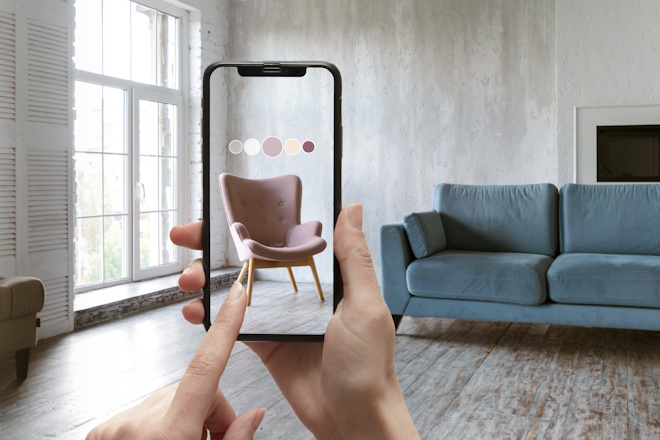
Four things earn their place on a product page.
View in the room. Furniture, appliances, lighting and decor, anything where the real question is whether it fits and whether it clashes with what is already there. This is where AR does the most work.
Try on. Watches on a wrist, jewellery on a hand, glasses and cosmetics on a face, sneakers on a foot. Face and wrist tracking are mature enough now that this reads as useful rather than as a gimmick.
A size check that people believe. A number in a specifications table means nothing to most buyers. A full size model standing on their own floor means everything.
How it works, and what turns up in the box. Overlays that open an appliance, show a mechanism, or preview a packaged unit before it lands in a hallway.
What it does for the business. Shoppers who place a product in their room stay on the page much longer, ask fewer pre sale questions about dimensions, and send back fewer items that simply did not fit. Two honest caveats. AR will not rescue a weak product page, and it does nothing about returns caused by damage, quality or a change of heart. It removes doubt about size, colour and proportion, and that is the whole job.
Categories where we see it pay off: furniture, jewelry, watches, appliances, electronics and fashion.
VR in shopping: where it pays off
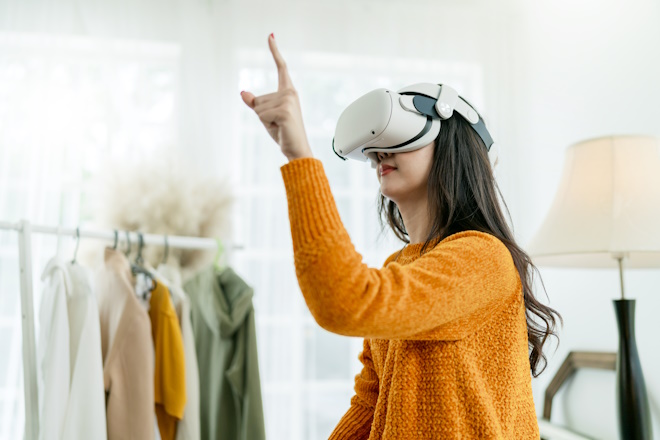
VR earns its budget when the thing being sold is a space or an experience, or when the audience is standing right in front of you.
Virtual showrooms for kitchens, yachts, machinery and modular systems, anything too large or too configurable to keep on a floor.
Trade shows and events. Two headsets on a stand can show a whole factory line.
B2B presentations. A buyer who has walked a store planogram remembers it.
Training. Staff learning a layout, a procedure or an assembly sequence.
Where VR does not pay is routine ecommerce. The shopper would need a headset, and most of them do not have one. That is worth saying plainly, because half the questions in this topic are some version of whether VR is dead. It is not dead. It settled into the places where a headset is already justified: gaming, training, simulation, design review, healthcare. Selling a 200 dollar lamp is not one of them.
What AR and VR content costs to build
Hardware and software are one budget. Content is another, and content is usually where the money and the schedule go. The useful part is that both technologies start from the same place: an accurate 3D model of the product.
For AR that model has to be optimised. Clean topology, a sensible polygon count, textures baked down to a small set of maps, and file weight kept low, because it downloads over mobile data while the customer waits. Then it ships in two formats, GLB for Android and the browser, USDZ for Quick Look on iPhone. Nothing else changes. The model that gives you catalogue renders gives you the AR view.
For VR you are not delivering an object, you are delivering a place. The scene needs an environment, lighting prepared in advance, levels of detail so the frame rate holds, materials tuned for a real time engine, and interaction logic. That is a project, not an asset.
One model, several outputs:
| Output | What it needs on top of the base model | Typical price |
|---|---|---|
| Catalogue stills | Camera work, lighting, a scene | from $20 per shot on white, from $120 with a full environment |
| 360 spin | A turntable pass | from $150 |
| AR view on the product page | Optimisation, GLB and USDZ export | included in the model when it is planned in |
| Product animation | Rig, motion, render | around $60 per second |
| VR scene | Environment, real time setup, interaction | quoted hourly, $20 per hour |
Base models run from $80 for a simple part, $200 for a typical product, $400 for a complex one and $1,200 for something ultra complex. A model built for renders can be prepared for AR later, but it is cheaper when AR is on the brief from the start.
Which one to choose for your store
- You sell a physical product that ships to homes: AR. Start with bestsellers and returns heavy items, not the whole catalogue.
- You sell a space, a configuration or an experience: VR, and most likely as a sales tool rather than a page in your store.
- You show products at events and in B2B meetings: VR in the room, AR for the follow up.
- You are not sure yet: build the 3D models first. They feed renders, video, spins and configurators whatever viewer you pick later, and they are the one part you cannot skip.
We build the 3D content both of these run on: product models optimised for AR, real time assets for VR scenes, and the product renders, spins and product animation that come out of the same asset. If you are weighing AR for your catalogue, start with augmented reality product visualization. If the models come first, that is 3D product modeling.
Frequently asked questions

Ian Diev
Content Writer, Editor
Ian loves writing about innovative 3D technologies and their impact on architecture and design. In his spare time, he makes indie music, watches obscure movies, and cooks culinary masterpieces for friends.
Let us know if you have got an interesting project and want to work together!