
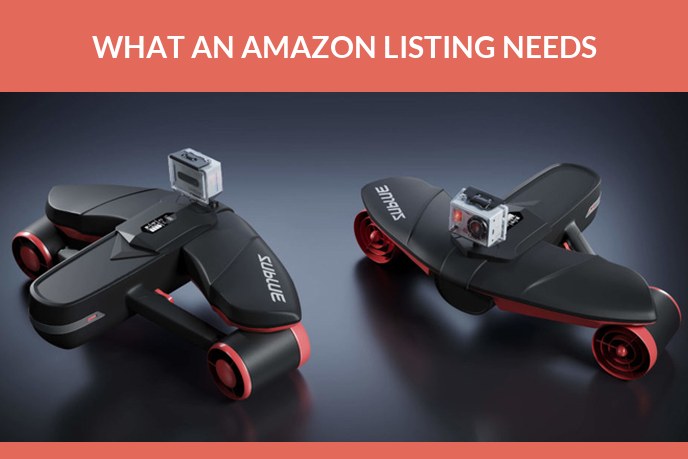
On Amazon the images are the shop. Nobody handles the product, nobody reads the bullet points first, and the decision to click or scroll past is made on a thumbnail the size of a stamp. So the question every brand ends up asking is a practical one: what exactly does Amazon want, how many images are needed, and is it cheaper to book a photographer or to have the whole set built in 3D.
The short version. Amazon needs a main image of the product on pure white with nothing else in the frame, plus a set of supporting images that answer size, detail, use and what is in the box. The main image is safest as a real photograph, since Amazon guidelines ask for a professional photo of the actual product. Everything after it, the lifestyle scenes, the infographics, the 360 spin, the video and the AR view, is where 3D pays for itself, because one model produces all of them and takes variants for free.
What Amazon requires from listing images
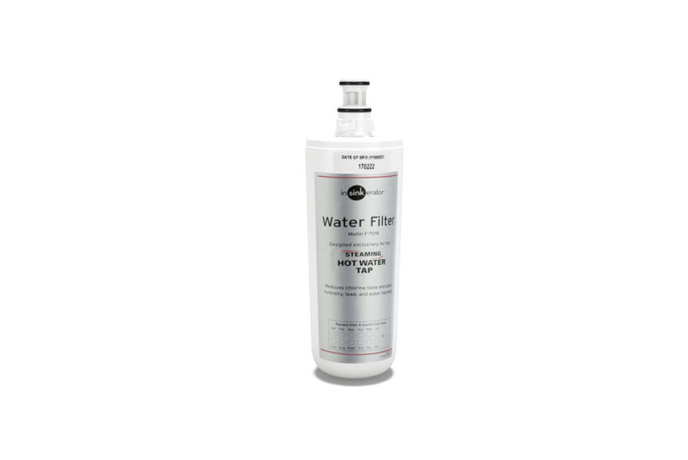
The rules split in two. The main image is strict. The rest of the gallery is where you are allowed to sell.
| Requirement | What it means in practice |
|---|---|
| Background of the main image | Pure white, RGB 255 255 255 |
| Product size in frame | Fills about 85 percent of the image |
| Minimum size | 1,000 px on the longest side, which is what turns zoom on |
| Recommended size | 1,600 px or larger on the longest side |
| File weight | Under 10 MB |
| Formats | JPEG preferred, also TIFF, PNG and GIF, no animation |
| Colour mode | sRGB or CMYK |
| Not allowed on the main image | Text, logos, watermarks, borders, props, mannequins in most categories |
Category style guides add their own rules on top, apparel and grocery in particular, and Amazon revises them. Check the current style guide in Seller Central before a shoot rather than after it. The full set of rules, sizes, formats and file naming is in Amazon image requirements.
Most categories allow up to nine images in the gallery, with six or seven visible before a shopper has to click through, and video sitting in the same carousel. Again, the exact count depends on the category.
Worth keeping the stakes in view: Statista puts Amazon at 40.5 percent of United States ecommerce in 2025, with Walmart second at 9.2 percent. The gallery on a listing is the shop front for a very large share of the market, and the National Retail Federation expects 19.3 percent of online sales to be returned this year, much of it over things a better image set would have settled.
The image set that actually sells
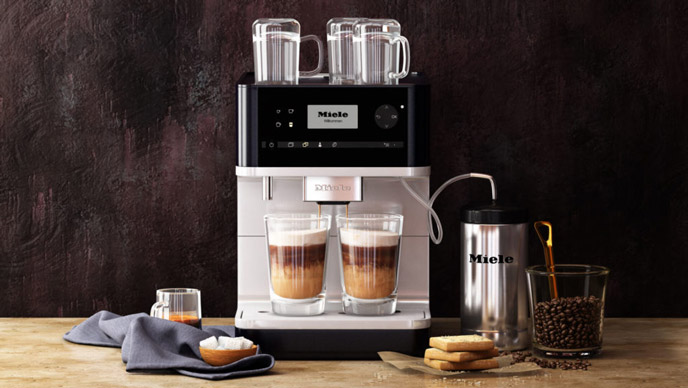
A listing that converts tends to use the same seven slots, in this order.
- Main image. Product on white, filling the frame, nothing else. This is the thumbnail that wins or loses the click in search results.
- Scale. The product next to something familiar, or with dimensions marked. Size confusion is the single most common reason for a return.
- Detail. Close ups of the parts that justify the price: the stitching, the finish, the connector, the mechanism.
- In use. The product in a real setting, being used by a person. This is the slot where lifestyle imagery does its work.
- Features. An annotated image, one claim per callout, readable at thumbnail size.
- What is in the box. Everything the buyer receives, laid out. It removes a whole class of pre sale questions.
- Variants and comparison. Colours, sizes, the model above and below in the range.
The set matters more than any single frame. Two brands can have equally good main images, and the one that also answers size, detail and contents will out sell the other.
A plus content, video, 360 and AR
Below the gallery there is a second layer, and most catalogues use it badly or not at all.
A plus content. Brand registered sellers get modular blocks under the fold: comparison tables, banners, feature blocks. It is built from images, so the same shoot or the same 3D scenes feed it.
Video. Sits in the image carousel and gets watched. Thirty seconds showing the product working answers more objections than any bullet list. Here is more on video on an Amazon listing.
360 spin. Available in a number of categories and built from a turntable pass, or from a 3D model, which is cheaper when the product also needs renders.
View in Your Room. Amazon AR view lets a shopper stand the product in their own room at true scale. It runs on a 3D model of the product that the brand supplies to Amazon, to their asset specification. Availability depends on category and marketplace, and the model is the part we make. If you want the mechanics, we wrote about how AR works on a product page.
Photo shoot or CGI: how to choose
| Photography | 3D rendering | |
|---|---|---|
| Main image on white | Straightforward, and it is what the guidelines ask for | Photoreal, but read the note below |
| Colour and material variants | A separate shoot for each one | Swap the material, re render, no new shoot |
| Lifestyle scenes | Location, styling, permits, a day of work | Built once, reused and re lit for every product |
| Product availability | A physical sample has to exist and be shipped | CAD or drawings are enough, so visuals can be ready before production |
| Changing something later | Reshoot | Edit the scene and re render |
| 360 spin and AR | Turntable rig, and AR still needs a 3D model | Comes from the same model |
| Textiles, food, anything organic | Usually wins | Possible, but slower and more expensive |
| One small product, one shot, in a hurry | Usually wins | Overkill |
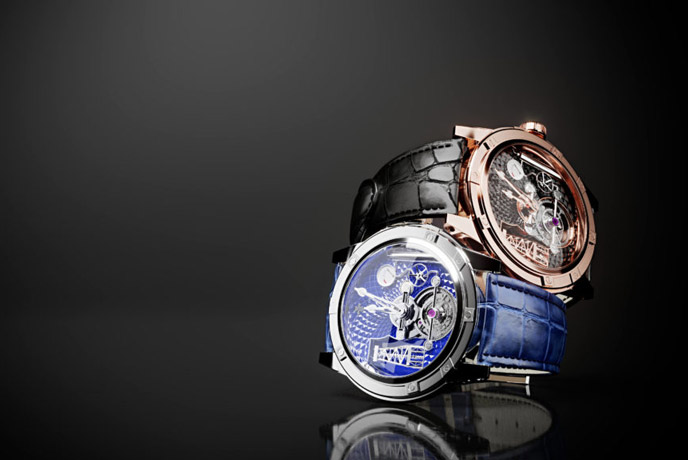
The note about the main image. Amazon guidelines ask for a professional photograph of the actual product and say drawings and illustrations are not allowed. Photoreal CGI that represents the product accurately is used across the marketplace and is usually indistinguishable from a photo, but the wording leaves it in a grey area, and anything stylised or inaccurate does get flagged. The safe reading: keep a real photograph in the main slot if you can, and use 3D for the supporting images, lifestyle scenes, infographics, A plus content, video, spins and AR, where nobody disputes it.
The honest summary is that this is not a war. Brands with large catalogues and lots of variants save real money with 3D. A single seller with one product and a sample on the desk does not need a 3D pipeline, they need a decent photographer.
What Amazon product photography costs
Studio rates vary by city, by product and by how much retouching is involved, so treat the photography lines below as market ranges rather than quotes. The 3D lines are ours.
| What you are buying | Unit | Typical price |
|---|---|---|
| Photo studio, product on white | per image | roughly $25 to $75 in the US, less in bulk |
| Photo studio, lifestyle set | per image | from around $150, and up quickly with location and models |
| 3D model of the product | one off, then reusable | from $80 simple, $200 typical, $400 complex, $1,200 ultra complex |
| Render on white from that model | per image | from $20 |
| Render in a full environment | per image | from $120 |
| 360 spin | per product | from $150 |
| Product animation | per second | around $60 |
| AR ready model, GLB and USDZ | per product | included when AR is on the brief |
The arithmetic that decides it is usually variants. One product in six colours is six shoots on the photography side and one model plus six renders on the 3D side. Below three or four images per product, photography is normally cheaper. Above that, and especially with a catalogue that refreshes, 3D wins.
Mistakes that get images rejected
- Text, badges or a logo on the main image. The single most common reason for suppression.
- A background that looks white but is not. Off white or a soft grey gradient will not pass.
- The product floating small in the frame, so the thumbnail reads as nothing.
- Files under 1,000 px, which kills zoom and quietly costs conversions.
- Inconsistent scale across the gallery, so the product appears to change size.
- Props or packaging in the main image when the listing is for the product alone.
- Images that flatter the product into something it is not. That is the one that brings returns and complaints.
How to brief a supplier
Whether the work goes to a studio or to us, the same package saves a week of back and forth.
- The product itself, or CAD files, technical drawings and exact dimensions if it is not manufactured yet.
- Material and finish references. Photos of the real surface beat a colour name.
- The list of variants that need covering.
- Two or three reference listings you like, and one you do not, with a line on why.
- Where each image will be used: main slot, gallery, A plus module, ad creative.
On our side the base model comes first, then everything else is an output from it: product rendering for the gallery, spins, product animation for the carousel and an AR ready file. The model is the asset you keep. How each of those images gets made, and what each type costs, is walked through in our 3D product rendering guide.
Frequently asked questions
We build the visual set behind Amazon listings: 3D product modeling of the product, renders on white and in scenes, 360 spins, product animation for the carousel and AR ready files for View in Your Room. If AR is the part you are after, start with AR product visualization.

Ian Diev
Content Writer, Editor
Ian loves writing about innovative 3D technologies and their impact on architecture and design. In his spare time, he makes indie music, watches obscure movies, and cooks culinary masterpieces for friends.
Let us know if you have got an interesting project and want to work together!