
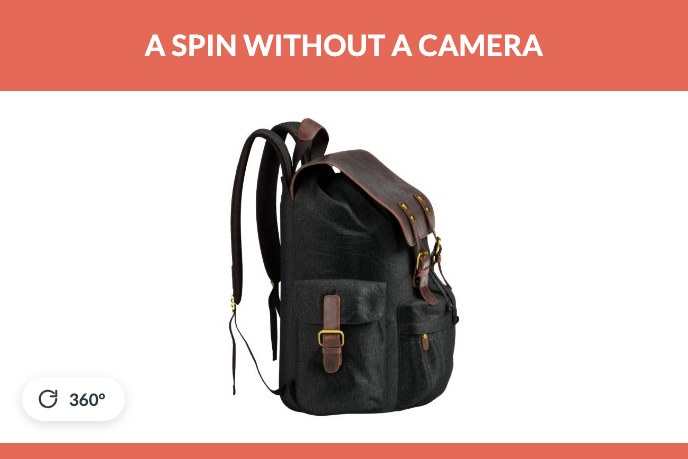
A 360 product view is the thing a shopper drags to turn the product around on the page. It looks like one continuous piece of footage and it is not: it is a set of still frames, usually 24 to 72 of them, shown one at a time as the cursor moves. Nothing is being streamed and nothing is a video.
That detail matters, because it decides how the spin gets made. You can shoot the frames on a turntable, or you can render them from a 3D model of the product. Most articles about 360 product photography only describe the first route, since most of them are written by the companies selling turntables. This one covers both, and is written by a studio that produces the second. The same fork, rigs against renders, runs through all product imagery, and we mapped it in 3D product photography.
What a 360 product view actually is
Three parts, and only the middle one is optional.
- A frame set. The product photographed or rendered at equal angular steps around a full circle. Twenty four frames means one every fifteen degrees.
- A viewer. The small piece of JavaScript that swaps frames as the cursor or finger moves. Some platforms have one built in, some need an app, and a plain image sequence with no viewer is just a folder of pictures.
- A trigger on the page. A badge on the main image, usually a circular arrow, telling the shopper the thing can be turned. Without it a large share of visitors never discover the spin exists.
People also call this a product spin, a 360 spin set, or 360 product images. Same thing. The important distinction is against a rotating video, which plays on its own timing and cannot be stopped by the shopper at the angle they care about. Control is the whole point of a spin.
The same sixty frames, played as a video. It turns at its own speed and never waits, so there is no way to hold it at the angle you actually want to look at. The draggable version of this exact set is further down the page.
The two ways to make one
The turntable route. The product sits on a motorised platform inside a lit tent. The rig turns it a fixed number of degrees, the camera fires, and the software repeats that until the circle closes. Then every frame is retouched, because dust, reflections and the platform edge appear in all of them. The output is honest photography of the exact unit that was on the table.
The rendered route. The product is built once as a 3D model, a virtual camera orbits it, and the frames come out of the render. There is no rig, no sample and no retouching, because there was never any dust. The output is only as accurate as the model, which is why dimensions and materials have to be right before anything is rendered.

Six of the sixty frames, laid out flat. A virtual camera moved six degrees between each one, and the viewer swaps them as the finger moves.
Turntable rig against 3D model, side by side
| Shot on a turntable | Rendered from a model | |
|---|---|---|
| Needs a physical sample | Yes, shipped to the studio | No |
| Second colourway | A second shoot | A material swap, then re-render |
| Before the product exists | Impossible | Normal |
| Retakes | Re-ship and re-shoot | Change the setting, render again |
| Fine detail and texture | Exactly what the sample looks like | As good as the model and materials |
| Reflective and transparent goods | Hard, the rig reflects in the product | Controlled, nothing to reflect |
| Best for | One product, one finish, an existing sample | Ranges, variants, pre-production |
The honest summary is that a turntable wins on a single unit that already exists and has no variants, and a model wins the moment there is a second version of anything.
How many frames you need
Frame count decides how smooth the rotation feels and how heavy the page gets. Three counts cover almost everything.
- 24 frames, one every 15 degrees. The lightest option. Rotation is visibly steppy on a large screen, and it is fine for simple shapes such as a bottle or a box.
- 36 frames, one every 10 degrees. The default. Smooth enough for most categories and still reasonable to load.
- 72 frames, one every 5 degrees. Genuinely fluid. Worth it for watches, jewellery, footwear and anything where the shopper will study the silhouette closely.
Two frame sets are sometimes needed rather than one: a horizontal spin plus a second row shot from a raised angle, so the shopper can look slightly down at the product. That doubles the count and is normally reserved for furniture and appliances.
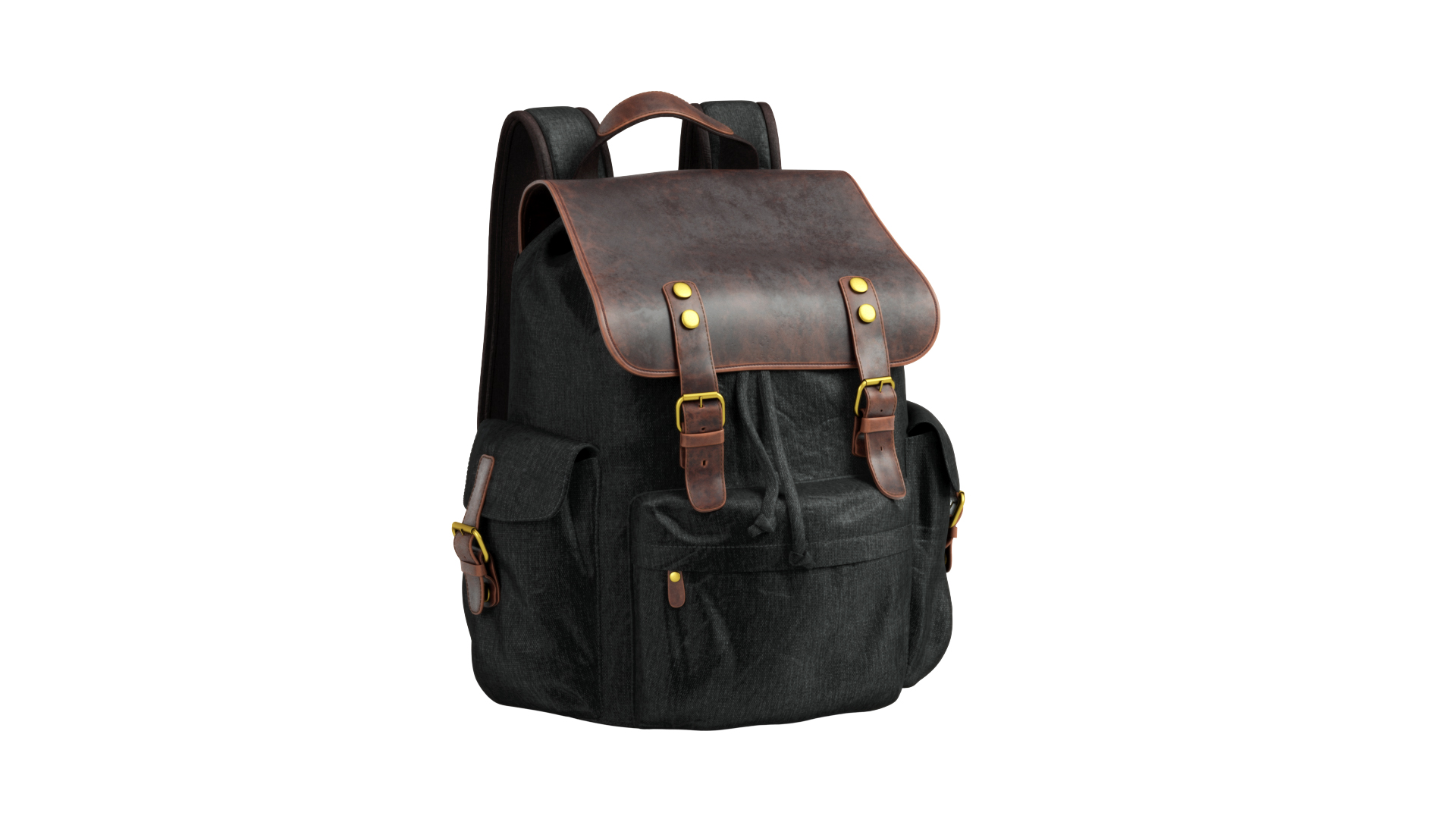
Sixty frames of a rendered backpack, assembled into a spin. Drag it.
Where the spin lives on your site
The frames are useless without something to play them, and support differs by platform.
- Shopify. Native support is for 3D models in GLB format rather than frame sets, and it also gives you an AR button on phones. Classic frame based spins run through an app.
- WooCommerce and other WordPress shops. Plugin territory. The viewer matters more than the frames here, since a bad one loads all frames at once and stalls the page.
- Amazon. Spin sets are accepted in some categories through the same image tools, and the specification is strict about background and framing, exactly as it is for stills.
- Your own site. Any of the common viewers will do. The thing to insist on is progressive loading, so the first frame appears immediately and the rest arrive while the shopper reads.
Weight is the part that gets forgotten. Thirty six frames at 1,600 pixels is a lot of data if nobody compresses it. Keep the whole set under about two megabytes, serve WebP, and load the remaining frames only after the first interaction.
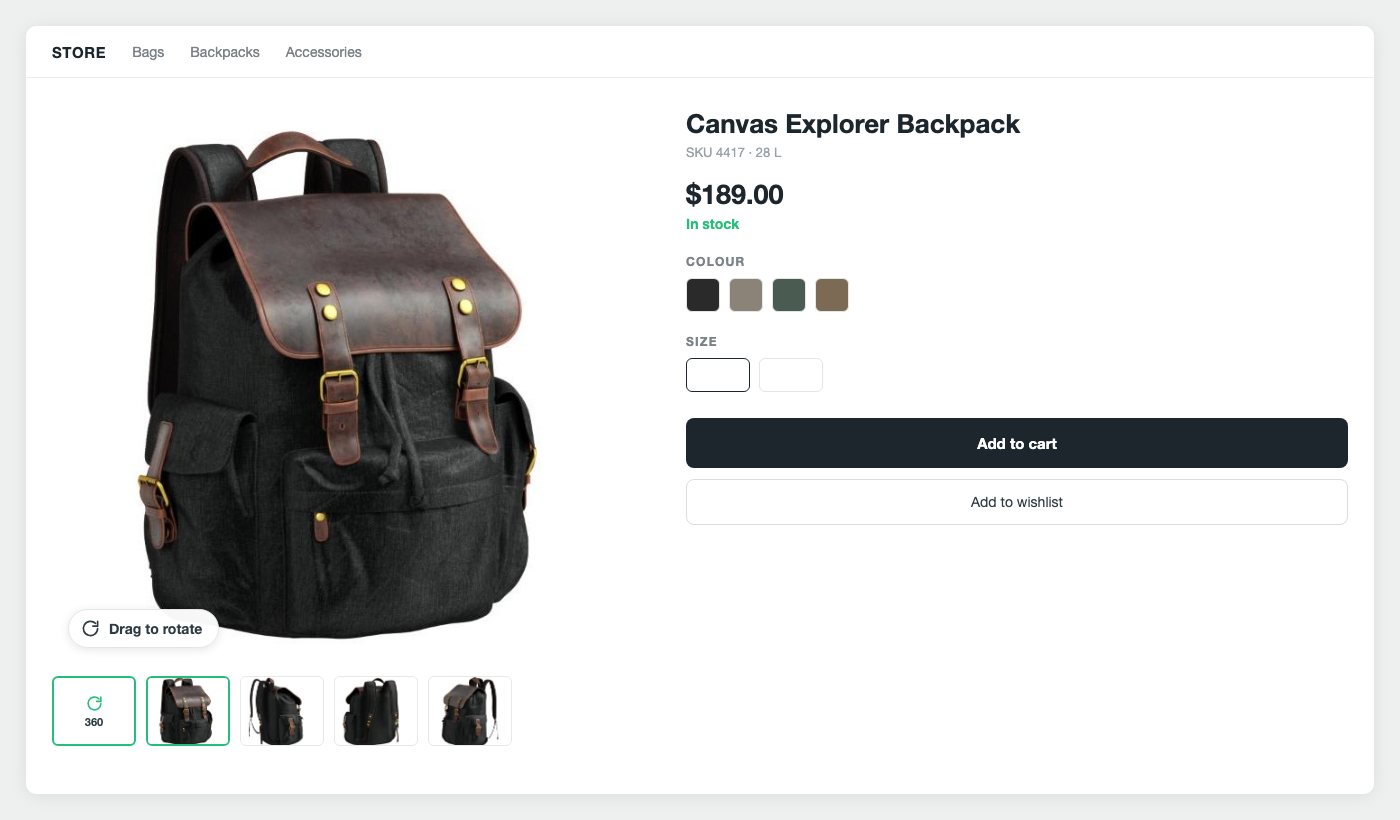
The spin takes the main image slot, and the circular arrow is the only thing telling the shopper it can be turned. In the thumbnail row it competes for attention with the ordinary angles.
When a spin is not the right format
A spin is a set of pictures, and that is also its ceiling. The shopper can turn the product and nothing else: no zooming past what the frames captured, no swapping the finish, no way to stand the product in their own room. A single 3D model does all of that from one file, and it is the format Shopify and both phone platforms already speak.
Below is the same kind of product data delivered as a model instead of frames. Drag it in any direction, look at it from underneath, stop wherever you like. There is no frame set behind this and no angle it cannot reach.
A GLB model, 2.7 MB. One file instead of sixty pictures, and the shopper is no longer limited to the angles somebody chose in advance.
If that is where you are heading, our AR product visualisation page covers the formats and what they cost.
What each route costs
Shooting it. A turntable rig starts around a few hundred dollars for a small manual one and runs into five figures for automated systems with lighting. Outsourced, expect a per product fee that covers the session and the retouching of every frame, and remember that the sample has to travel both ways. For furniture and appliances, shipping is often the largest line on the invoice.
Rendering it. The model is the cost. Once it exists, a spin is quoted on frame count and rendering time rather than on studio hours. Modeling here is billed at 20 USD an hour, which puts a simple product near 200 USD and something with a mechanism near 400. The spin itself is added on top of that, and the second colourway costs a fraction of the first because the model is already built.
The crossover is easy to find. One product, one finish, sample in hand: shoot it. A range with variants, or a product still in tooling: render it. Our 3D product rendering services page covers what a rendered spin includes and what it costs alongside the rest of the imagery.
When the turntable still wins
Three cases, and it is worth being straight about them.
- Natural materials with real variation. Marble, wood grain, leather with genuine character. A model can reproduce these convincingly, but if the selling point is that every unit is unique, photograph the unit.
- One product and no plans for more. If nothing will ever change, the cheaper route is usually the camera.
- Proof that the item exists. For second hand goods, collectibles or anything where the buyer needs evidence of this specific object, rendering is the wrong tool entirely.
Everywhere else the maths favours the model, and it does so more strongly the larger the catalogue gets.
A spin is not decoration. It answers the question a flat photograph leaves open, which is what the thing looks like from the angle the shopper cares about, and it removes the doubt that turns into a return later. The National Retail Federation put the online return rate at 19.3 percent of sales in 2025, and a meaningful share of that is disappointment that better visuals would have prevented.
If you want spins for a range rather than for one product, the practical starting point is the model. Where spins sit among the six types of product renders is mapped in our 3D product rendering guide.

Catherine Paul
Content Writer, Editor
Catherine is a content writer and editor. In her articles, she explains how CGI is transforming the world of architecture and design. Outside of office, she enjoys yoga, travelling, and watching horrors.
Let us know if you’ve got an interesting project and want to work together!