
Appliance 3D modeling and rendering for product launches
Product images of a machine you never shipped anywhere. We build the appliance in 3D from your CAD, then render what the launch needs: silos for retailers, cutaways that show what is inside, room scenes, 360 spins and AR.
What an appliance 3D modeling project gives you
Every appliance project grows out of one asset, the 3D model of the machine itself.
The 3D model
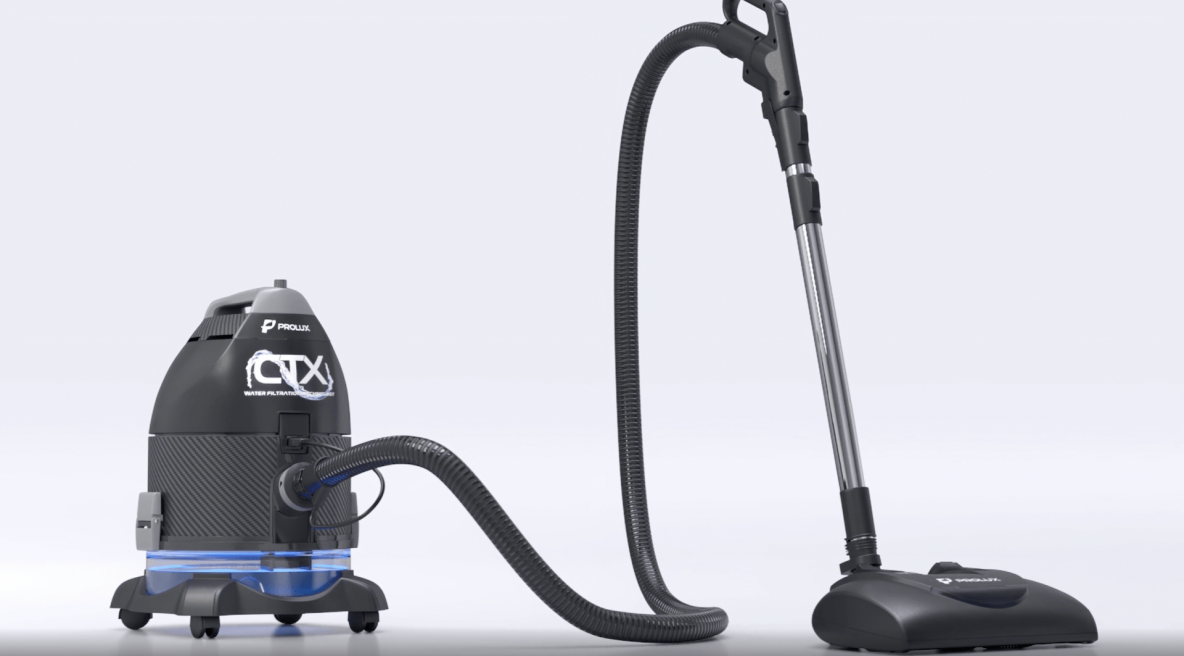
Body, panels, hose, wheels, display and controls, built to the dimensions in your drawings.
Silo renders
White background shots for retailers, marketplaces and the spec sheet, from any angle you name.
Cutaways and exploded views
The filter, the motor, the tank. Everything a buyer never sees in a photograph of a closed machine.
Room scenes
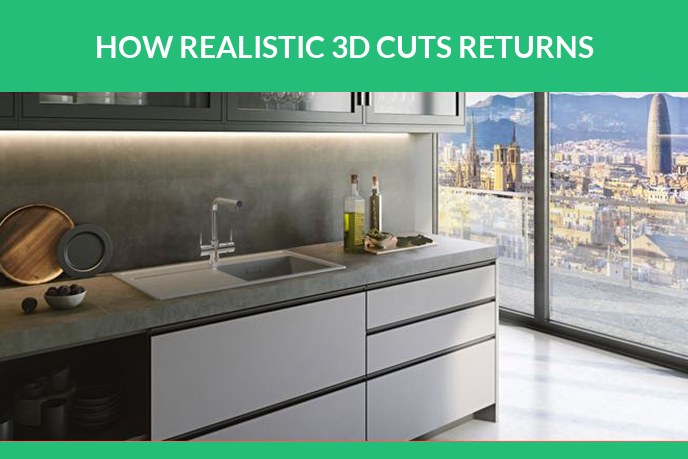
The machine standing in a kitchen or a hallway, with no set to build and no location to rent.
360 spin and animation
How it folds, how it docks, how the dust goes out. Motion explains a machine faster than a paragraph.
AR ready files
GLB and USDZ, so a buyer can put the unit on their own floor and see whether it fits the space.
Why appliance brands choose 3D rendering over a photoshoot
- A finished unit has to reach the studio and come back
- Every colour and every SKU is another session
- Kitchens and hallways are rented or built
- A cutaway means cutting a real machine in half
- Work starts from CAD, months before tooling
- Colours and finishes swap in an afternoon
- Any room is built around the product
- The model is already hollow, so cutaways cost nothing
Appliances are bulky. Crating a unit, shipping it to a studio and getting it back often costs more than the images, and that is before anyone books the photographer.
A few appliance 3D modeling and rendering projects
These are not screenshots. The films below are delivered animations, and the model on the left is the same file a shopper loads in augmented reality. Most appliance work runs under NDA until launch, so this is a small slice of it. A cordless vacuum project is followed from the client reference through to the campaign images in our rendering examples.
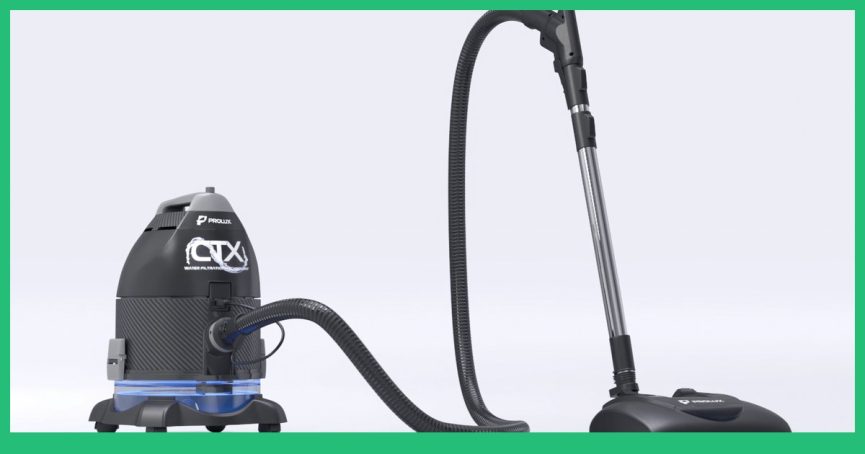
Water filtration, in motionThe cutaway a photograph cannot take: air, water and dust moving through the tank, with the particles simulated rather than drawn. Click to watch the whole product film.
The AR model, liveSpin it here, or open it on a phone and put the machine on your own floor. One GLB file, the same one that goes on a product page.
How it picks upDebris on carpet, brushroll and airflow. The scene that sells the machine, and the one nobody can shoot in a studio.
Commercial refrigerationA CO2 booster rack with hundreds of parts, animated with callouts for an equipment explainer.
The details that make an appliance render look real
A machine is a collection of very different surfaces sitting next to each other, and the eye checks all of them at once.
We ask for photos of the real unit whenever one exists. Nothing gets us to a match faster.
How a 3D appliance rendering and modeling project runs
Brief
You send CAD, drawings, the shot list and any photos of the unit. We come back with a quote and a schedule.
Grey model
Geometry only, no materials yet. You approve proportions, panel lines and the way parts meet before rendering.
Look development
Materials and lighting on one test frame, so the direction is agreed before the full set is produced.
Renders
The complete set arrives in the resolutions and formats you asked for, ready for retail and for web.
Revisions
Two rounds of changes come with the project, not as an extra line at the end of the invoice.
The brief for an appliance 3D modeling project
Appliances are designed digitally, so the brief is usually short.
- CAD or STEP files. For most appliances this is the whole brief, because the geometry already exists.
- Photos of the unit if one has been built, including the seams and the control panel.
- Material references: the exact grey of the plastic, the finish of the metal, the colour of the trim.
- The shot list: silos, cutaway, room scene, animation. It decides the quote more than anything else.
Appliance 3D modeling price and timing
Projects run from about 360 USD for a small device to 1,080 for something as complex as a drone. A robot vacuum with its docking station came to 780 USD and six days: 660 for the model, 60 for the digital finishes, 60 for rendering. Work beyond the package is billed at 20 USD per hour.
See the full price listRead more about appliance visuals
Three from our blog, for when you want the detail behind the service.
Appliance 3D modeling FAQ
Have a Question?
We will be more than glad to help. Just send us your project details and we will consult you on the best solution to choose or provide a lightning-fast estimation.