
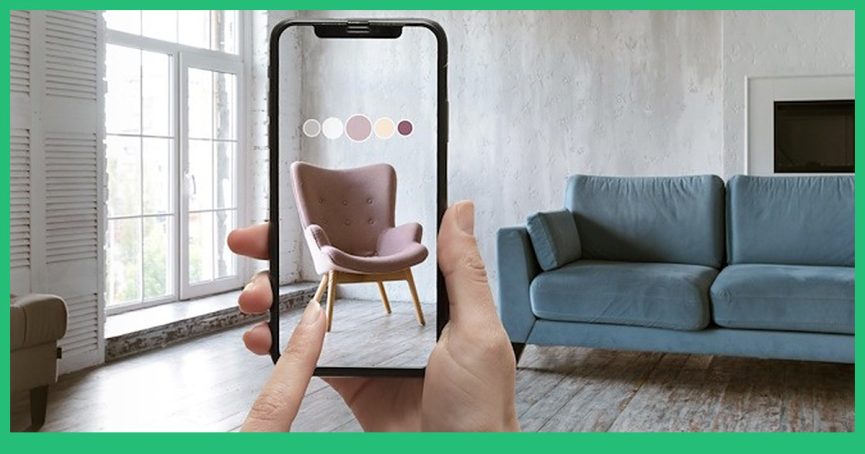
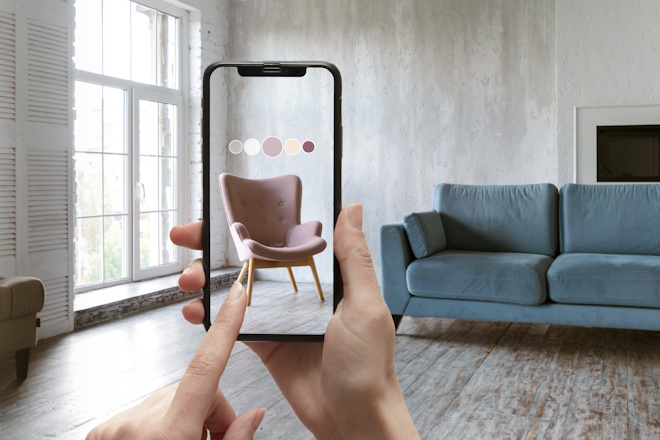
AR product visualization and 3D models for augmented reality
Your product standing on a customer’s floor, at true size, with no app to install. We build or rebuild the model as a light GLB and USDZ pair that loads in a second on a phone and still looks like the product.
What an AR ready 3D model has to be
An AR model is the same product as the render, rebuilt to load on a phone and to hold up when a customer walks around it.
GLB and USDZ
One pair of files covers everything: GLB for Android and the web, USDZ for iPhone and iPad through Quick Look.
True to size
Modelled in real metres, so a sofa placed in a room is the sofa that will arrive, and the customer stops guessing.
Light enough to load
Compressed geometry and baked textures under a few megabytes. A phone that waits ten seconds loses the sale.
Materials that survive
Metal, glass, fabric and plastic read correctly under the lighting of a real room, not just in a studio render.
A viewer you can embed
The model, a poster frame and the code for your product page, so the button works on the site you already have.
The same asset for images
The high poly source stays with you for silo renders, room scenes and animation, and the AR file is exported from it. Where that AR button pays off across retail, category by category, is in our AR in ecommerce guide.
Why a render model is not an AR model
- Millions of polygons, because a render farm can take it
- Textures at 4K and 8K per part
- Lighting baked into the studio, not the object
- Hundreds of megabytes, no chance on a phone
- Retopologised to what a phone can draw at 60 frames
- Textures atlased and compressed, detail baked in
- Physically based materials that react to any room
- A few megabytes, loading before the customer scrolls away
Both come out of the same project. We build the heavy model for the images, then rebuild it light for the phone, and the two stay in sync when the product changes.
A few AR models you can try right here
These are the delivered files, not videos of them. Drag to turn a model, and on a phone the AR button puts it on your floor at real size.
Road bicycle, 5.8 MBFrame, groupset, spokes and cables. The original scene was thirty megabytes, which no phone would wait for, so the geometry was compressed to a fifth of that with no visible difference.
Convertible laptop, 2.6 MBHinge, ports, keyboard and a screen that has to look like glass rather than a black rectangle.
Robot vacuum, 5 MBThe model a shopper drops on their own floor to see whether it fits under the sofa, which is the question that stalls the order.
Open this page on your phonePoint the camera at the code. The same models open on the phone, and there the AR button drops them on the floor in front of you at real size.
What decides whether AR works on a phone
Most AR files fail for the same handful of reasons, and all of them are decided while the model is being built.
How an AR model project runs
What we start from
Your CAD, an existing 3D model or drawings and photos, plus the dimensions the product actually has.
Rebuild for the phone
Retopology, UVs and a polygon budget chosen for the device, with the detail baked from the heavy model.
Materials and scale
Physically based materials, real metres, a pivot at the base and a contact shadow that grounds the object.
Export and test
GLB and USDZ, opened on real iPhone and Android devices, because the two formats break in different places.
Handover
The files, a poster frame and the embed code for your product page, plus the heavy source model for images.
AR model price and timing
What it costs depends on where you start. Work is billed at 20 USD per hour.
Optimisation only
You already have a 3D file. We retopologise it, bake the textures, fix the scale and export the GLB and USDZ pair.
Model and AR files
The product does not exist in 3D yet. It is modelled from CAD, drawings or photos, then rebuilt light for the phone.
A whole range
Dozens of products with shared materials and a repeatable pipeline, which is where the price per item drops.
Turnaround is two to four days for a single product when the model exists, and the modelling time on top when it does not. Send the file or the drawings and the estimate comes back in one business day.
See the full price listRead more about AR
Three from our blog, for when you want the detail behind the service.

AR product visualization FAQ
Have a Question?
We will be more than glad to help. Just send us your project details and we will consult you on the best solution to choose or provide a lightning-fast estimation.