
AI background generator for 3D product models
Your product stays exact. Everything behind it is generated. Open the 3D model, turn it to the angle you want, describe the room in a sentence, and get a photoreal lifestyle image about a minute later. The geometry, the materials and the logo come from your own file, so the object in the picture is the object you ship.
Why buy a 3D model at all, when AI already makes images
Fair question, and it deserves a straight answer rather than a slogan. A generator is very good at inventing a kitchen and very bad at reproducing a specific machine. That is the whole split: prompt-only tools are fast, cheap and genuinely good, they just cannot show your product. Here is exactly where that breaks.
Exact dimensions and materials
You get a product that looks like yours. The panel gap, the radius on a corner, the grain of the brushed steel, the shape of the logo: none of it is in the prompt, so the tool makes it up, and differently in every image.
Geometry and finishes come from your own file. The object in the picture is the object that ships, and it is the same object in image one and image forty.
Control over the camera
You describe an angle and hope. You cannot come back to that same angle next month, so two shots of one product never quite line up and a catalogue built this way looks assembled from different things.
You turn the product in a viewer and take the shot. The same three quarter view again next season, for the next colourway, at the crop the retailer asks for.
AR and GLB for the store
You get a picture. That is the entire output, and it is where the road ends. Nothing in it can be turned, placed in a room or reused for anything else.
The same file becomes a GLB or USDZ for AR in the buyer’s own room, a 360 spin on the product page, an animation. The image is one of its outputs, not the only one.
Where the product does not have to be exact, a mood board, a concept, a background for a social post, a prompt-only tool is cheaper and perfectly good, and we would tell you so. The moment the picture has to show the thing you actually sell, something has to hold the product still, and that something is the model.
From grey model to finished scenes
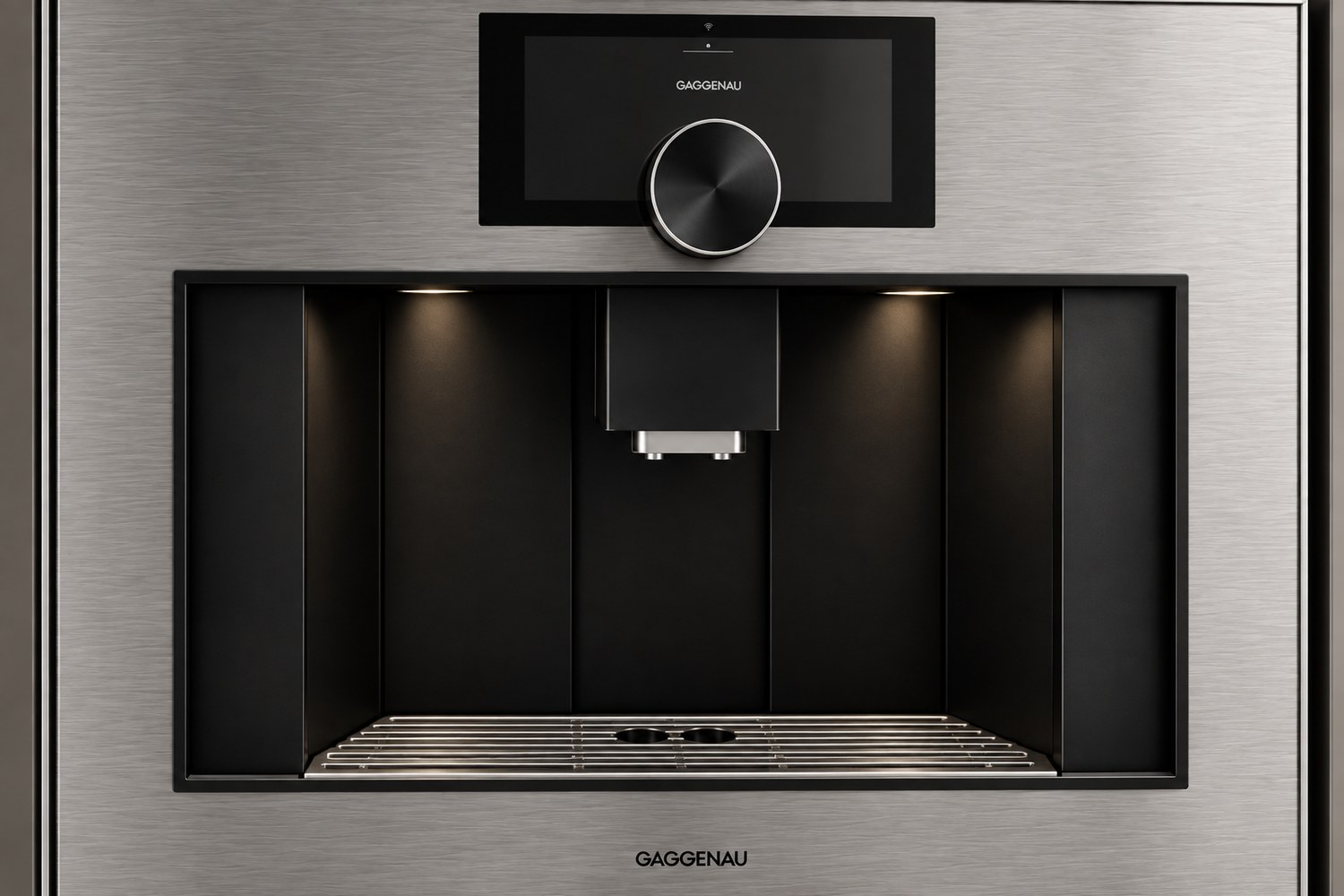
One product, start to finish. The built-in coffee machine below is only the example we happened to have to hand: the same route runs for a chair, a watch or a drill. Nothing here was reshot or rebuilt, the one file carries through all of it.
How a scene gets made, on screenThe model on the left, the prompt at the bottom, finished scenes stacking up on the right. Every one of them is downloadable, and the product in every one of them is the same file.
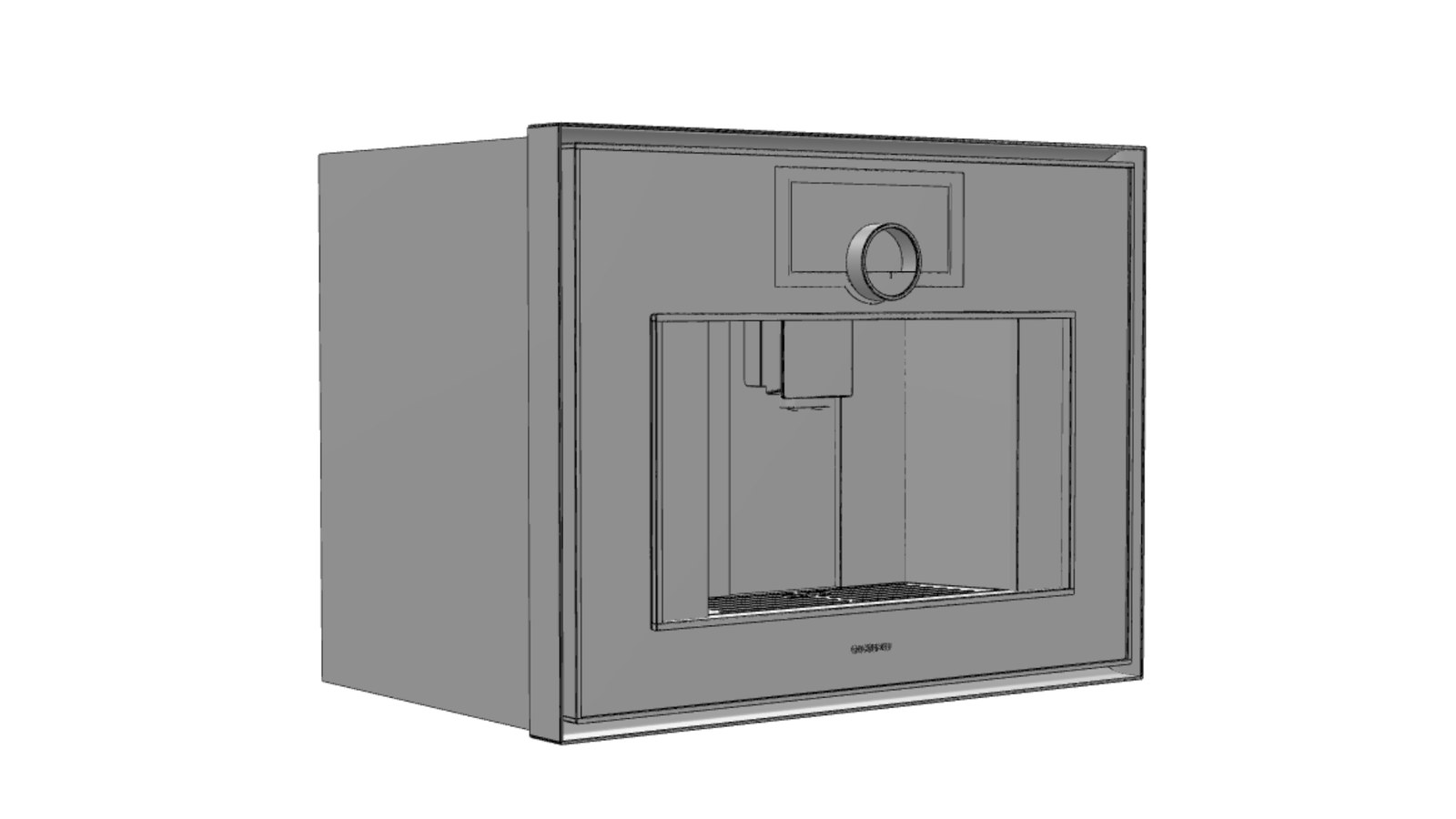
Step one, the grey modelGeometry only. Proportions, panel lines and the way parts meet, approved before anything is rendered.
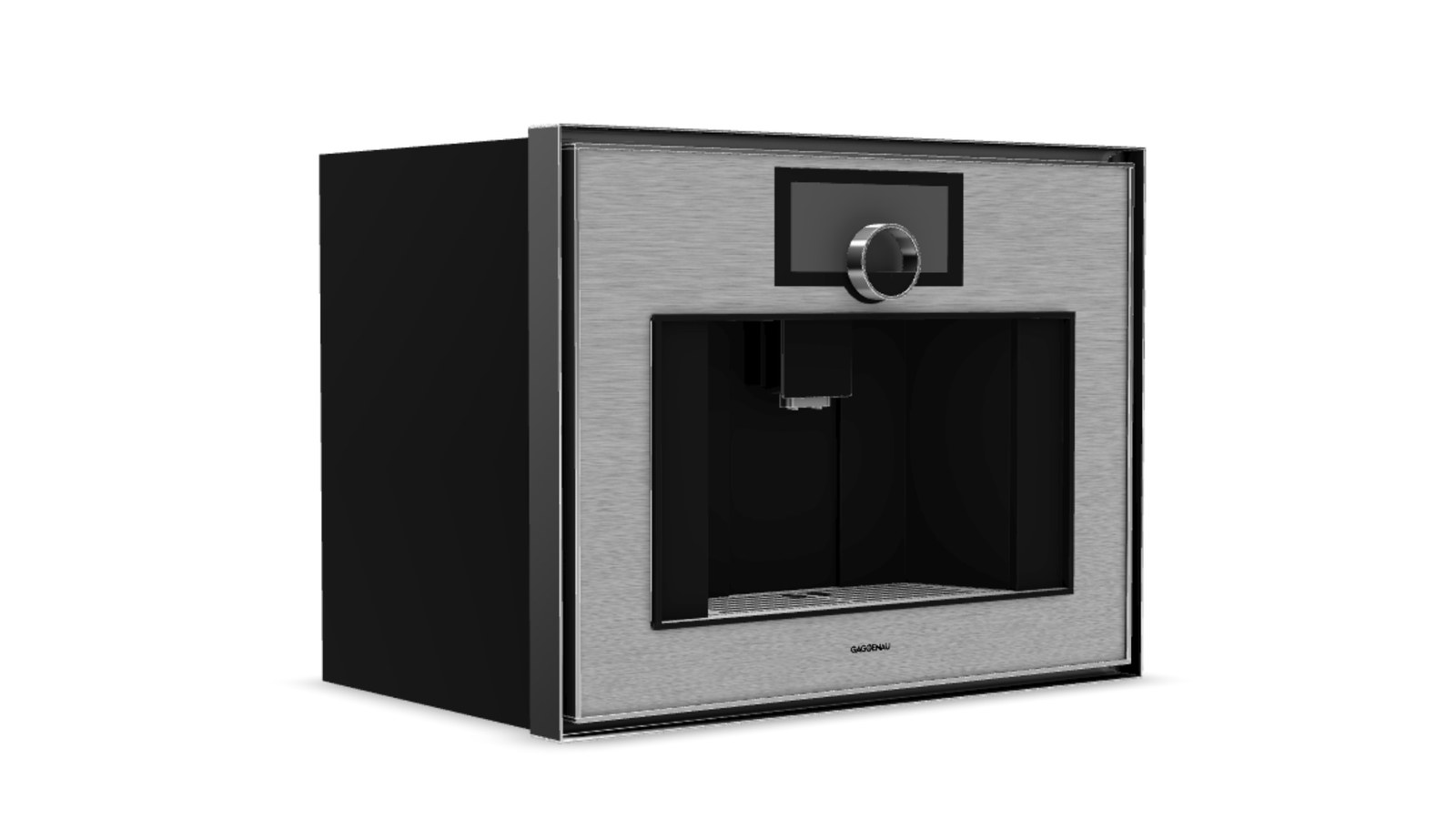
Step two, materials on whiteBrushed steel, glass, black plastic. This is already a usable silo image for a retailer listing.
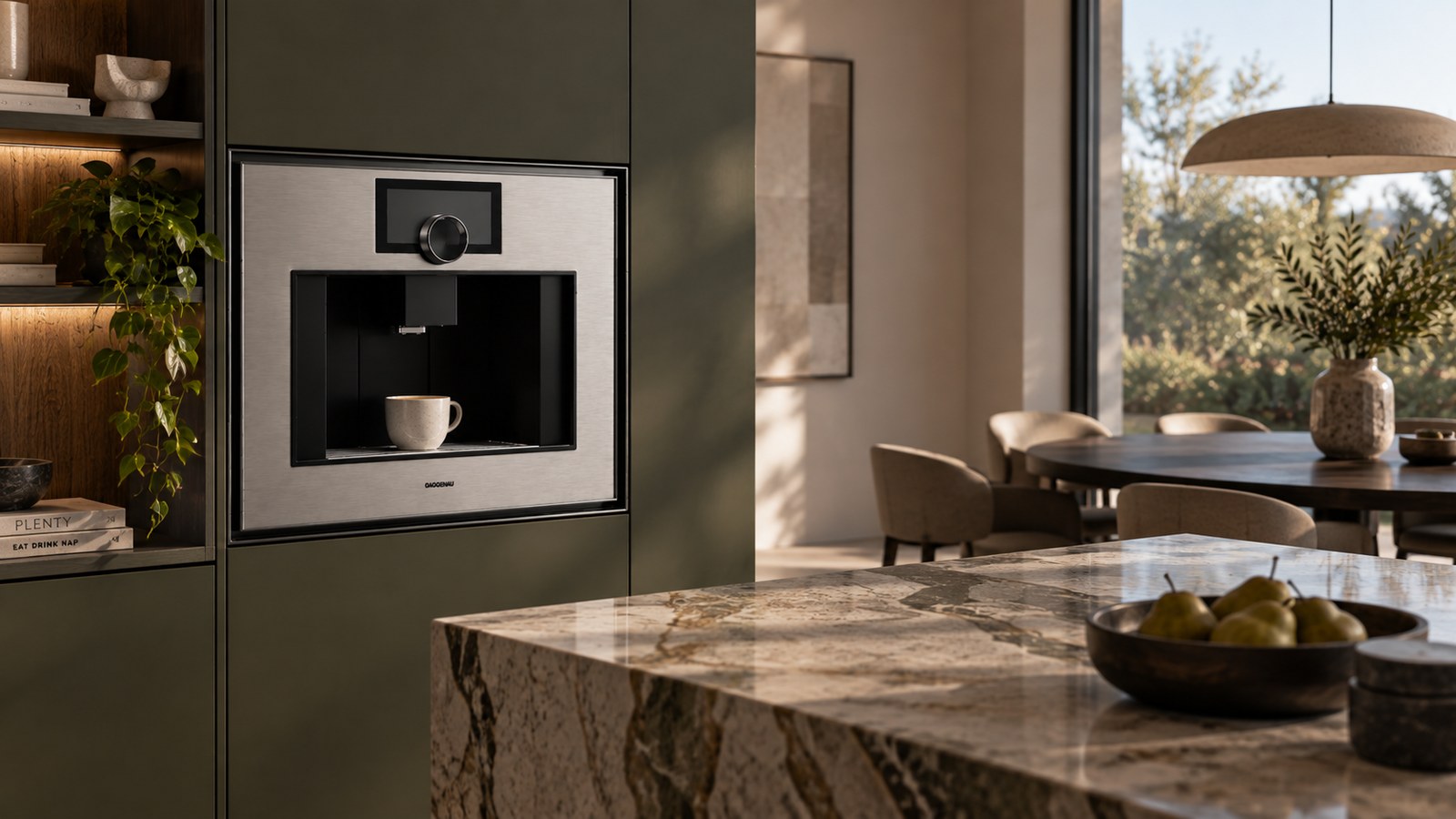
Step three, a roomGreen cabinetry, marble island, morning light. The interior came from one sentence.
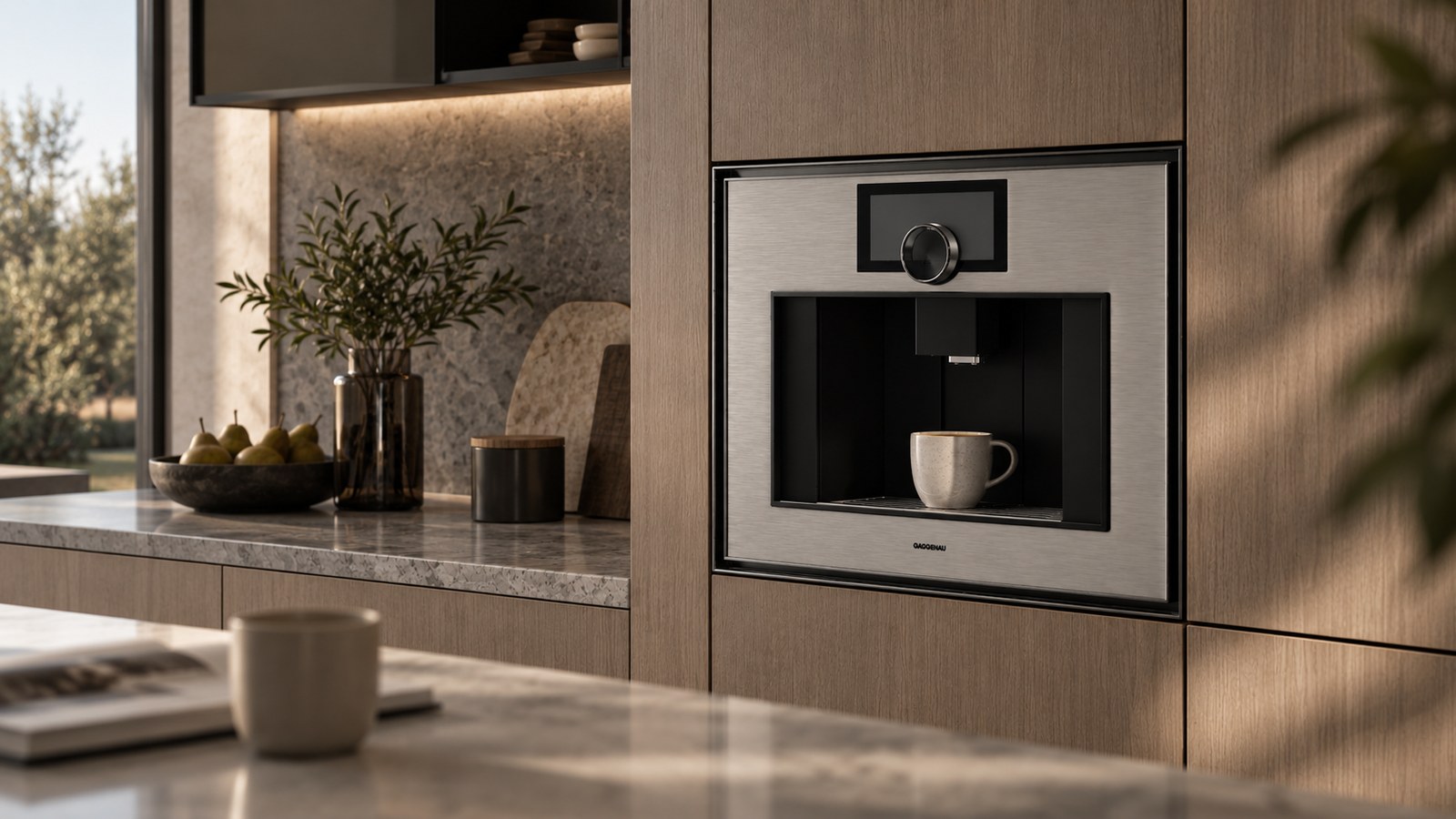
Another room, same machineAnother prompt, another interior. Compare the front panel with the image beside it: nothing moved.
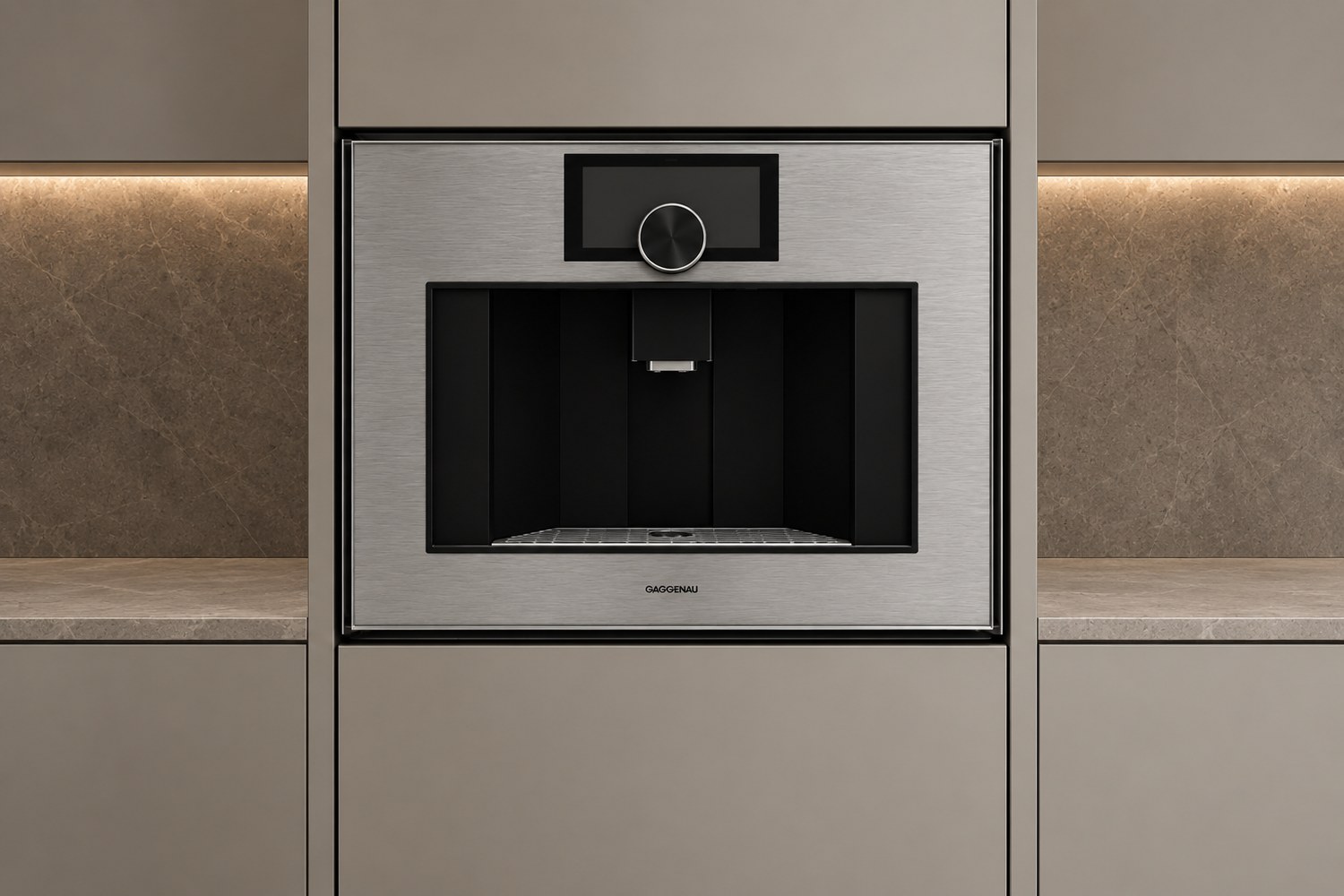
A different angleThe camera was turned on the model, not asked for in the prompt, which is why the geometry survives the change.
How a scene gets made
You do this part yourself. We build the model and hand you the tool; after that a new scene is a minute of your time, not a brief and a wait.
The model
Your product as a 3D file. We build it from CAD, drawings or photos, or we use the model you already have. If we have modelled this product before, this step is already done.
The angle
The model opens in a viewer and you turn it to the shot you want: three quarter, straight on, low, tight on a detail. The camera is a fact, not a description.
The prompt
One sentence about the room. “Premium modern minimalist kitchen, machine built flush with the facade.” Style, time of day, season, region. No creative brief to write.
The variants
Scenes come back in a batch. Keep what works, throw away the rest, run the prompt again with a change. Download at the size and ratio the channel asks for.
What comes out of one model
The model is the expensive part and it is paid for once. After that the catalogue, the campaign and the marketplace listing are all generation time.
Lifestyle images for the product page
The product in the room it belongs in, styled to the audience you sell to.
Silo shots on white
Clean catalogue images off the same file, without a second pipeline or a second brief.
Extra angles
Front, three quarter, top down, rear, detail. Turn the model, generate again.
Close-ups of the finish
Grain, stitching, knurling, hardware. The crop that usually exposes an AI image.
Seasonal and regional sets
The same product in a summer kitchen, a holiday interior, a Japandi flat or a mid century one.
Marketplace and social formats
The ratios and resolutions Amazon, a retailer or a feed asks for, from one base scene.
Where this fits by category
Anything that already has, or deserves, a 3D model.
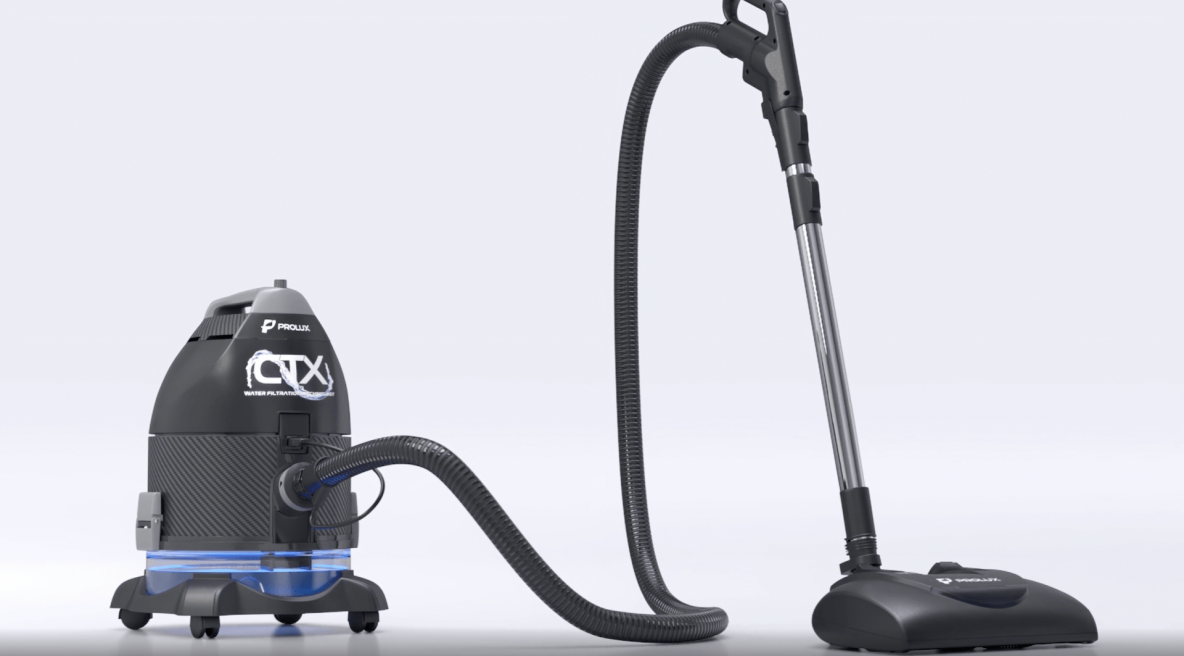 AppliancesBuilt-ins shown installed, in the kitchen the buyer is imagining, without booking a set.
 ElectronicsThe device on a desk, in a hand, in a living room, months before the first unit exists.
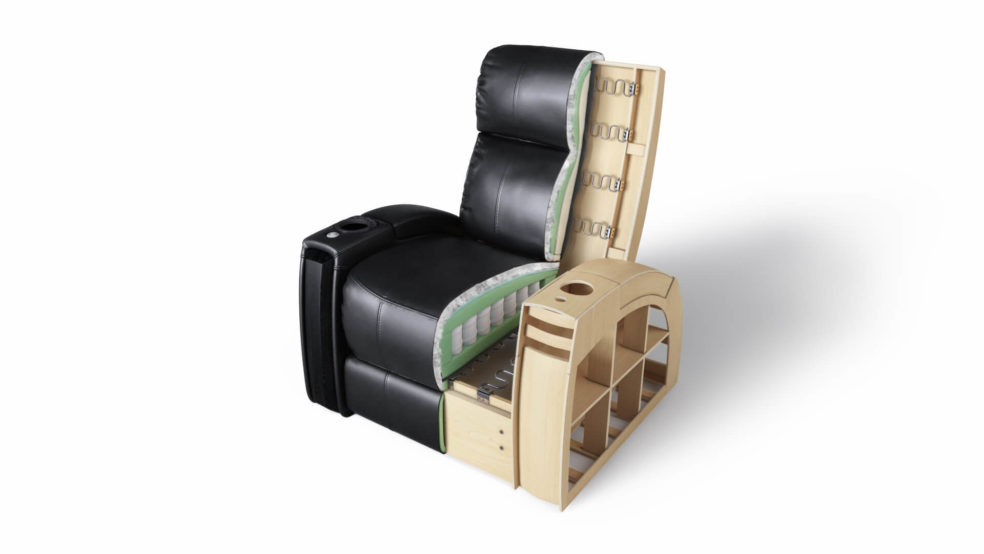 FurnitureEvery fabric and finish in every interior style, from one model per SKU.
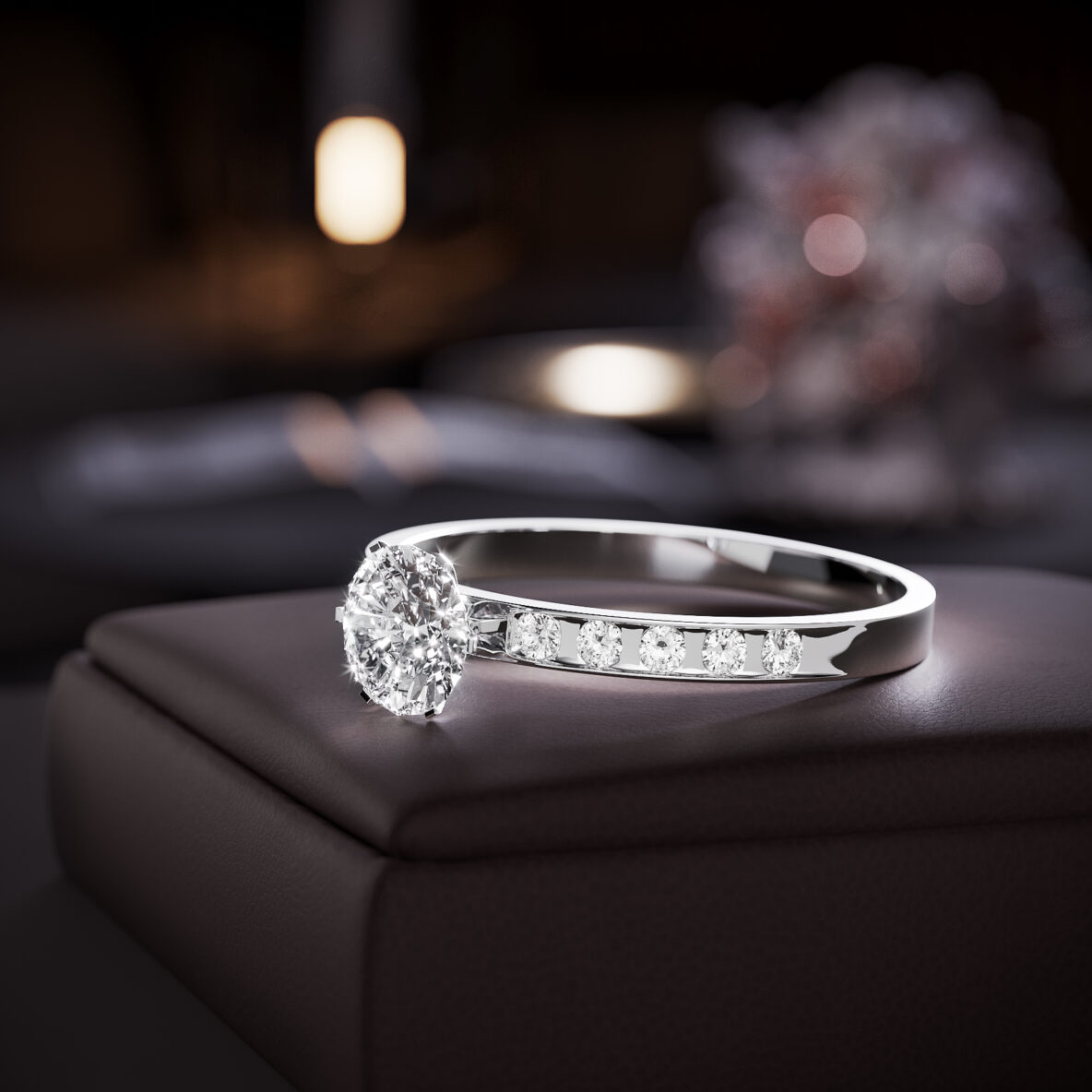 JewelryMacro work where a generated stone or an invented setting would be obvious immediately.
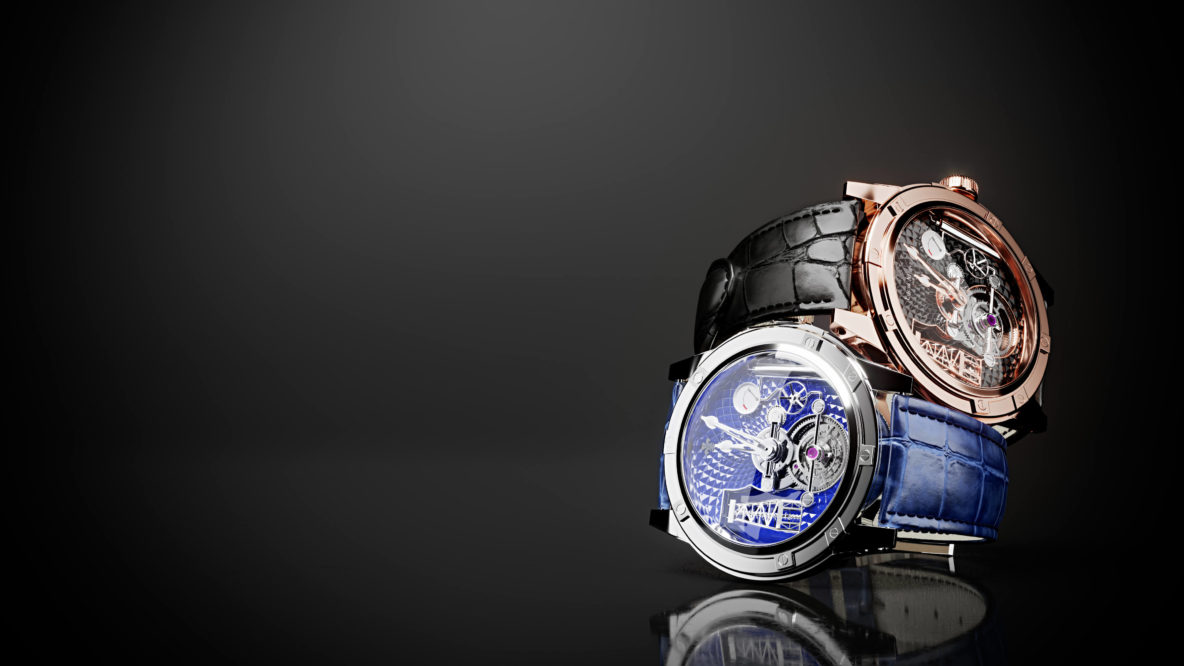 WatchesCase, dial and movement holding their detail at the crop a watch listing actually uses.
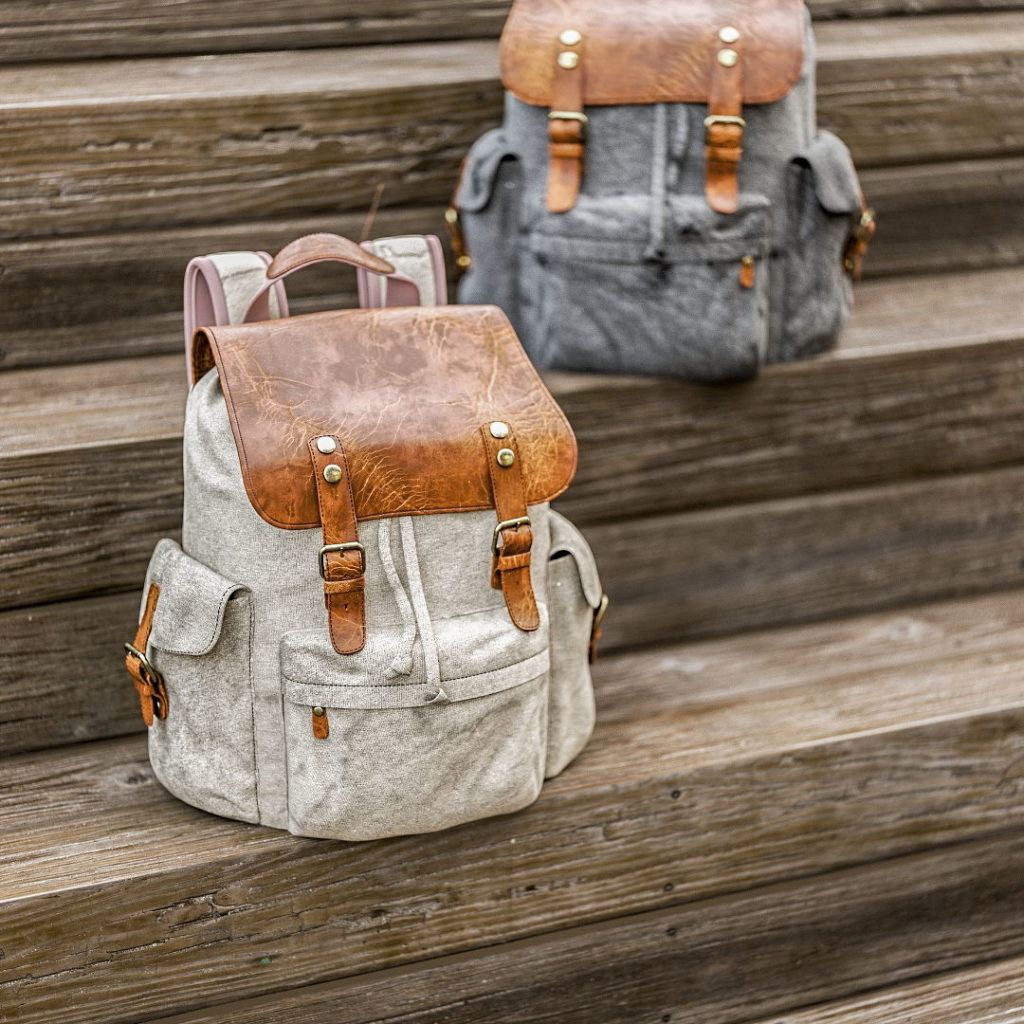 FashionColourways and prints on the same garment, in the settings the collection is sold into.
Where this is the wrong tool
Worth saying plainly, because it decides whether you get what you expected.
A real, specific place
If the image has to show an actual showroom, a named hotel or an interior signed off to the centimetre, the room has to be built rather than generated. That is full CGI, and a built lifestyle scene runs two or three days.
The product interacting with the scene
Liquid pouring into a cup that is part of the room, a hand on the handle, fabric draping over an edge. Contact between product and world is where a generated background stops being enough.
No model, no shortcut
Without a 3D file there is nothing to protect the product from being invented. Modelling comes first, and it is a separate, quoted job.
What it costs
The model is built once and priced by the hours it takes, at 20 USD an hour, so the part count is the only thing that moves the number.
| What we are modelling | 3D model | Delivery | What that looks like |
|---|---|---|---|
| A simple part or a small piece | from $80 | 1 day | A bracket, a stool, a plain enclosure. |
| A typical product | about $200 | 2 to 3 days | A portable speaker or a pair of earrings. |
| A complex product | about $400 | 3 to 5 days | A coffee machine, a ring with a stone setting, a device with moving parts. |
| An ultra complex product | from $1,200 | 7 to 14 days | A watch with its movement, a lined jacket, a vest with webbing and patches. |
Generation itself is not billed by the image. From 100 models a year it is included, free and unlimited: at that volume nobody counts scenes, and you keep restaging your whole catalogue for as long as the year runs. Below that volume, tell us what you need and we price it with the project.
Read more
Three from our blog, for the detail behind this page.
AI background generation FAQ
Have a Question?
We will be more than glad to help. Just send us your project details and we will consult you on the best solution to choose or provide a lightning-fast estimation.