
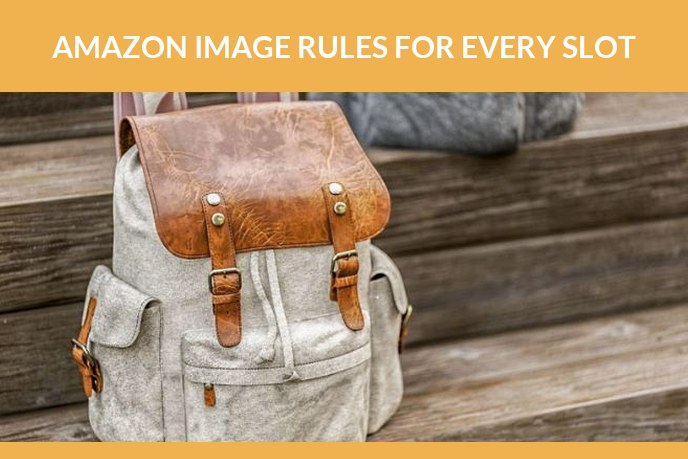
Half the listing problems that look like a ranking problem are an image problem. The main image is off white, the file is 900 px so zoom never turns on, or a badge sneaked into the frame and the listing quietly stopped showing.
The short version. The main image needs the product alone on pure white, filling roughly 85 percent of the frame, at least 1,000 px on the longest side and ideally 1,600 px or more. The other slots are far more relaxed and are where props, text and lifestyle scenes belong. Category style guides add rules on top, and Amazon changes them, so the version in Seller Central always wins over any guide including this one.
It is worth getting right rather than nearly right. Statista puts Amazon at 40.5 percent of United States ecommerce in 2025, so a suppressed listing is not a small problem, and image rules are the most common reason for one.
Main image rules
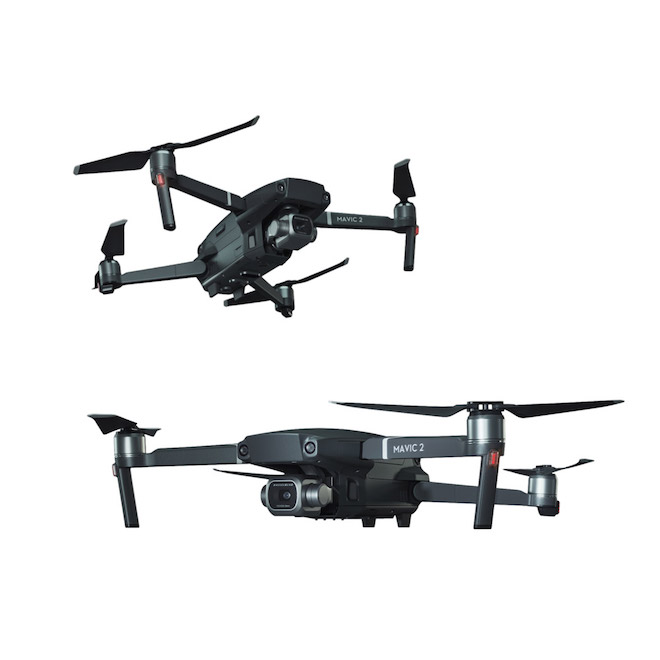
This is the strict one. It is the thumbnail in search results, so Amazon keeps it clean and consistent across the whole marketplace.
| Rule | What it means |
|---|---|
| Background | Pure white, RGB 255 255 255, so it blends into the page |
| What is in frame | The product being sold, complete, and nothing else |
| Fill | The product occupies about 85 percent of the frame |
| Focus and lighting | Sharp, evenly lit, no harsh shadows across the product |
| Not allowed | Text, logos, watermarks, badges, borders, colour blocks, inset images |
| Also not allowed | Props, packaging that is not part of the offer, accessories not included |
| Mannequins | Not allowed in most apparel categories, invisible mannequin or flat lay instead |
| Source | A professional photograph of the actual product, not a drawing or an illustration |
One clarification that comes up constantly. The guidelines ask for a photograph of the actual product and say illustrations are not allowed, so photoreal 3D in the main slot sits in a grey area even though the marketplace is full of it. The supporting slots have no such wording. More on that trade off in Amazon product photography, what it costs and how it gets made.
Size, format and file specs
| Spec | Value |
|---|---|
| Minimum longest side | 1,000 px, which is the threshold for zoom |
| Recommended longest side | 1,600 px or more |
| Maximum longest side | 10,000 px |
| Shape | Square works everywhere, and a 1:1 crop is the safest default |
| File weight | Under 10 MB |
| Formats | JPEG, TIFF, PNG and GIF, with JPEG the usual choice, no animated GIFs |
| Colour mode | sRGB or CMYK |
| File name | Product identifier, then a variant code, then the extension |
On file naming, the pattern is the product identifier followed by a variant code and the extension, for example an ASIN or UPC plus MAIN for the primary image, PT01 through PT08 for the additional ones and SWCH for a swatch. Get this wrong in a bulk upload and images land on the wrong slot or do not land at all.
Zoom is worth being deliberate about. Below 1,000 px it simply does not turn on, and shoppers lose the ability to inspect the surface, the seams and the texture. That is a conversion feature disguised as a technical spec.
What is allowed in the other slots
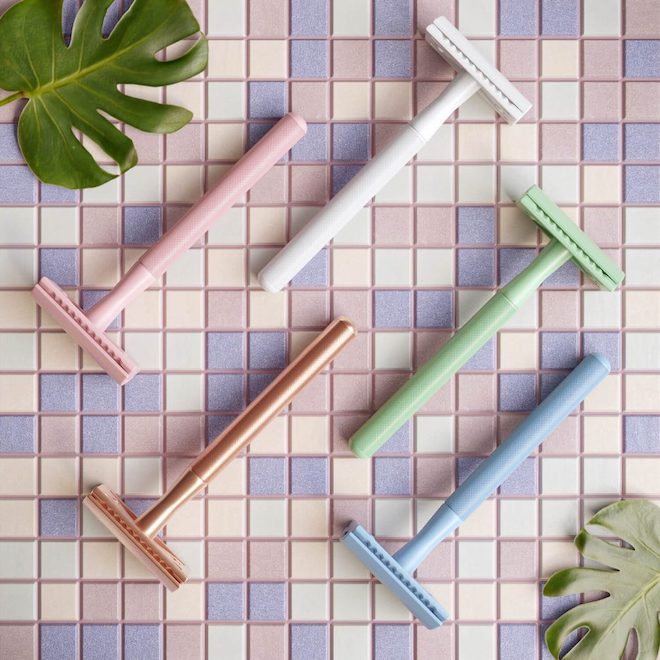
Most categories give you up to nine gallery images, with six or seven visible before the shopper clicks through, and video sits in the same carousel. The restrictions loosen substantially here.
- Backgrounds other than white, including full lifestyle scenes.
- Props and models, as long as it is obvious what is actually being sold.
- Text, callouts and infographics, provided the claims are accurate.
- Close ups, cross sections, dimension diagrams and what is in the box layouts.
- A 360 spin, in the categories where it is supported.
Two things to keep an eye on across the whole set: scale consistency, so the product does not appear to change size between frames, and legibility at thumbnail size, because a lot of shoppers never open the full view. Video specs and behaviour are a separate topic, covered in video on an Amazon listing.
Category rules that catch people out
- Clothing and accessories. Mannequins normally have to be removed, so the choice is a model or an invisible mannequin shot. Colour accuracy matters more here than anywhere else, since it drives returns.
- Grocery and supplements. Labels and panels usually have to be legible, and there are rules about what can and cannot be claimed on the image.
- Jewellery and watches. Reflections and scale are the practical problems. A dimension image saves a lot of returns.
- Books, music and media. Cover art rules of their own.
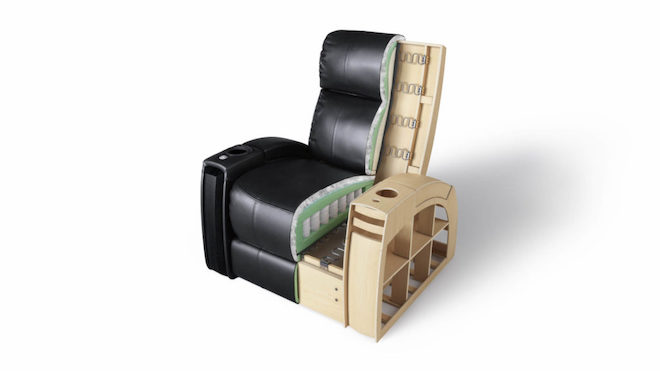
- Large and assembled products. Show them assembled in the main image, with the flat pack contents in a supporting slot.
This list is a heads up rather than a substitute. Category style guides are published in Seller Central, they differ by marketplace, and they get revised. Read the one for your category before booking a shoot, not after the listing gets flagged.
A plus content images
A plus content is available to brand registered sellers and sits below the fold as modules: comparison tables, banners, feature blocks and image with text layouts.
Each module has its own image dimensions, and they are listed in the A plus content manager as you build. Rather than memorising them, export the module list first and brief the shoot or the render against it, because cropping a hero banner out of a square product shot never looks right.
The same product model can feed all of it. That is the practical argument for building the asset once: gallery images, A plus modules, ad creatives and a spin all come out of the same scene.
Why images get rejected or suppressed
- Text, a logo or a badge on the main image. The most common cause by a distance.
- A background that is nearly white. Off white, warm white or a soft gradient will not pass.
- The product too small in the frame, so the thumbnail reads as empty space.
- Under 1,000 px, so zoom is unavailable.
- Props, packaging or accessories in the main image that are not part of the offer.
- Mannequins in categories that do not allow them.
- Placeholder or illustration style artwork where a photograph is required.
- An image that does not match the product being sold, which is the one that turns into returns and complaints rather than just a warning.
Preflight checklist
- Main image on pure white, product alone, filling around 85 percent of the frame.
- Longest side 1,600 px or more, file under 10 MB, sRGB.
- Square crop, consistent product scale across the whole gallery.
- No text or logos on the main image, callouts only in supporting slots.
- File names follow the identifier plus variant code pattern.
- Category style guide checked in Seller Central this month, not last year.
- Gallery answers size, detail, use, contents and variants.
- Every image is an accurate representation of what ships.
If the requirements are clear and the question is now who makes the images, we build the whole set from a 3D model of the product: 3D product modeling, product rendering on white and in scenes, spins, and AR ready files. The wider picture, including what a shoot costs versus CGI, is in Amazon product photography, what it costs and how it gets made.

Ian Diev
Content Writer, Editor
Ian loves writing about innovative 3D technologies and their impact on architecture and design. In his spare time, he makes indie music, watches obscure movies, and cooks culinary masterpieces for friends.
Let us know if you have got an interesting project and want to work together!