
Contents
- What 3D ecommerce actually means
- Where 3D models earn their keep in a store
- What a store ready 3D model is made of
- Which ecommerce platforms support 3D
- How the models get built
- What actually changes in the numbers
- Budget and timeline
- When 3D is not worth it
- How to start without betting the whole catalog
- Frequently asked questions
Product photography answers one question: what does this thing look like from the angle the photographer chose. A 3D model answers every question the shopper has, because the shopper picks the angle. That is the whole difference, and it is why 3D modeling for ecommerce stopped being an experiment somewhere around the time Shopify, Amazon and Google all built native 3D viewers into their own products.
This page is the practical version of the subject. Not the visionary one. What a 3D model on a product page is made of, what your platform can and cannot display, what you need to hand a studio to get one, and what it costs. We build these models for product brands every week, so most of what follows comes from projects rather than from a whitepaper.

What 3D ecommerce actually means
The term covers four different things that get mixed up constantly, and the mix up is expensive. A brand asks for 3D, gets a 360 spin, and wonders why it cannot be used in augmented reality. Here is the honest separation.
| Format | What the shopper does | What it is technically | Reusable for AR? |
|---|---|---|---|
| Static 3D render | Looks at a picture | A single image rendered from a 3D scene | No, it is a flat file |
| 360 spin | Drags to rotate through frames | 24 to 72 photos or renders played in sequence | No |
| Interactive 3D model | Rotates, zooms, inspects freely | Real geometry plus textures loaded in the browser | Yes |
| AR view | Places the product in their own room | The same model served as GLB or USDZ | It is the AR |
Only the third and fourth rows are 3D ecommerce in the strict sense. The first two are output, not assets. And this matters for budgeting: an interactive model is one asset that feeds the product page, the AR button, your ads, your lifestyle stills and your catalog. A spin feeds exactly one slot on one page.
Where 3D models earn their keep in a store
A model that only sits in a viewer on the product page is an underused asset. In the projects that pay for themselves, the same file does five jobs.
- The product page viewer. The shopper rotates the item, zooms into the stitching, the port layout, the hinge. This is the job everyone thinks of first.
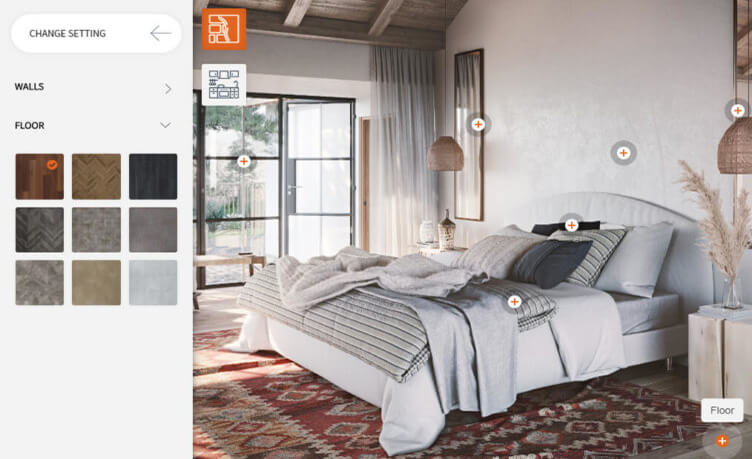
- The AR button. Same model, one extra format, and the shopper sees a sofa against their own wall or a watch on their own wrist.
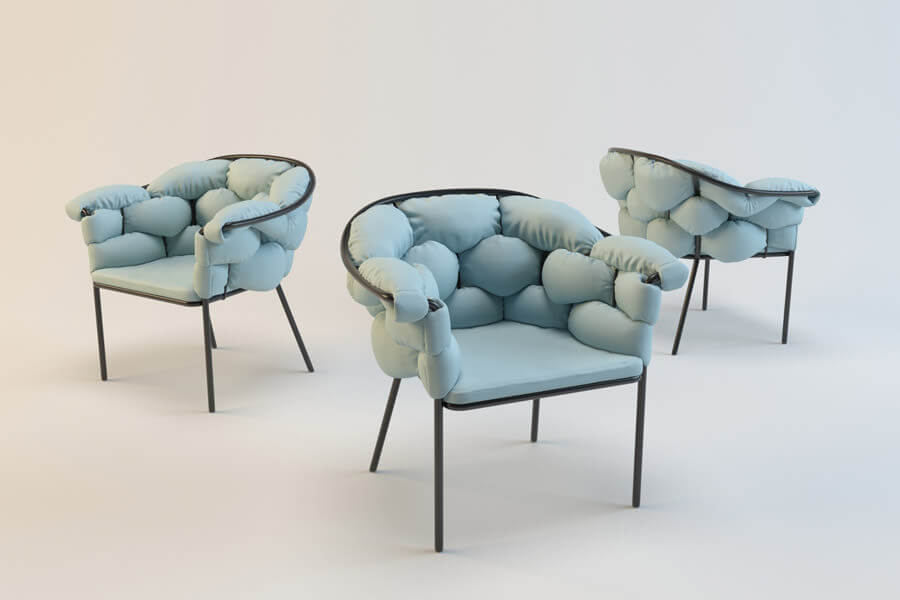
- Product imagery at scale. Once the model exists, every catalog shot, every colorway, every packshot is a render, not a reshoot. Twelve finishes cost about what one finish costs.
- Configurators. If the product has options, the model becomes a live customizer.
- Marketplace and ad creative. Amazon listings, video, social. The source is the same geometry, which is also why brand consistency stops being a fight.
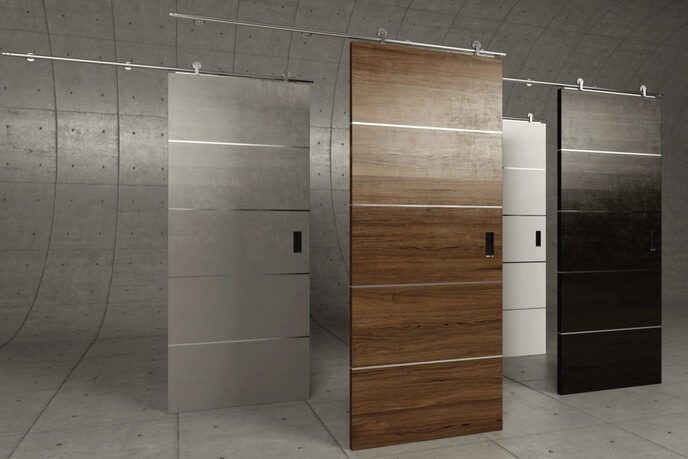
A 360 spin from our portfolio. Drag the bag to turn it. The same model renders the catalog angles with no reshoot.
What a store ready 3D model is made of
This is the part most articles skip, and it is the part that decides whether the model works on a phone over mobile data or spins the loader forever. A model for a product page is not the same object as a model for a print render. It is built to a budget.
- Geometry and polycount. A hero render can carry millions of polygons. A web model usually lives between roughly 30k and 150k triangles depending on the category. Detail that does not survive at that budget gets baked into textures instead of modeled.
- UV layout and PBR textures. The surface behavior comes from texture maps: base color, roughness, metalness, normal. Physically based rendering is what makes brushed aluminum read as brushed aluminum in any lighting the viewer applies, and how those maps get built is covered in 3D model texturing.
- Texture resolution. 2K maps are the usual working point for web. 4K when the shopper is expected to zoom into fine grain or engraving.
- Level of detail. Some setups ship a lighter version for phones and a heavier one for desktop.
- File size. The practical target is under 5 MB for a single product, and closer to 2 MB if you care about mobile. Draco or Meshopt compression on the geometry usually gets you there without visible loss.
Then there is the format question, which is genuinely simple once someone writes it down.
| Format | Where it is used | Notes |
|---|---|---|
| glTF / GLB | Browser viewers, Android AR, most platforms | The web standard. GLB is the single file version, and it is what you ship by default |
| USDZ | AR on iPhone and iPad | Apple Quick Look needs it. Usually converted from the same GLB |
| FBX / OBJ | Exchange between 3D tools | Working formats, not delivery formats for a store |
| STEP / IGES | Engineering source from CAD | What you give the studio, not what goes on the site |
So a normal delivery for a product page is a GLB plus a USDZ, plus the texture set, plus a set of rendered stills from the same scene. If a vendor quotes 3D and delivers only images, you have bought pictures.
Worth knowing that this is not vendor folklore. The Khronos Group, the same body behind glTF and Vulkan, runs a 3D Commerce working group specifically to keep product models consistent across retailers, which tells you how settled the format question now is.
Which ecommerce platforms support 3D
Short answer: all the major ones, with different amounts of effort.
- Shopify. Native. You upload a GLB as product media and the theme renders a viewer with an AR button, no app required in most themes.
- WooCommerce. Through plugins or a direct model viewer embed. Slightly more manual, fully doable.
- Adobe Commerce and Magento. Extension or custom module on the product media gallery.
- BigCommerce. Supported through apps and custom storefront work.
- Custom storefronts. Google model viewer is an open source web component. It is a script tag and a source attribute, and it handles AR routing to Quick Look on iOS and Scene Viewer on Android by itself.
The pattern here is worth noticing. The integration is not the hard part anymore. The hard part is having good models, correctly built, at catalog scale.
How the models get built
Three routes, and which one you are on depends on what you can hand over.
- From CAD. If the product was engineered, a STEP file exists somewhere. This is the fastest and most accurate route. The engineering mesh is not usable as is, it gets retopologized down to a web budget, but the dimensions are exact.
- From photos, drawings and specs. The common case for furniture, decor, packaging. The studio models by hand from references, and the accuracy depends entirely on the quality of what you send. Dimensions and material notes matter more than beautiful photos.
- Photogrammetry or scanning. Good for organic shapes and existing physical samples. Produces heavy dense meshes that still need cleanup and retopology, so it saves less time than people expect on hard surface products.
What a studio actually needs from you on day one: dimensions, a material list, photos of every side including the underside and the connections, and one real sample photo in daylight for color reference. Brands that send this get a first draft that is close. Brands that send three marketing photos get three rounds of revisions. What the platform ceilings mean for the file itself is in 3D modeling standards for product models.
What actually changes in the numbers
Two effects, and they pull in different directions on your P&L, which is why 3D tends to survive budget review.
The first is returns. The National Retail Federation puts the return rate for online sales at 19.3 percent in 2025, against 849.9 billion dollars of returns across retail as a whole. A meaningful share of that is the it did not look like this problem, which is precisely the problem a rotatable model at true scale addresses.
The second is conversion. Shopify reports that on Rebecca Minkoff product pages shoppers were 27 percent more likely to place an order after interacting with a product in 3D, and 65 percent more likely to buy after engaging with AR. That is one brand in fashion accessories rather than an industry average, so treat it as an indication of the ceiling, not a promise for your category. Our roundup of traceable AR statistics keeps the sourced numbers in one place.
Two more data points worth having in the room. The 2021 Deloitte Digital study commissioned by Snap, covering roughly 15,000 consumers across fifteen countries, already counted more than 100 million people shopping with augmented reality online and in stores, and that was five years ago. And a named merchant case rather than a platform average: Gunner, a dog kennel manufacturer, recorded a 40 percent rise in order conversion and a 5 percent drop in returns after letting shoppers place a kennel next to their dog in AR.
Read all of these the same way. The loudest percentages are published by companies selling 3D tooling, so treat exact figures as directional rather than as a forecast for your category. The effect is real where the doubt is real: products where size, fit, finish or placement decides the purchase.
The honest caveat: results track how visible and how good the model is. A 3D tab buried behind four thumbnails, holding a model that reads as plastic, moves nothing. Placement and quality are not details here, they are the mechanism.

Budget and timeline
Ranges rather than a price list, because a phone case and a modular sofa are not the same job.
| Product complexity | Typical modeling time | What drives the cost |
|---|---|---|
| Simple: bottles, boxes, basic decor | 1 to 2 days | Mostly texturing and label accuracy |
| Medium: furniture, small appliances, footwear | 3 to 5 days | Materials, stitching, moving parts |
| Complex: electronics, machinery, jewelry | 1 to 2 weeks | Part count, tolerances, fine detail |
| Configurable products | Base model plus option work | Every variant needs its own materials and logic |
Catalog scale changes the math in your favor. A hundred products in the same family share materials, lighting and setup, so the per unit cost drops well below the one off price. If you want the numbers for your specific catalog, our product 3D modeling page is the place to start.
Concrete figures, so the ranges above have something to anchor to. A model of a typical product runs about 200 US dollars, built from CAD, drawings or clear photographs, with work billed at 20 dollars an hour and two revision rounds included. AR-ready export comes with the model rather than as an extra, so the same file that renders the catalog also powers the AR button. Still renders start around 20 dollars per silo image and fall to roughly a dollar apiece in volume; lifestyle scenes start at 120 dollars.
What scales the budget is the catalog rather than the software: how many products, how many changeable parts, how many distinct materials across the range. When comparing quotes from any studio, ask for those three counts in writing.
When 3D is not worth it
The case against, because a studio that only ever says yes is not much use to you.
- A small catalog photographed once a year. A handful of SKUs with no variants and no reshoots ahead: good photography is cheaper and there is nothing to maintain.
- Products with no visual doubt. Consumables and commodity goods convert on price, availability and reviews. Nobody rotates a box of screws.
- 3D as a gimmick. A viewer on a product nobody wants to inspect is a novelty that costs money to keep. These formats earn their keep where the shopper hesitates about size, materials or options, and nowhere else.
How to start without betting the whole catalog
Nobody should model 4,000 SKUs to find out whether this works for them. The sequence that works, and what it turns into once a brand keeps going, is below.
- Pick five to ten products. Best sellers, or the ones with the worst return rate. Both give you a clean read.
- Do them properly. A cheap pilot that looks cheap will kill the initiative for two years.
- Put the viewer where it is seen. First media slot, visible 3D and AR affordance, not a tab.
- Measure the right things. Viewer engagement rate, add to cart on those pages against a control group, and return rate over a full return window. The last one takes a quarter, so start the clock early.
- Then scale by family. Reuse materials across the range.
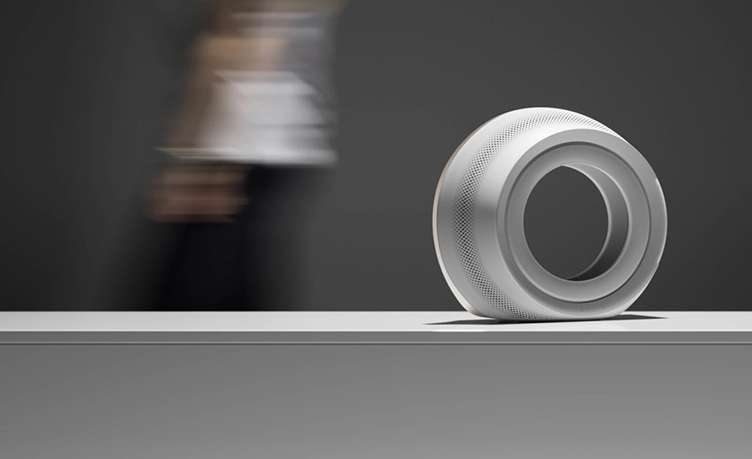
One more thing that gets forgotten: the model is an asset you own. Photography is a service you rebuy every time the product changes color, angle or context. That is the quieter argument for 3D, and over a couple of seasons it is usually the decisive one.
FAQ
It is selling with interactive 3D product models instead of only flat photos. The shopper rotates and zooms the actual product geometry in the browser, and on a phone can place it in their own space through augmented reality. The same model also produces the store imagery, the ads and any configurator.
If you have a catalog and a shortlist of products worth testing, tell us the category and what source files exist. We will come back with what is realistic to build, in what order, and what it takes.
If you are earlier in the process and still mapping the ground, our guide to what 3D modeling is covers the basics a store ready model is built on.

Ian Diev
Content Writer, Editor
Ian loves writing about innovative 3D technologies and their impact on architecture and design. In his spare time, he makes indie music, watches obscure movies, and cooks culinary masterpieces for friends.
One Comment on “3D MODELING FOR ECOMMERCE: WHAT IT TAKES TO PUT PRODUCT MODELS ON A STORE PAGE”
This post is great. Thanks!