
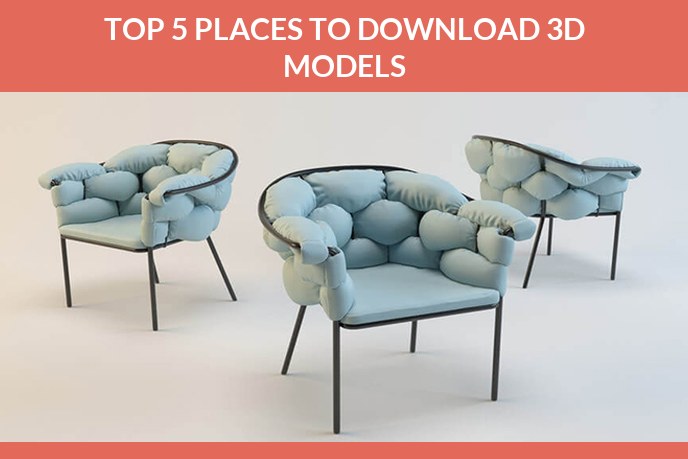
You are building a product visual and the product needs a world around it: a table under it, a lamp above it, a plant in the corner, a phone lying next to the box. Modelling each of those from scratch is money burned. That is exactly what stock 3D models are for. Buy the surroundings, spend the budget on the thing you are actually selling.
The catch is that «3D model marketplace» covers everything from a curated store with its own inspection programme to a free repository where quality is whatever the uploader felt like that afternoon. The same chair can cost nothing or two hundred dollars, and the licence attached to it decides whether you may legally put it in an advertisement at all.
Below are ten places worth knowing, what each one is genuinely good at, and, at the end, the line where stock stops being the answer for your own product.
The ten at a glance
Prices move constantly and every platform runs sales, so the column that matters most is the last one. A licence that excludes promotional use makes the cheapest model useless to a brand.
| Marketplace | Best for | Free content | What to read in the licence |
|---|---|---|---|
| TurboSquid | Inspected, production ready props | A free section | Royalty free, editorial only on some branded items |
| CGTrader | Breadth, and talking to the author directly | A free section | Royalty free, editorial only on some branded items |
| Fab | Assets built for Unreal and Unity | Rotating free items | Personal and professional tiers differ |
| Sketchfab | Inspecting a model in 3D before you commit | A large free library | Creative Commons: attribution and non commercial clauses |
| 3DExport | Cheap props and custom orders from the same artist | Some free models | Royalty free |
| 3DOcean | Hand reviewed models inside Envato | No | Regular versus extended licence |
| Cubebrush | Stylised and concept work, no AI generated content | Occasional freebies | Set per author |
| Adobe Stock and Substance 3D | Licence clarity for brand and ad use | With a subscription | Royalty free, worldwide, perpetual, advertising covered |
| Chaos Cosmos | Props inside V-Ray and Corona scenes | Included with the renderer | Commercial use under the Chaos EULA |
| 3D Warehouse | Blocking out a room quickly | Everything is free | Varies per uploader, check every file |
TurboSquid
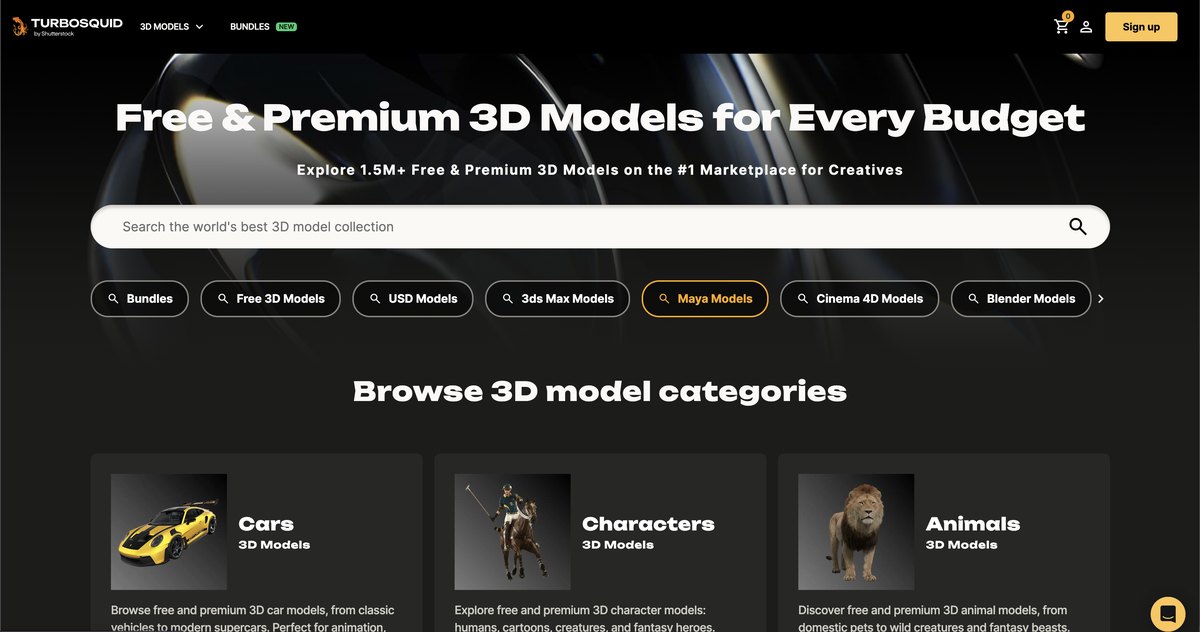
The oldest of them, running since 2000, and since January 2021 owned by Shutterstock, which paid 75 million dollars for a catalogue that had already passed a million models. Breadth is not the reason to start here, though.
The reason is CheckMate, an inspection programme TurboSquid has run since 2011. Models submitted for it are checked by staff against a written specification and, if they pass, carry a badge you can filter by. There are two tiers, Lite and Pro, and even the lighter one requires the author to publish a wireframe thumbnail. That is the same wireframe we tell brands to ask a studio for in our piece on 3D modeling standards, and here you get it before paying.
Use it when the prop sits close to the camera and has to survive a close-up. Filter to certified models first, then widen the search if nothing fits. Site.
CGTrader
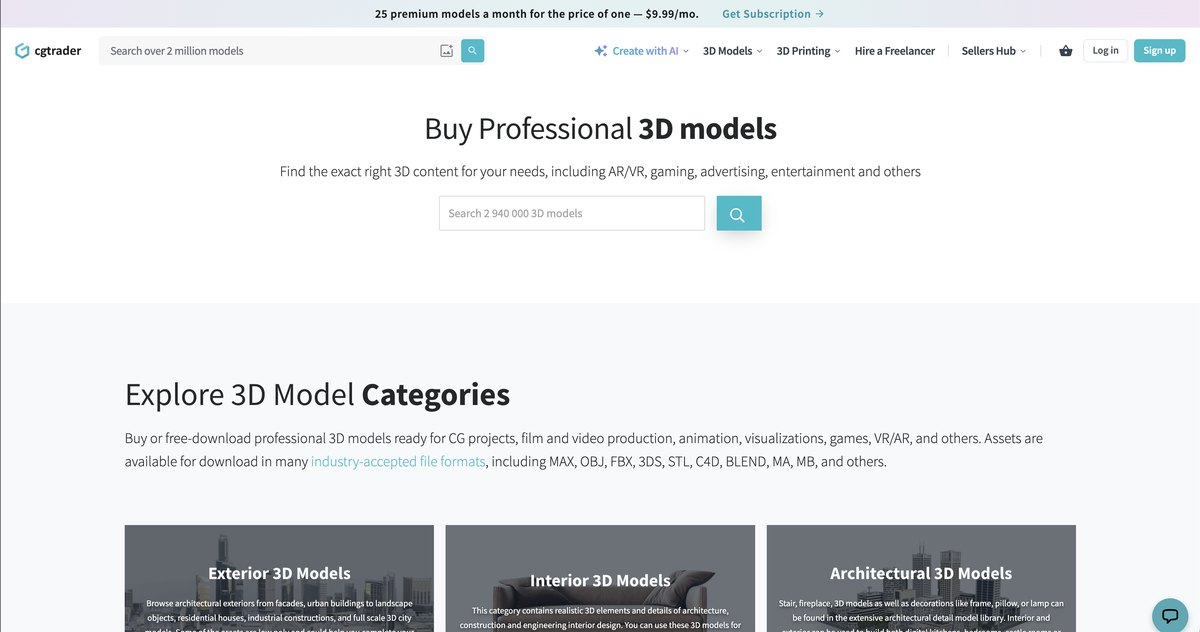
Launched in 2011 in Vilnius by Marius Kalytis and Dalia Lasaite, and now one of the largest catalogues anywhere, with a heavy lean towards PBR and game ready assets.
What sets it apart for a buyer is that the author is reachable. You can message the artist, negotiate the price, ask for a format you need, or post a job and let modellers bid on it. When you have found something that is almost right, that is often faster and cheaper than commissioning the whole thing from zero.
Use it when you need a variant of something that already exists, or when the search on other platforms comes up empty. Site.
Fab
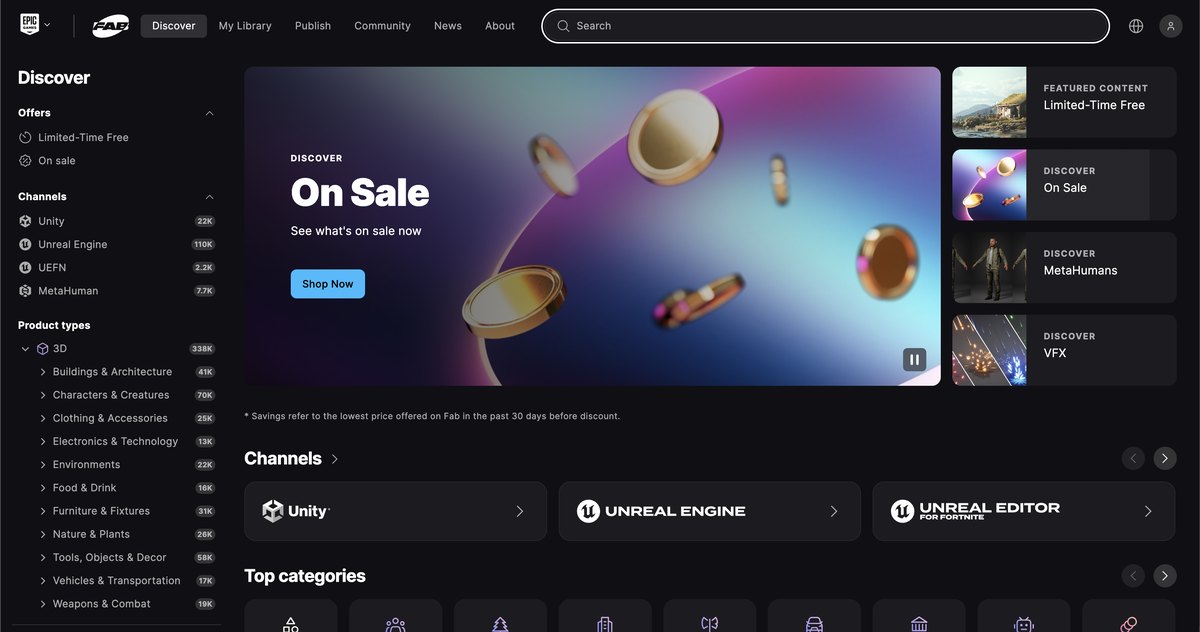
The newest name on this list and the biggest change in the market since our first version of this article. Fab is Epic Games’ marketplace, live since October 2024, and it exists because Epic folded four stores into one: the Unreal Engine Marketplace, the Sketchfab Store, the ArtStation Marketplace and Quixel. Creators keep 88 per cent of each sale.
The catalogue leans towards real time, which is worth understanding before you buy. A model built for a game engine is optimised to run fast: fewer polygons, detail baked into texture maps, geometry that holds up in motion at a distance. Bring the same file into a still product render at close range and the shortcuts start to show.
Use it when the asset is going into an engine, a configurator or a real time scene rather than a hero still. Site.
Sketchfab
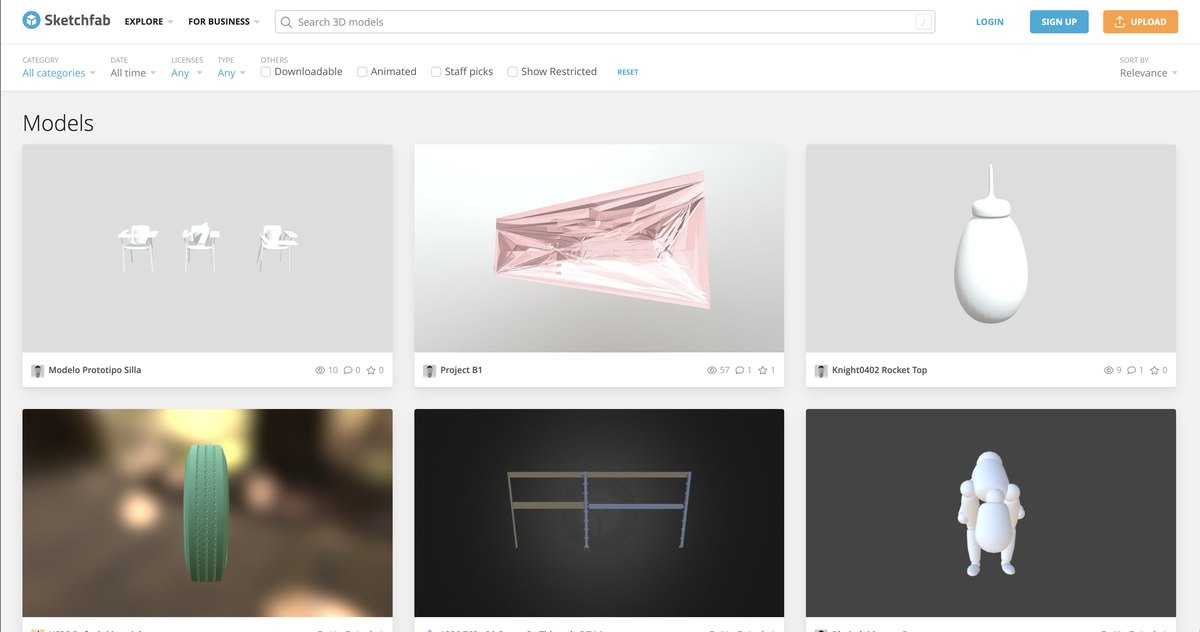
Sketchfab stopped being a store when Fab launched, and it is on this list for a different reason. Free and view only models stayed, authors can still publish free content, and the viewer is the best one on the web.
For a buyer that viewer is the point. You can orbit the model, switch to wireframe, look at the texture channels and the polygon count, all in the browser, before any money moves. Even when you plan to buy elsewhere, it is a good place to learn what a well built model of your category looks like.
Watch the licence. Free downloads here run under Creative Commons, and the clauses that bite a brand are attribution and non commercial use. Read the badge on every file. Site.
3DExport
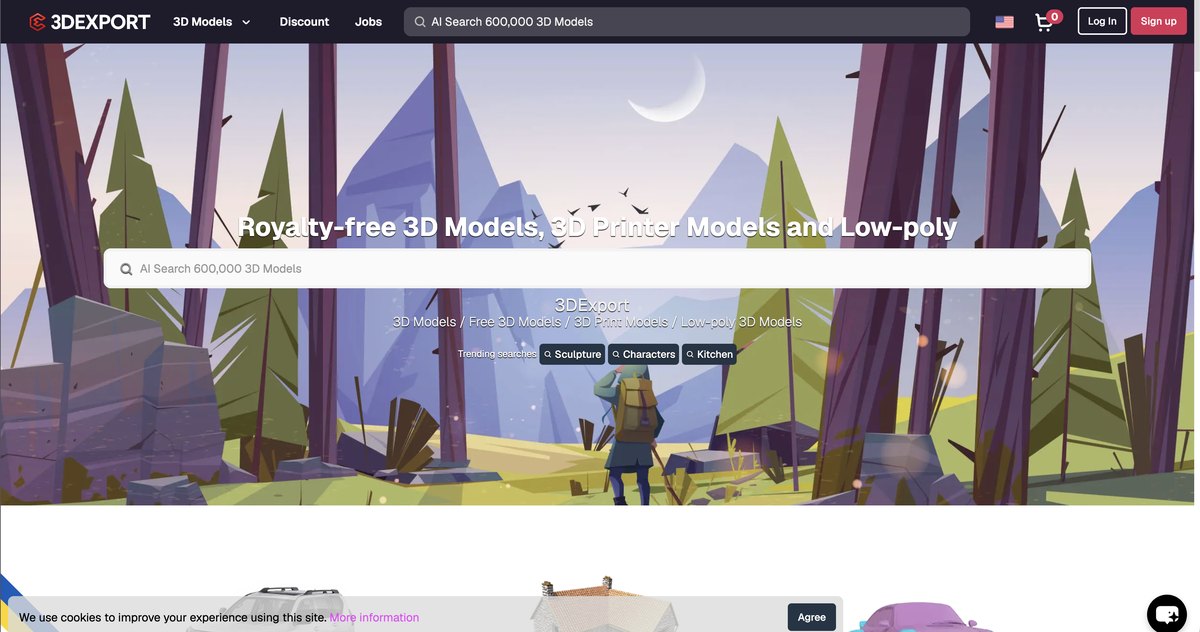
Running since 2004, cheaper than the big two on comparable objects, and unfussy. The tag list is deep enough to get from «furniture» to a specific type of table in two clicks, and every listing shows polygon count, formats and licence up front.
It also puts you in contact with the artist for custom orders, and offers a money back guarantee when a file does not match its description.
Use it when the budget is tight and the prop is background dressing rather than a hero object. Site.
3DOcean
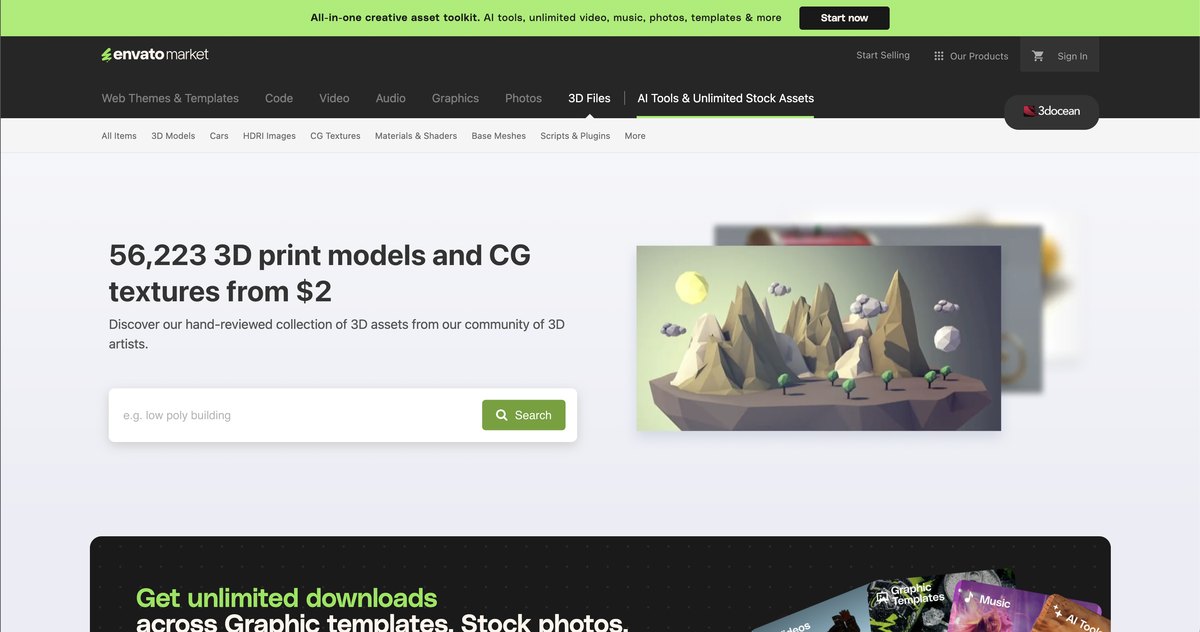
The 3D corner of Envato, and the most tightly reviewed catalogue here: every model is checked by hand before it appears, and authors are expected to support their files afterwards, including small adjustments for buyers.
One change worth knowing before you plan around it. Envato ended its exclusive author model and moved all marketplace sellers to a flat 50 per cent revenue share from 1 July 2026. Terms like that decide who keeps publishing, so watch how the catalogue ages over the next year rather than assuming it will keep growing at the old pace.
Use it when you want a reviewed file and a licence structure your legal team already knows from other Envato purchases. Site.
Cubebrush
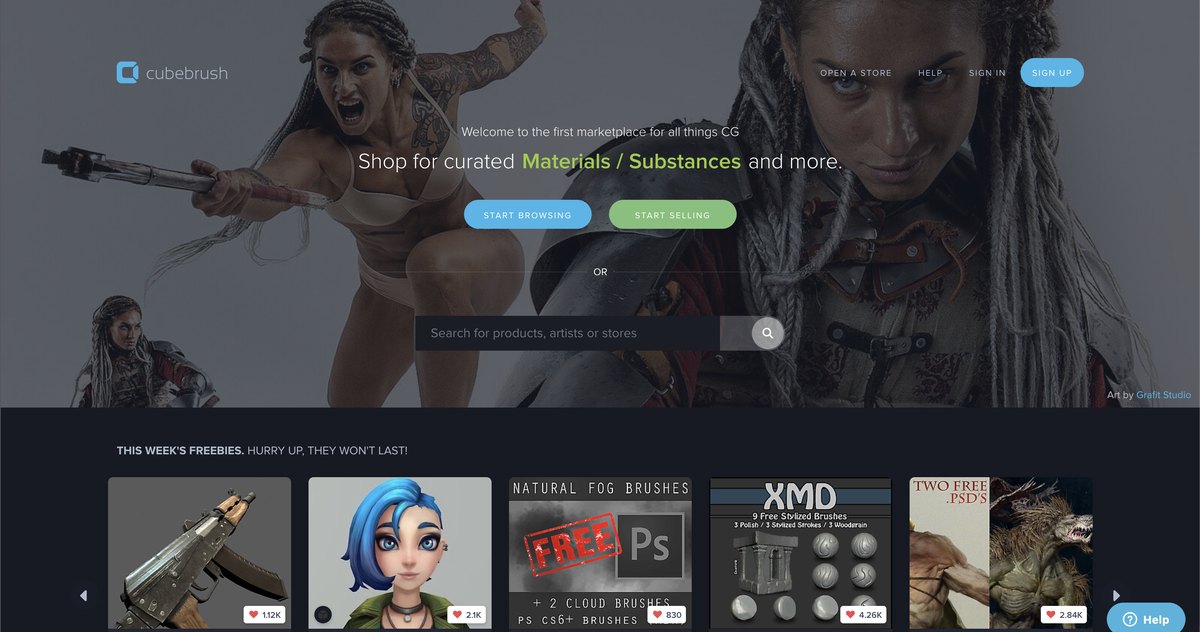
Founded in 2014 by Marc Brunet, built around a community of film, game and concept artists. The catalogue leans artistic: stylised, fantasy and sci fi work sits next to ordinary furniture and props.
Its distinguishing feature in 2026 is a policy rather than a feature. Cubebrush does not accept AI generated content and removes it manually, with the stated aim of keeping the marketplace AI free. If your brand has taken a position on provenance, or if you simply want to know a human built the file you are licensing, that policy is the reason to look here first. If you are weighing a generator against a marketplace file, we tested four AI generators on one product and checked the meshes the way a studio would.
Use it when the visual has a stylised direction, or when provenance matters. Site.
Adobe Stock and Substance 3D Assets
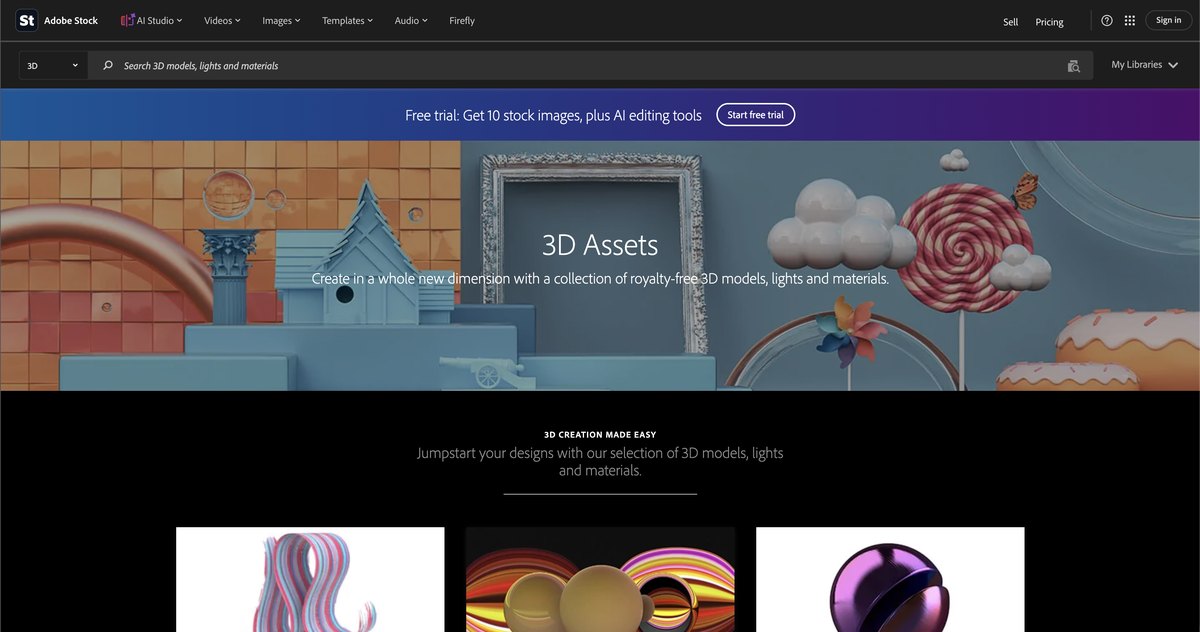
The catalogue is smaller than TurboSquid’s and that is not the point. The point is paperwork.
Adobe’s royalty free licence is worldwide and perpetual, and it covers commercial, promotional and advertising use under the standard terms. For a brand that has to clear every asset with a legal team, one licence everyone already recognises beats ten different ones written by ten different marketplaces. The Substance 3D Collection plan bundles over 20 000 models, materials and lights into the subscription instead of charging per file.
Use it when the visual is going into paid media and the licence has to be boring. Site.
Chaos Cosmos
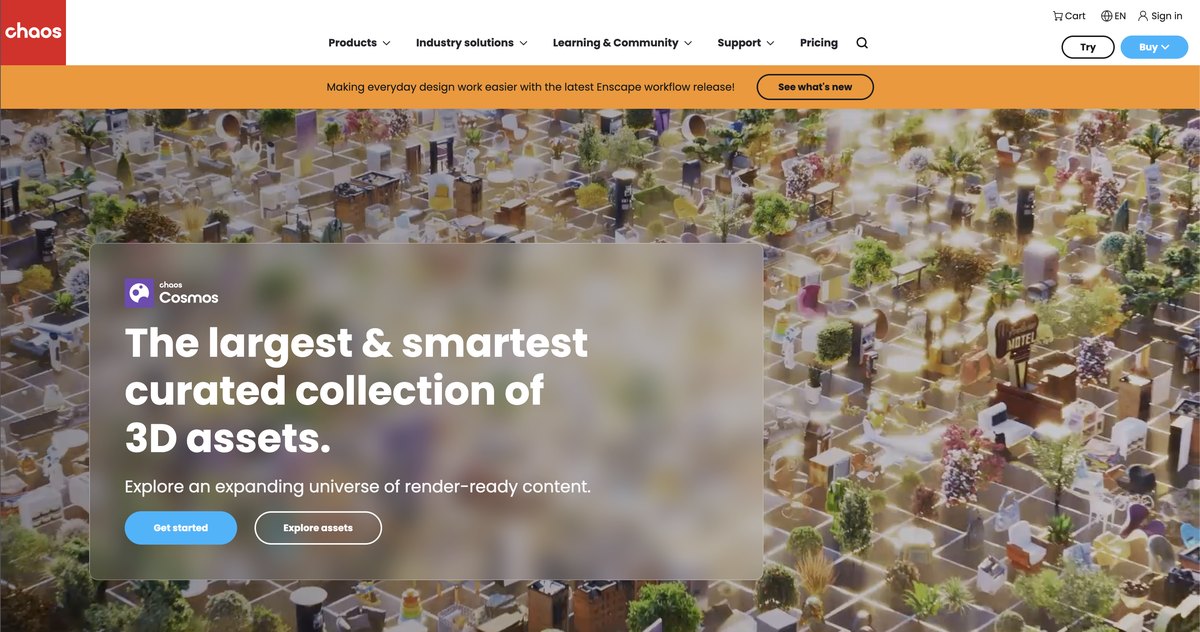
Not a marketplace at all, and the one on this list a studio uses most. Cosmos is a library of more than 30 000 render ready assets built into V-Ray, Corona, Enscape and Vantage: furniture, vegetation, materials, people, vehicles, HDRI skies. It costs nothing on top of the render licence, and commercial use is covered by the Chaos agreement you accept when you install the product.
Everything in it is already tuned for the renderer, which removes the step that eats the time saved by buying stock in the first place: converting materials, fixing scale, rebuilding shaders.
Use it when you or your studio already work in V-Ray or Corona. If you are commissioning rather than rendering, this is the library your contractor is quietly pulling the background chair from. Site.
3D Warehouse
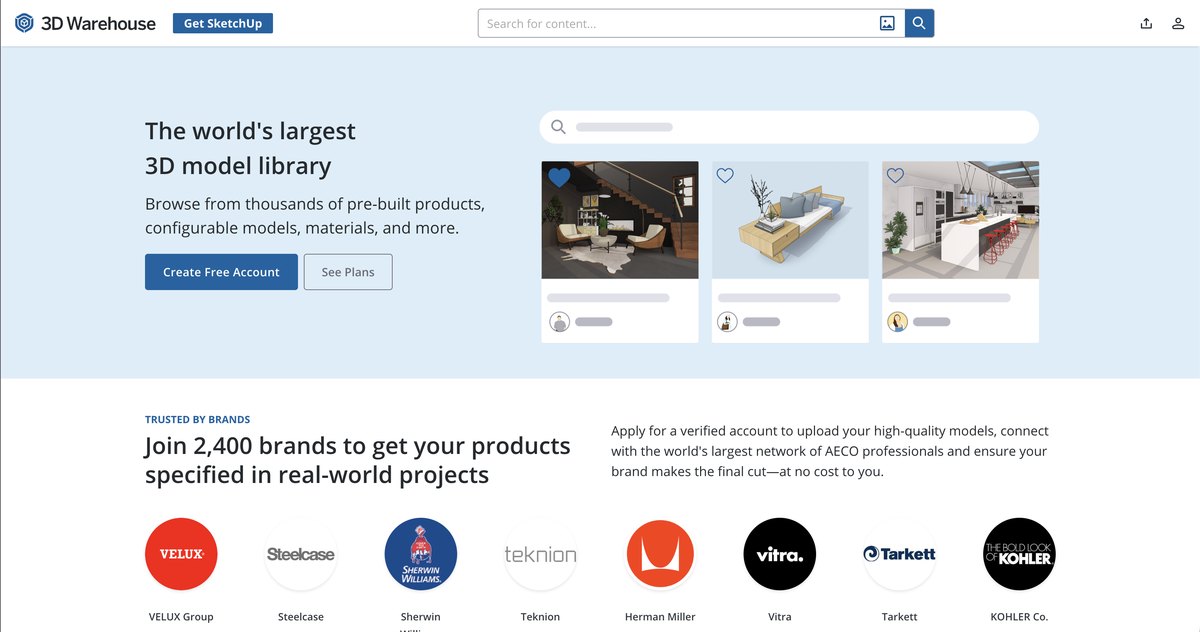
Trimble’s library for SketchUp, free, enormous, and the reason a lot of interior layouts get blocked out in an afternoon. Manufacturers upload their real catalogues here too, so a specific sofa or a specific kitchen unit is often a search away.
Quality is whatever the uploader made. Some files are manufacturer accurate, some are a rough shape with a photo pasted on. Nothing is inspected, so budget time to check anything you plan to keep.
Use it when you are laying out a scene and need real dimensions fast, not when you need the object that carries the shot. Site.
When stock works and when you need a custom model
The useful split is not between good and bad marketplaces. It runs between two kinds of object that end up in the same picture, and each has its own right answer.
Stock is the sensible choice when:
- the object is scenery rather than the subject: furniture, plants, kitchenware, a laptop on the desk, the car on the driveway;
- it appears small in frame, partly out of focus, or behind the product;
- it is generic by nature, like a standard pallet, an office chair or a plain glass bottle;
- the deadline is short and the budget belongs to the product, not to its surroundings.
A custom model earns its cost when:
- the object is your own product, with your proportions, your finish and your logo in the right place;
- the camera comes close: a product page, a hero shot, a packaging detail;
- the file has to keep working afterwards, through colourways, a configurator, animation or AR;
- the image goes into paid media and the licence has to be unambiguous;
- you want to own the asset and reuse it across campaigns instead of licensing it again each time.
The reasons behind the second list are structural rather than a failing of any particular platform. Marketplaces sell generic objects, so a specific product with a specific silhouette is simply not in the catalogue. Stock models are built to read correctly at a distance, so a close-up turns the approximations into the subject of the shot. A large share of what sells today is optimised for game engines, which is the right build for real time and the wrong one for a studio light two feet from the surface. And licences vary more than buyers expect: some exclude promotional use, some require attribution, some are editorial only.
Whichever way you go, run the file past the same checks you would run on a studio’s portfolio: beveled edges, honest materials, seamless textures, and a wireframe you can actually look at. Our guide to telling a quality 3D model from a poorly made one is written for exactly that five minute check.
When the model has to be your product rather than resemble it, that is custom work. A studio builds it from your drawings, CAD files or photographs, so the file matches your item down to the dimensions, and you own what comes out. How that runs, from brief to final files, is in our guide to what 3D modeling is. At UFO3D it starts at about 200 USD per product, and what drives the number up or down is laid out in our breakdown of 3D modeling cost.
Want the exact model of your product rather than the closest thing on a marketplace? Our 3D product modeling service does that part.
Frequently asked questions

Ian Diev
Content Writer, Editor
Ian loves writing about innovative 3D technologies and their impact on architecture and design. In his spare time, he makes indie music, watches obscure movies, and cooks culinary masterpieces for friends.