Drag a product around on a shop page and what you’re turning is a 360 product view. It feels like one smooth piece of footage. It isn’t. Behind it sit still frames, usually somewhere between 24 and 72, swapped one at a time as your cursor moves, with nothing streamed and no video involved.
That matters, because it decides how the spin gets made: on a turntable with a camera, or rendered from a 3D model of the product. Most articles about 360 product photography only describe the first route, since most of them are written by the companies selling turntables. This one covers both, and is written by a studio that produces the second. If price is the first question, a rendered spin costs the 3D model (about $80 for a simple part, $200 for a typical product, $400 for one with a working mechanism) plus the frames, which are quoted on frame count. The pricing section sets both routes side by side.
Contents
- 360 product photography: what a spin actually is
- Two ways to make a 360 product spin
- Turntable vs 3D model for 360 product photography
- How many frames a 360 product view needs
- 360 images for ecommerce: where a spin earns its place
- 360 product photography examples rendered from one model
- Where the 360 spin lives on your product page
- 360 product photography pricing
- When turntable 360 photography still wins
- Frequently asked questions
360 product photography: what a spin actually is
Three parts, and only the middle one is optional.
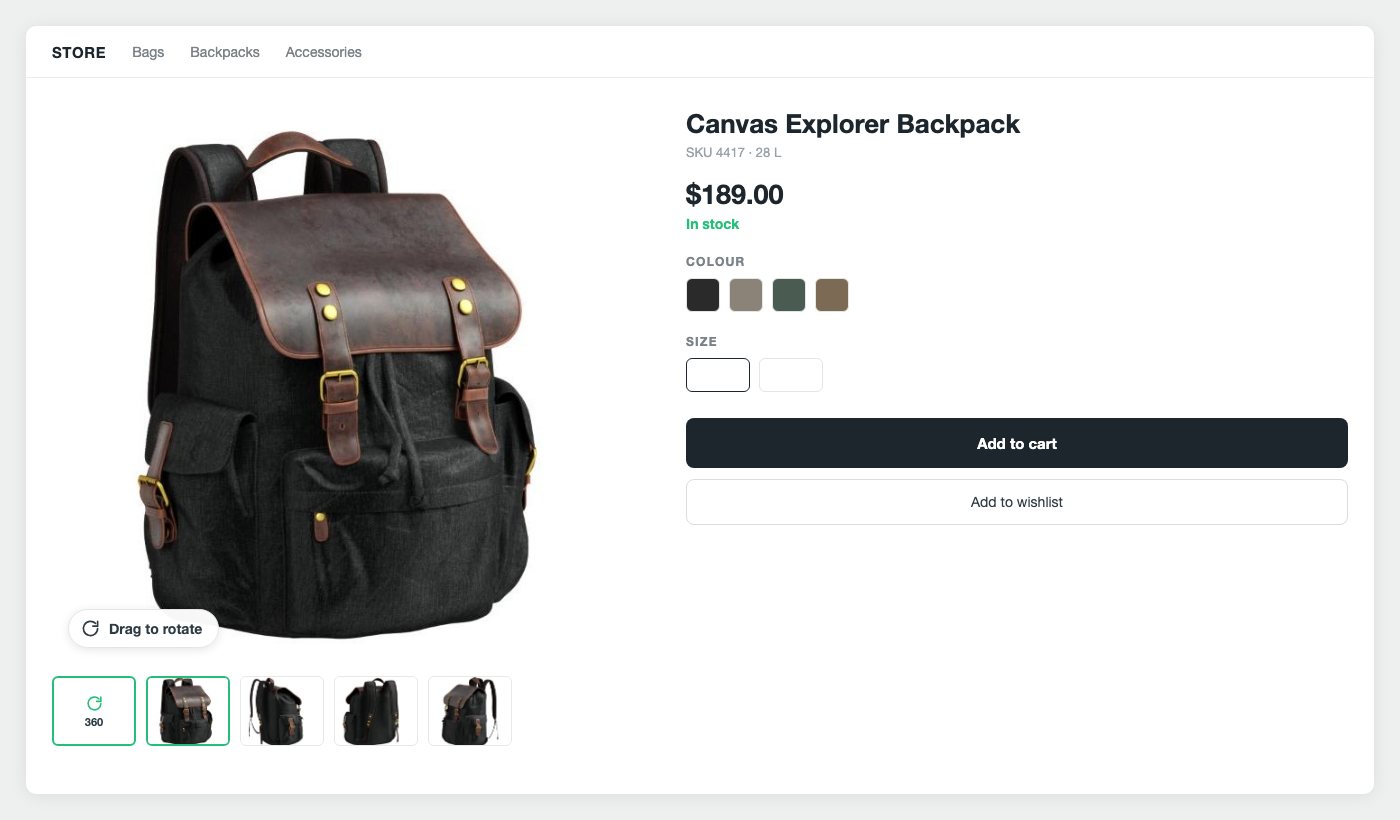
- A frame set. The product photographed or rendered at equal angular steps around a full circle. Twenty four frames means one every fifteen degrees.
- A viewer. The small piece of JavaScript that swaps frames as the cursor or finger moves. Some platforms have one built in, some need an app, and a plain image sequence with no viewer is just a folder of pictures.
- A trigger on the page. A badge on the main image, usually a circular arrow, telling the shopper the thing can be turned. Without it a large share of visitors never discover the spin exists.
People also call this a product spin, a 360 spin set, or 360 product images. Same thing. The important distinction is against a rotating video, which plays on its own timing and cannot be stopped by the shopper at the angle they care about. Control is the whole point of a spin.
Two ways to make a 360 product spin
The turntable route. The product sits on a motorised platform inside a lit tent. The rig turns it a fixed number of degrees, the camera fires, and the software repeats that until the circle closes. Then every frame is retouched, because dust, reflections and the platform edge appear in all of them. The output is honest photography of the exact unit that was on the table.
The rendered route. The product is built once as a 3D model, a virtual camera orbits it, and the frames come out of the render. There is no rig, no sample and no retouching, because there was never any dust. The output is only as accurate as the model, which is why dimensions and materials have to be right before anything is rendered.

Turntable vs 3D model for 360 product photography
| Shot on a turntable | Rendered from a model | |
|---|---|---|
| Needs a physical sample | Yes, shipped to the studio | No |
| Second colourway | A second shoot | A material swap, then re-render |
| Before the product exists | Impossible | Normal |
| Retakes | Re-ship and re-shoot | Change the setting, render again |
| Fine detail and texture | Exactly what the sample looks like | As good as the model and materials |
| Reflective and transparent goods | Hard, the rig reflects in the product | Controlled, nothing to reflect |
| Best for | One product, one finish, an existing sample | Ranges, variants, pre-production |
Short version: one existing unit with no variants, use the turntable. The moment a second version of anything appears, the model wins.
How many frames a 360 product view needs
Frame count sets how smooth the turn feels and how heavy the page gets. Most spins use one of three counts.
- 24 frames, one every 15 degrees. The lightest. You’ll see it step on a big screen, but a bottle or a box doesn’t need more.
- 36 frames, one every 10 degrees. The usual default, smooth enough for most products and still quick to load.
- 72 frames, one every 5 degrees. Properly fluid. Use it for watches, jewellery, footwear, anything whose outline people study.
Sometimes one row isn’t enough. A second row from a raised angle lets the shopper look slightly down onto the product, which doubles the frame count, so it tends to be kept for large items such as appliances.
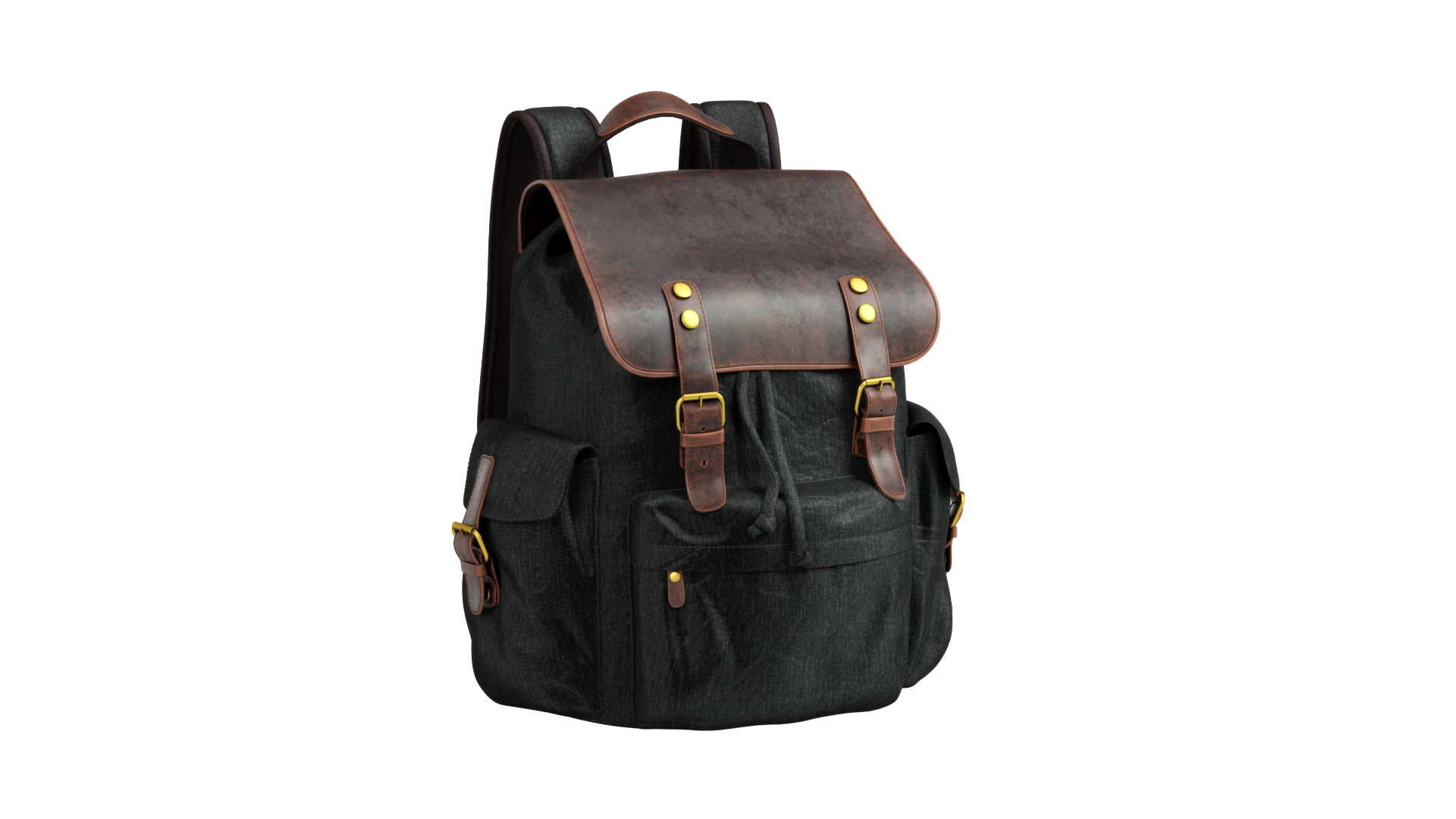
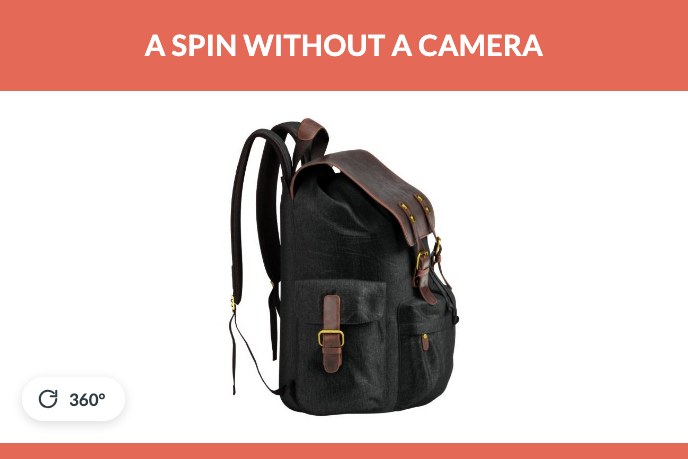
Sixty frames of a rendered backpack, assembled into a spin. Drag it.
360 images for ecommerce: where a spin earns its place
A spin earns its place when shape is the question. Can I see the sole? What does the back look like? Where does the strap attach? Frames you can drag answer those faster than six separate photos. If the product is flat, or one angle tells the whole story, a spin only adds page weight.
In practice that means footwear, where heel and profile get compared closely, and watches and jewellery, which have detail on every side and justify 72 frames. Bags and luggage benefit too, since people check pockets and straps. So do small electronics and tools with ports and grips on different faces, and bottles whose label wraps all the way round. Posters, books, flat textiles and phone cases sold in dozens of prints rarely need one; a good main image and a detail shot cover them.
What Shopify and Amazon support
Check this before ordering frames, because native support is narrower than most people assume.
- Shopify. Its help centre lists 3D models as a native media type, in GLB or USDZ up to 500 MB, supported by all Online Store 2.0 themes built by Shopify. Frame based spins are not on that list, so they run through an app.
- Amazon. The 3D and AR page for sellers describes View in 3D, View in Your Room and Virtual Try-On, all built on a 3D model, and says adding them costs nothing. It does not mention frame spins. For an interactive view on Amazon, plan for a model.
So your own site can show either format, while the two big platforms lean towards a 3D model. Rendering covers both, since the frame set and the GLB file come out of the same model.
360 product photography examples rendered from one model
The backpack spin above is one example. Here are two more from our portfolio, both rendered rather than shot, and both made from a single 3D model each.

A leather handbag. A structured black tote with two top handles, a belt across the front with a gold buckle and gold rings at each end. The project covered renders on white and a 360 view, and the two angles below come from that model. A spin is the same idea with many more stops in between. Look at the side view: the depth of the bag and the rise of the handles are invisible from the front, and that is what a shopper checks before paying for leather.


A road bike. This model was built for AR and silo renders, and both views below came off it without anyone moving a bike. Think what a turntable for a bicycle involves: a platform that size, plus lighting that keeps every spoke and the tyre lettering clean in every frame. A virtual camera makes the same orbit with no rig at all.


A second colourway for either product would be a material change on the model and a new render of the frames, not a second session.
Where the 360 spin lives on your product page
The frames are useless without something to play them. On WooCommerce and other WordPress shops that’s plugin territory, and the viewer matters more than the frames: a bad one loads every frame at once and the page stalls. A custom site can use any common viewer. Whatever you pick, ask for progressive loading, so the first frame shows up straight away and the rest arrive while the shopper reads.
Weight gets forgotten. Thirty six frames at 1,600 pixels add up fast if nobody compresses them, so aim for the whole set under about two megabytes, serve WebP, and hold back the remaining frames until the first drag.
When a spin is not the right format
A spin is a set of pictures, and that’s its limit. You can turn the product, but you can’t zoom past what the frames caught, change the finish or put it in your own room. A 3D model handles all of that from one file, in a format Shopify, iPhones and Android phones already read.
Below is a model instead of frames. Spin it any way you like, look at it from underneath, stop anywhere. There is no frame set behind it and no angle it can’t reach.
A GLB model, 2.7 MB. One file instead of sixty pictures, and the shopper is no longer limited to the angles somebody chose in advance.
If that is where you are heading, our AR product visualisation page covers the formats and what they cost.
360 product photography pricing
| Route | What you pay for | Price |
|---|---|---|
| Rendered from a 3D model | The model, built once | about $80 for a simple part, $200 for a typical product, $400 with a working mechanism |
| Rendered from a 3D model | The frames | quoted on frame count, on top of the model |
| Rendered from a 3D model | A second colourway | a material swap and a re-render, not a new model |
| Shot on a turntable | The session and retouching of every frame | per product, plus sample shipping both ways |
Shooting it. A turntable rig starts around a few hundred dollars for a small manual one and runs into five figures for automated systems with lighting. Outsourced, expect a per product fee that covers the session and the retouching of every frame, and remember that the sample has to travel both ways. For furniture and appliances, shipping is often the largest line on the invoice.
Rendering it. The model is the cost. Once it exists, a spin is quoted on frame count and rendering time rather than on studio hours. Modeling is billed at 20 USD an hour: about 80 USD for a simple part, around 200 for a typical product and around 400 for one with a working mechanism. The spin is added on top of that, and the second colourway costs a fraction of the first because the model is already built.
The crossover is easy to find. One product, one finish, sample in hand: shoot it. A range with variants, or a product still in tooling: render it.
When turntable 360 photography still wins
Three cases, and it is worth being straight about them.
- Natural materials with real variation. Marble, wood grain, leather with genuine character. A model can reproduce these convincingly, but if the selling point is that every unit is unique, photograph the unit.
- One product and no plans for more. If nothing will ever change, the cheaper route is usually the camera.
- Proof that the item exists. For second hand goods, collectibles or anything where the buyer needs evidence of this specific object, rendering is the wrong tool entirely.
Everywhere else the maths favours the model, and it does so more strongly the larger the catalogue gets.
A spin is not decoration. It shows the product from the angle the shopper cares about, which a flat photo can’t, and that removes doubt that would otherwise turn into a return. The National Retail Federation expected 19.3 percent of online sales to be returned in 2025, and some of that is disappointment a clearer view would have prevented.
If you want spins for a range rather than for one product, the practical starting point is the model, and our 3D product visualizer page shows what that model can power beyond a spin. A spin is also the simplest interactive view. The next step, where the shopper swaps colours and parts as well, is covered in our guide to the 3D product configurator.
Frequently asked questions

Catherine Paul
Content Writer, Editor
Catherine is a content writer and editor. In her articles, she explains how CGI is transforming the world of architecture and design. Outside of office, she enjoys yoga, travelling, and watching horrors.