

Polygon modeling and spline modeling are two most commonly used approaches to creating 3D objects. Both options are capable of producing high-quality three-dimensional models, but what are the differences between them? As a 3D modeling company, UFO 3D wants its clients to understand the process of making digital items better. But first, some trivia.
First, it’s important to understand that 3D models are created as surfaces first, and are more about numbers rather than artistry. They can be created automatically, by scanning real objects with a 3D scanner or letting the computer to turn a 2D image into a 3D object (the CAD method), or manually. Polygon modeling is one way to create a three-dimensional item non-automatically, which consists of connecting points in space called vertices into a 2D surface and then combining and moving said surfaces to form a “shell”. Spline (or NURBS) modeling creates contours of objects with mathematically precise and complex curves, similarly to pitching pegs for a tent, and then forming surfaces around them. And finally, there is 3D sculpting – a new method of creating three-dimensional objects, which involves molding solid digital geometric shapes into items, like clay.
After the model is made using 3D modeling software, it can be used in a variety of ways: for video game creation, CGI movie production, 3D printing or just to visualize ideas. When 3D objects are used in motion, their texture quality has to be lower to reduce CPU memory usage. In static product rendering, the quality will be at its best. The key difference between polygon and spline modeling is that the former is used in video game creation due to its flexibility and latter is used in movies, architecture and product design due to level of detail that can be achieved with it. Now, with explanation of 3D modeling essentials and differences between means of doing it out of the way, let’s get to pros and cons of each method.
Polygon Modeling
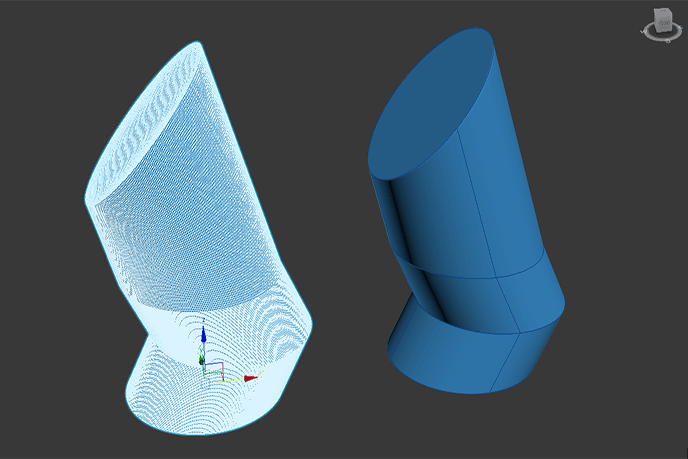
Cons:
- Detailed surfaces can be achieved only with thousands of polygons
- Impossible to use Paint FX with individual polygons
Pros:
- Easy to use, move around and combine
- Polygons technically have infinite sides, so it’s possible to make surfaces of any size
- Comes with texture maps, allowing easier editing
- A lot of polygons can be modeled as a single surface
Spline Modeling
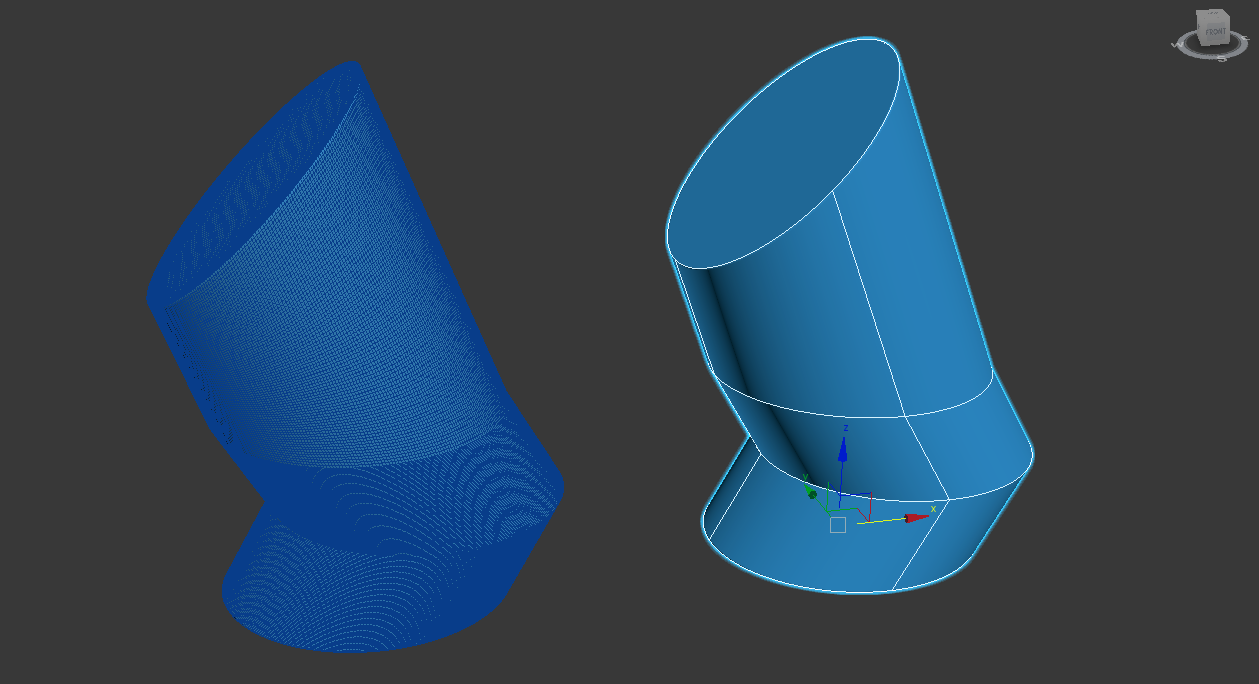
Cons:
- Meshes only have four sides to work with
- Surfaces are impossible to attach
- Doesn’t have a texture map
Pros:
- Resulting models are smoother than polygon modeling analogues
- Can be used in conjunction with Paint FX
- Takes up less data space
- Easier to translate to different programs
- Can be used to create “patches” for models, resulting in more organic, detailed and realistic-looking objects
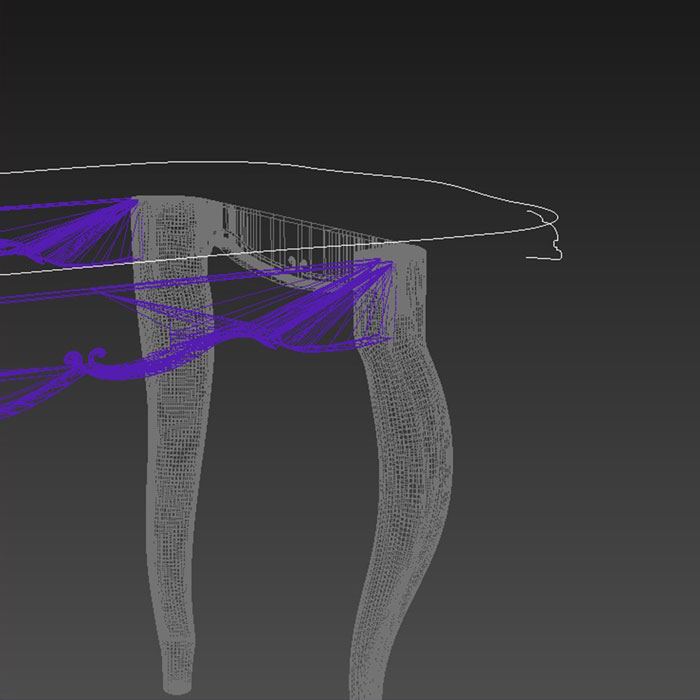
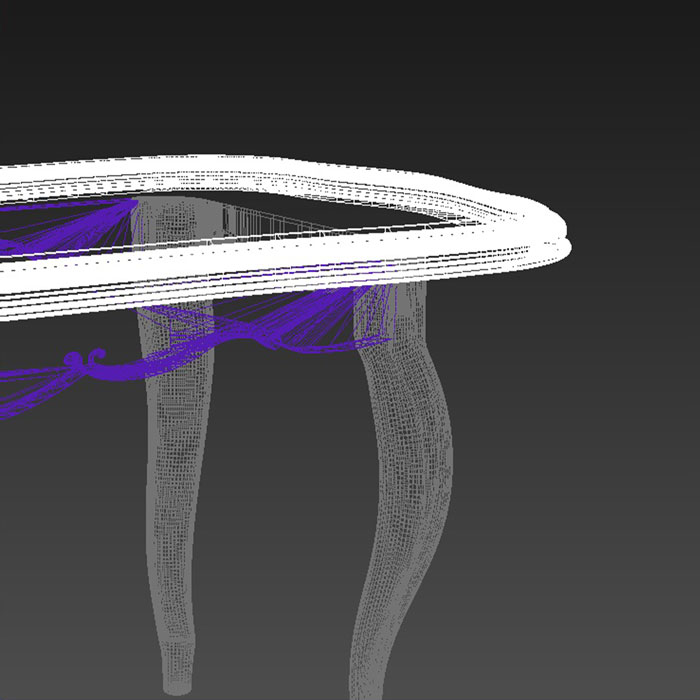
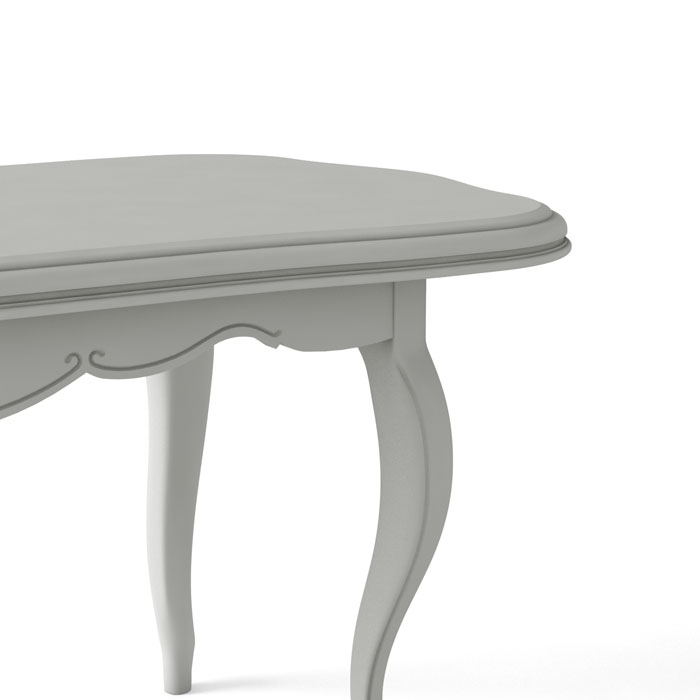
Here is a demonstration of how a spline base is turned into a polygonal model.
We hope that this explanation was illuminating. This wasn’t a “polygon modeling/spline modeling is best” piece – what is good for you depends on what is your company producing. Since our specialty is 3D product visualization, we would gladly provide high-quality promotional materials for your products. Sell your merchandise using photorealistic 3D images today with our professional 3D product modeling company!
Which programs favour which method is part of our 3D modeling programs comparison. Both methods belong to the same workflow, described from start to finish in what is 3D modeling.
Frequently asked questions

Catherine Paul
Content Writer, Editor
Catherine is a content writer and editor. In her articles, she explains how CGI is transforming the world of architecture and design. Outside of office, she enjoys yoga, travelling, and watching horrors.


