
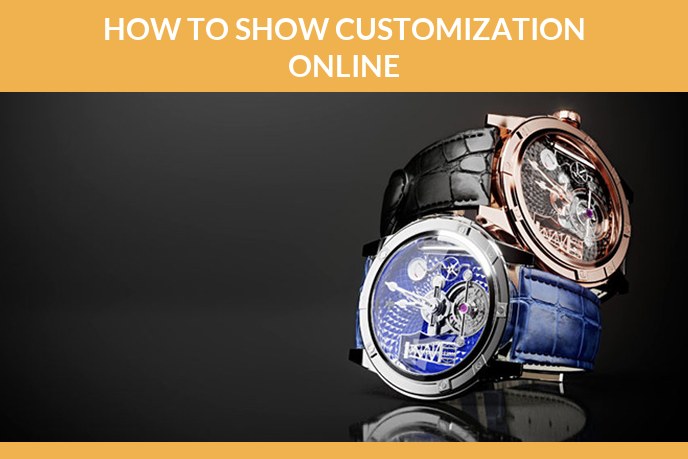
Every catalogue reaches the same fork. Customers want the sofa in their fabric, the watch on their strap, the trainer in their colours, and the moment you say yes, one product turns into two hundred versions that all have to be priced, produced and, most painfully, shown.
The short version. Product customization means letting a buyer change a product before it is made, within limits the manufacturer sets. It raises average order value and cuts discounting, and it fails when the shop cannot show the combination the customer just picked. Photography does not scale to hundreds of variants. 3D does, because one accurate model can be re dressed in any material and rendered on demand.
Contents
- What product customization means
- The four types of customization
- Mass customization, and where it stops being realistic
- Examples that worked
- Customization or personalisation
- The problem nobody warns you about: the visuals
- What the visual side costs
- How to start without breaking the catalogue
- Frequently asked questions
What product customization means
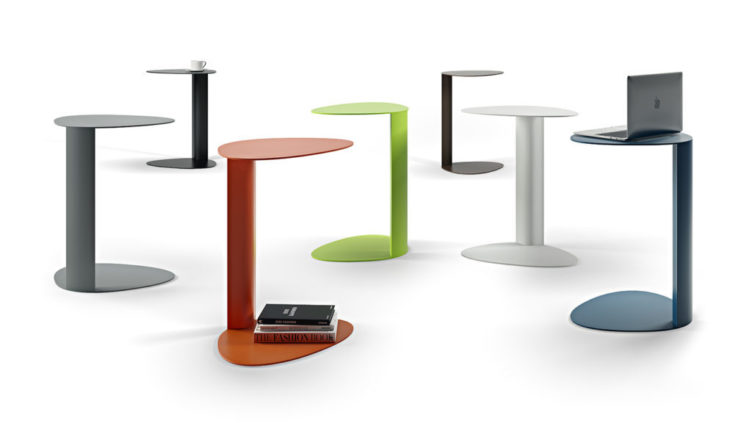
Product customization is the practice of letting a customer configure a product to their own requirements before it is produced or shipped, inside a set of options the seller controls. The buyer picks the finish, the size, the fabric, the layout or the engraving. The seller keeps control of what is possible to manufacture.
That last part is what separates it from bespoke work. A bespoke cabinet maker starts from a blank sheet. A customizable product starts from a defined system: a frame, a set of modules and a list of finishes that are known to fit together. It is mass production with choice built in, which is why the term mass customisation stuck.
The commercial case is straightforward. A configured product is harder to comparison shop, so it is discounted less. Buyers who have spent five minutes assembling something are noticeably more committed to it. And the order tells you exactly what people want, which is market research you would otherwise pay for.
There is a catch that shows up in the research. Deloitte Digital found brands believe they personalise 61 percent of customer experiences while customers recognise only 43 percent of them, which is usually a visual problem rather than a data one. And with the National Retail Federation expecting 19.3 percent of online sales to be returned in 2025, a configured product that does not look like the delivered one is an expensive kind of personalisation.
The four types of customization
The classic split comes from Joseph Pine and James Gilmore and still describes the market well.
| Type | What happens | Typical example |
|---|---|---|
| Collaborative | The seller works with the buyer to define what they need, then makes it | Made to measure furniture, fitted kitchens |
| Adaptive | One standard product the buyer adjusts themselves after purchase | Modular shelving, adjustable lighting |
| Cosmetic | The same product presented differently, packaging, colour, engraving | Named bottles, engraved watches, colour ways |
| Transparent | The seller adapts quietly, using what it knows about the buyer | Repeat orders adjusted to a known size or spec |
Most ecommerce customization is a mix of the first and the third: a configurable system with cosmetic choices on top. That mix is also the one with the heaviest visual requirement, because every choice the buyer makes is a choice they expect to see.
Mass customization, and where it stops being realistic
Mass customization is the industrial version of everything above: making goods to individual specification while keeping something close to mass production economics. Stan Davis put the term into circulation in 1987 and Joseph Pine turned it into a management idea in 1993, and it has been the stated goal of configure to order manufacturing ever since.
The distinction that matters is between choice and bespoke. Mass customization offers a defined set of options the factory already knows how to make: eight fabrics, four frame sizes, three finishes. Bespoke means the customer describes something nobody has built before. The first scales, the second does not, and confusing the two is the most common reason a customization programme stalls after the first season.
It works where the product is modular and the option list is finite: furniture, footwear, eyewear, watches, bicycles, packaging. It stops working where every variant needs new tooling, or where the number of combinations grows faster than your ability to price, photograph and ship them.
Which is usually the point where the visuals decide it. Eight fabrics across four frames is thirty two combinations, and photographing each one is thirty two shoots. One 3D model with material slots is one build, and every combination after that is a render. That arithmetic is the reason mass customization became practical on a product page rather than staying a manufacturing theory.
Examples that worked
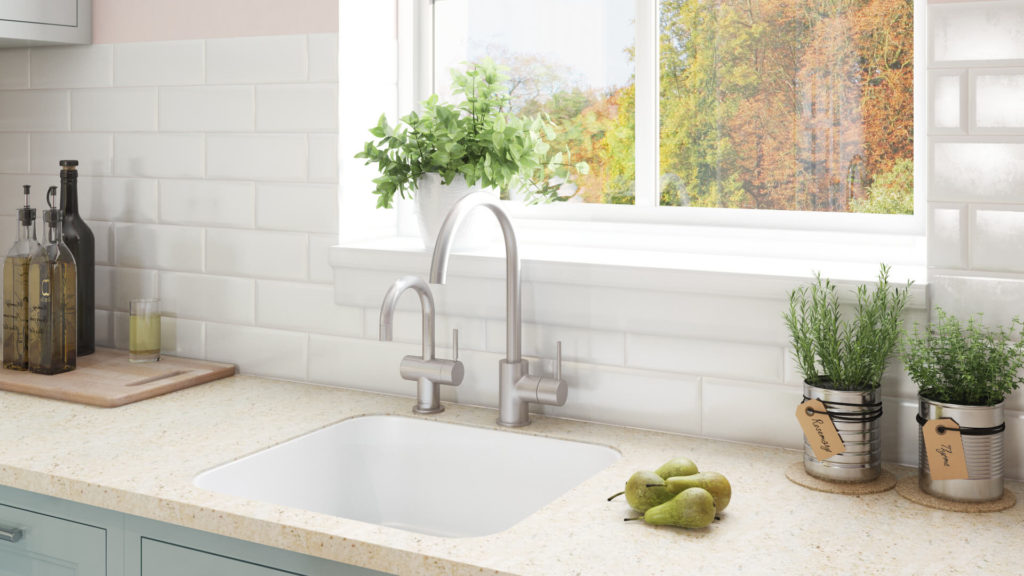
- Trainers and clothing. Nike By You and Vans Customs let buyers set colours panel by panel, with the result rendered live as they click.
- Cars. Every manufacturer runs a configurator, and most of what you see in it is not photography, it is 3D built from the same data as the production car.
- Furniture and kitchens. Fabric, wood, size and layout, previewed in a room. The catalogue behind it would be impossible to photograph.
- Jewellery. Metal, stone, setting and engraving, where a single model in jewelry can cover an entire range of combinations.
- Packaging. Personalised labels and bottles, the cosmetic end of the scale, cheap to run and very good at getting shared.
The pattern is the same in all of them: a system with rules, a visual that updates instantly, and a manufacturing process that can absorb the variety.
Customization or personalisation
The two words get used interchangeably and they are not the same thing.
Customization is driven by the customer. They choose, and the product changes because of what they chose.
Personalisation is driven by the seller. The shop uses what it knows about the visitor to change what it shows: recommendations, a different homepage, a suggested size.
They combine well, and the visual requirement is identical in both cases. If a store personalises its way to a recommendation it cannot illustrate, the recommendation is wasted.
The problem nobody warns you about: the visuals
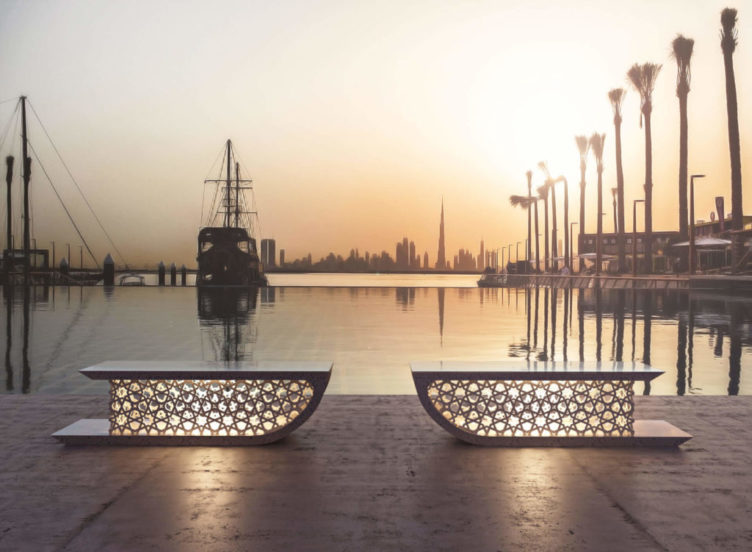
The maths gets away from people quickly. A chair in eight fabrics, four frame finishes and two sizes is sixty four combinations. At three images each that is nearly two hundred photographs of a product that exists in one showroom, in one colour.
The usual workarounds all cost something. Shooting only the bestsellers leaves most of the range represented by a swatch, which buyers do not trust. Flat colour swatches next to one photo make the choice feel abstract. Photoshopping fabric onto a photo works until the material has a texture, a sheen or a pattern that has to follow the shape of the object.
A 3D model solves it structurally. Build the product once, accurately, then apply any material to it and render whatever the buyer picked. The same asset also feeds product rendering for the catalogue, a spin, and an AR view so the buyer can stand the configured version in their own room. If you are heading towards a configurator, here is what a 3D configurator does for an online store.
This is the part we do. We do not build the configurator software, we build the visual content that goes into it, and the models behind it. When you get to choosing the platform itself, our product configurator software guide sorts the market into three classes and lists what to check before signing.
What the visual side costs
Rough numbers, so the decision can be made on arithmetic rather than instinct.
| What you are buying | Unit | Typical price |
|---|---|---|
| Base 3D model of the product | once | from $80 simple, $200 typical, $400 complex |
| Each additional material or colour on that model | per variant | a fraction of a new shot, since only the material changes |
| Render on white | per image | from $20 |
| Render in a full scene | per image | from $120 |
| 360 spin of a configured version | per product | from $150 |
| AR ready file, GLB and USDZ | per product | included when AR is on the brief |
Compare that with a photo shoot, where every variant is a new setup. The crossover comes early. Past three or four variants per product, building the model is the cheaper route, and it keeps paying every time the range changes.
How to start without breaking the catalogue
- Pick one product line, ideally the one that already generates the most questions about colours and sizes.
- Write down the rules first: what combines with what, what is not manufacturable, what changes the price. Rules that live only in a sales manager head will not survive a configurator.
- Build the model of the base product properly, at real dimensions. Everything downstream inherits its accuracy.
- Add materials as a library rather than as one off renders, so the next twenty finishes are a day of work and not a new project.
- Ship the simple version, watch which combinations people actually pick, and expand into those.
Categories where this pays off first are the ones where the buyer already expects choice: furniture, jewelry, lighting, appliances and anything modular.
Frequently asked questions
If customization is on your roadmap, the model comes first. We do 3D product modeling, the material variants, the renders that go with them and AR product visualization for the configured result.
The content that runs inside a configurator is ordinary 3D modeling done carefully, and what that involves is in our guide to what 3D modeling is.

Ian Diev
Content Writer, Editor
Ian loves writing about innovative 3D technologies and their impact on architecture and design. In his spare time, he makes indie music, watches obscure movies, and cooks culinary masterpieces for friends.
Let us know if you have got an interesting project and want to work together!