
Ask what software makes a product video and you get a ranked list: Blender, Maya, Cinema 4D, and so on down the page. Those lists are not wrong, they are just answering a question nobody asked. No single application takes a product from a CAD file to a finished fifteen second clip, and the tools on the list do not really compete with each other. They divide the work.
This guide is organised the way the work actually runs. Five stages, and for each one the applications that own it, what they demand from you and where the honest limits are. At the end there is the part the software pages never mention: what the whole thing costs once you count the licence, the machine and the weeks of learning, and the point where that math stops making sense.
Contents
What a product video is actually made of
A product video passes through five jobs. They are different skills, and most software is genuinely good at two or three of them, not all five.
| Stage | What happens | Tools that own it |
|---|---|---|
| Model | The product becomes geometry, either rebuilt from drawings and photos or converted from existing CAD | Blender, 3ds Max, Maya, or straight from SolidWorks, Rhino, Fusion |
| Materials and lighting | Brushed metal reads as brushed metal, the label sits right, the light tells the viewer what the surface feels like | Any of the above, plus KeyShot, Substance for texture authoring |
| Animation | Camera moves, the product opens, parts separate, liquid pours | Cinema 4D, Maya, Blender, Houdini for anything simulated |
| Rendering | Frames get calculated, one by one or in real time | Cycles, Arnold, V-Ray, Redshift, Octane, or Unreal in real time |
| Post and delivery | Cut, colour, titles, export for each placement | After Effects, DaVinci Resolve |
One practical note before the tools. Everything above depends on what your product exists as today. Engineering files (STEP, IGES, SLDPRT) carry exact dimensions but have to be converted into polygons before anything can animate them. Polygon formats (FBX, OBJ, USD, glTF) move between applications easily but carry no manufacturing intent. Knowing which of the two you have decides half of the software question on its own.
The all-in-one packages
These five can, in principle, do stages one through four inside a single window. That is why they dominate every list. What the lists rarely say is that each one is shaped by the industry that paid for its development, and product work is not always that industry.
Blender
Free, open source, and no longer the compromise it was ten years ago. It models, animates, and ships with two renderers: Cycles for final frames and Eevee for near-instant previews. For a small brand doing its own visuals, this is the honest starting point, because the entire cost is your time.
Where it strains: CAD import. Blender wants polygons, and engineering files need an add-on or a conversion step before they behave. If your product lives in SolidWorks, budget for that friction.
Autodesk Maya
The animation depth is unmatched, which matters enormously for characters and very little for a rotating bottle. Maya earns its place in product work through pipeline reliability: USD support, Arnold bundled in, and the fact that every studio you might hand the file to already speaks it. At the time of writing Autodesk lists Maya from 168 USD per month, so it is a deliberate commitment rather than something you try over a weekend.
Autodesk 3ds Max
The better half of the Autodesk pair for product and interior work, mostly because of import. It handles CAD and DWG geometry with less argument than Maya, and the V-Ray and Corona ecosystem around it is deep. If your visuals sit next to architectural or furniture renders, this is often what the studio doing them already runs.
Cinema 4D
If your product video is closer to an advert than to a technical explainer, this is usually the fastest route. MoGraph makes arrays, repetitions and staged reveals trivial, the interface forgives newcomers, and Redshift is available in the Maxon bundle. Maxon lists Cinema 4D at 838.80 EUR per year per licence at the time of writing.
Houdini
Procedural rather than manual: you build a recipe, then change the inputs. For most product videos that is overkill. For the specific shots that sell cosmetics, food and beverages, the pour, the splash, the powder cloud, the cream fold, nothing else comes close. SideFX gives Houdini Apprentice away for non-commercial use, so the barrier is the learning curve, not the price.
When the product starts as CAD
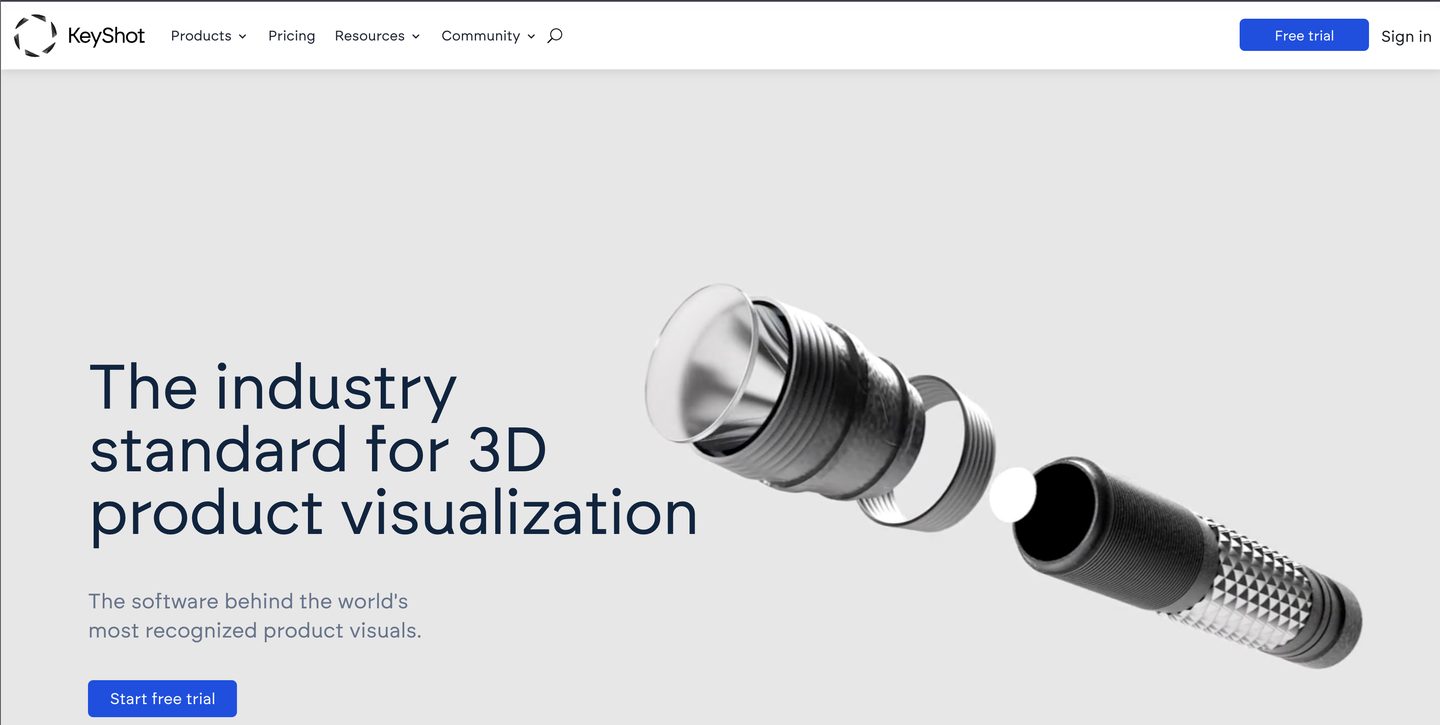
Manufacturers usually have the product already modelled, just not for video. Rebuilding it in Blender or Maya is wasted work. KeyShot exists for exactly this case: it reads engineering formats natively, links live to SolidWorks, Rhino, Fusion and Creo, and gets you turntables, exploded views and material variants in hours instead of days.
What you give up is control over anything narrative. Complex character motion, cloth, crowds and heavy simulation are not what it is for. For a product spinning on a plinth with five material options, that limitation costs you nothing.
The alternative inside the packages above is 3ds Max with a CAD translator, which is more work up front and more flexible afterwards.
The real-time route
Unreal Engine renders frames as fast as you can look at them, which changes how the work feels. Instead of waiting for a render to judge a lighting change, you judge it immediately. Sequencer handles the camera moves, and the same scene can later become a configurator on your website rather than a video that ends.
The catch is setup. Materials, lighting and export take real configuration before the first frame looks right, and the quality gap against a good offline renderer, though smaller every year, is still visible on glass, liquids and polished metal. Unreal is free to download, and for video work there is no royalty to worry about.
Where a render becomes a video
Frames out of a renderer are not a video yet. This stage is where most of the perceived quality is won, and it is also the stage brands skip most often.
After Effects assembles the render passes. A well set up render does not produce one image, it produces layers: diffuse, reflection, shadow, depth, and object masks. In post you can brighten a single reflection or swap a background without re-rendering anything, which is the difference between a note taking ten minutes and taking a night.
DaVinci Resolve cuts, grades and exports, and its free version is genuinely enough for product work. The colour tools are the reason your clip looks like it came from a brand rather than from a render window.
Plan the deliverables before you render, not after. A sixteen by nine hero for the product page, a nine by sixteen cut for social, a square version for feeds, and a silent version that reads without sound, because most of your audience will never turn it on.
Web, interactive and the AI tools
Some of what used to be video is now something the visitor touches. Spline builds interactive 3D scenes for websites without a traditional 3D background, and any of the packages above can export glTF or GLB, the format a product page and an AR viewer both understand. If you have already invested in a model, this is close to free extra mileage. Our own breakdown of the formats product visuals come in covers where each one earns its place.
On the AI side, tools that generate a mesh from a prompt or a photo are useful for concepting and useless for a product video, for one reason: the geometry is approximately right. Approximately right is fine for a mood board and unacceptable for the thing a customer is about to buy, where the proportions have to match the physical object exactly.
What this actually costs
The licence is the visible number and rarely the biggest one.
| Tool | Licence | Best for |
|---|---|---|
| Blender | Free | Doing it yourself, any product, if you have the time |
| Autodesk Maya | Subscription, from 168 USD per month | Studio pipelines, complex animation |
| Autodesk 3ds Max | Subscription | CAD-heavy products, furniture, interiors |
| Cinema 4D | 838.80 EUR per year | Advert-style product spots, motion graphics |
| Houdini | Free for non-commercial, paid tiers above | Liquids, powders, anything simulated |
| KeyShot | Subscription or perpetual | Turntables and variants straight from CAD |
| Unreal Engine | Free for video work | Real-time iteration, configurators |
| After Effects | Creative Cloud subscription | Compositing render passes, titles |
| DaVinci Resolve | Free, Studio version paid once | Edit, colour, export |
Then the invisible costs. A machine that renders without making you wait overnight. Render time itself, which is why studios rent farms. And the learning curve, which for any of the all-in-one packages is measured in months before your output stops looking like a first attempt.
Set that against outsourcing the same clip. At UFO3D a model of a typical product is about 200 USD, animation is billed from 60 USD per second, work runs at 20 USD per hour and two revision rounds are included. A short product clip therefore lands in the same range as a single annual licence for one of the packages above, before you have spent a single evening learning it. If you need visuals twice a year, the math is not close. If you need them every week, bringing it in house starts to make sense, and then this article is a shopping list rather than an argument.
The wider cost picture, including what filming the same product would run to, is in our guide to product video for ecommerce.
How to choose in one minute
- Your product is already in CAD and you need turntables and material variants: KeyShot.
- No budget, some patience, one person who will learn it: Blender.
- An advert-style spot with motion graphics and staged reveals: Cinema 4D.
- Liquids, powders, cosmetics textures, food: Houdini for those shots, something else for the rest.
- A configurator, or a scene you will reuse interactively: Unreal Engine.
- You already work with a studio or plan to: Maya or 3ds Max, because that is what they run.
- One or two videos a year: none of the above. Hand it over and spend the months on your product instead. That is what our 3D product animation services exist for.